Media kit
Logos, screenshots, brand colours and ready-to-paste descriptions of WM Keyboard, for press, reviewers and anyone writing about the app.
Writing about WM Keyboard, reviewing it, or putting it in a video or a list? Everything here is free to use for that, no need to ask first. Click any image to download the full-size original, or take the lot in one go.
One zip, 11.0 MB: logos in SVG and PNG, phone and tablet screenshots, store graphics, banners and a text file with the copy below.
At a glance
Section titled “At a glance”- Name
- WM Keyboard (two words; “WM” in capitals)
- Made by
- Arian Mollik Wasi, an independent developer based in Bangladesh
- Platform
- Android 7.0 and later, phones, tablets and Android TV
- Price
- Free. No ads, no in-app purchases, no analytics
- Licence
- MIT, source on GitHub
- Package
- com.wasimaster.wmkeyboard
- Website
- wmkeyboard.pages.dev
- Source code
- github.com/wasi-master/wmkeyboard
- Telegram
- t.me/wmkeyboard
- www.instagram.com/wmkeyboardapp
- Press contact
- [email protected]
Describing the app
Section titled “Describing the app”Use whichever length fits. Edit freely for your own voice; the facts are what matter.
Type anything. Share nothing.
WM Keyboard is a free, open-source Android keyboard that keeps prediction, autocorrect and voice typing on the phone.
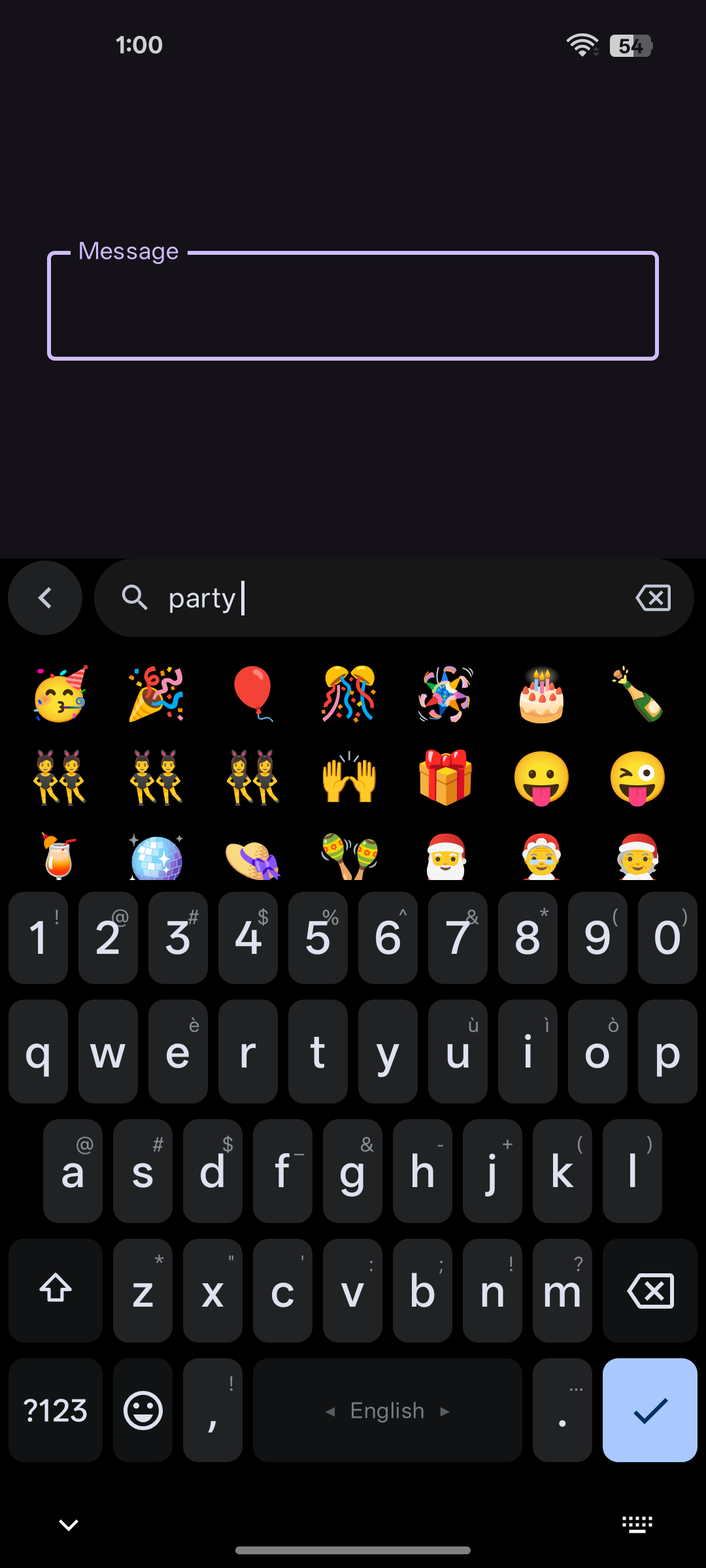
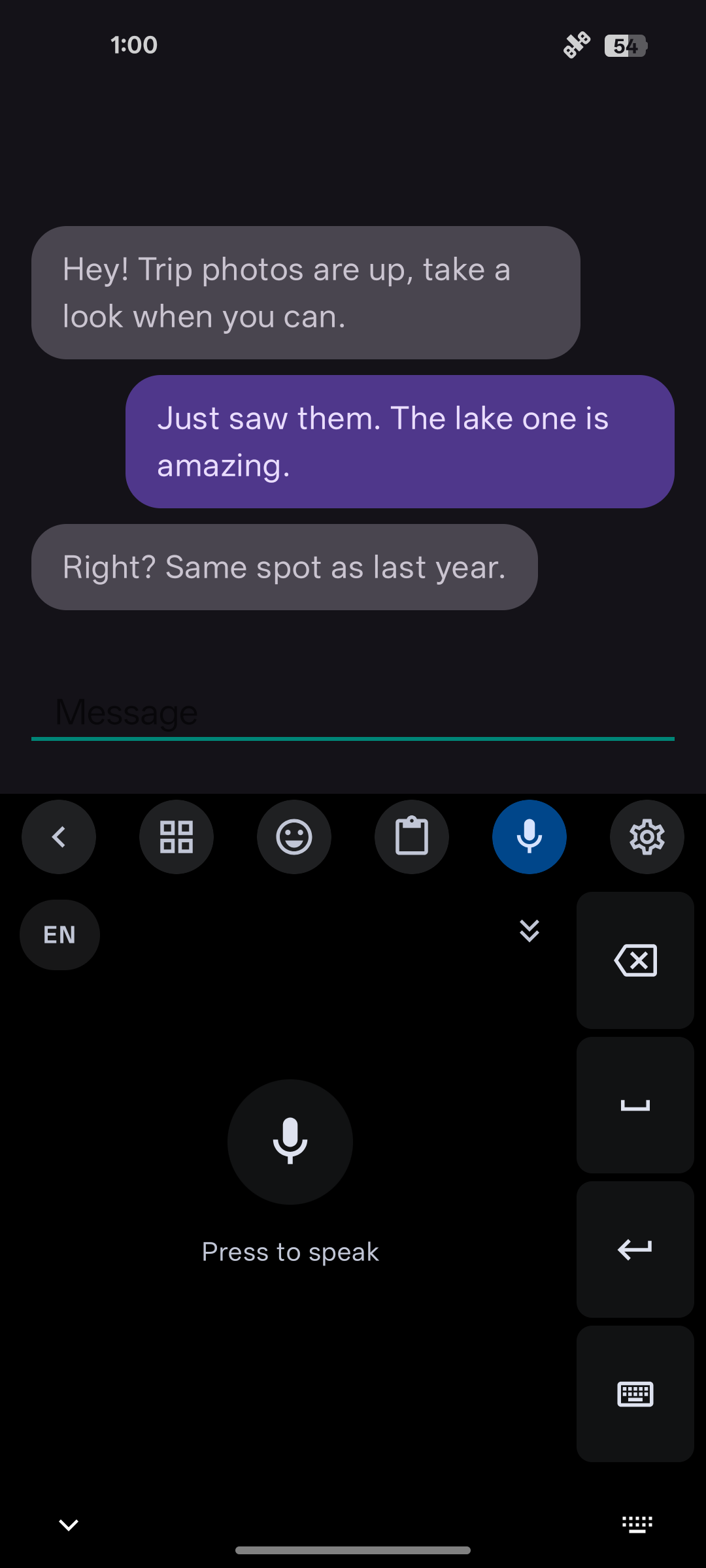
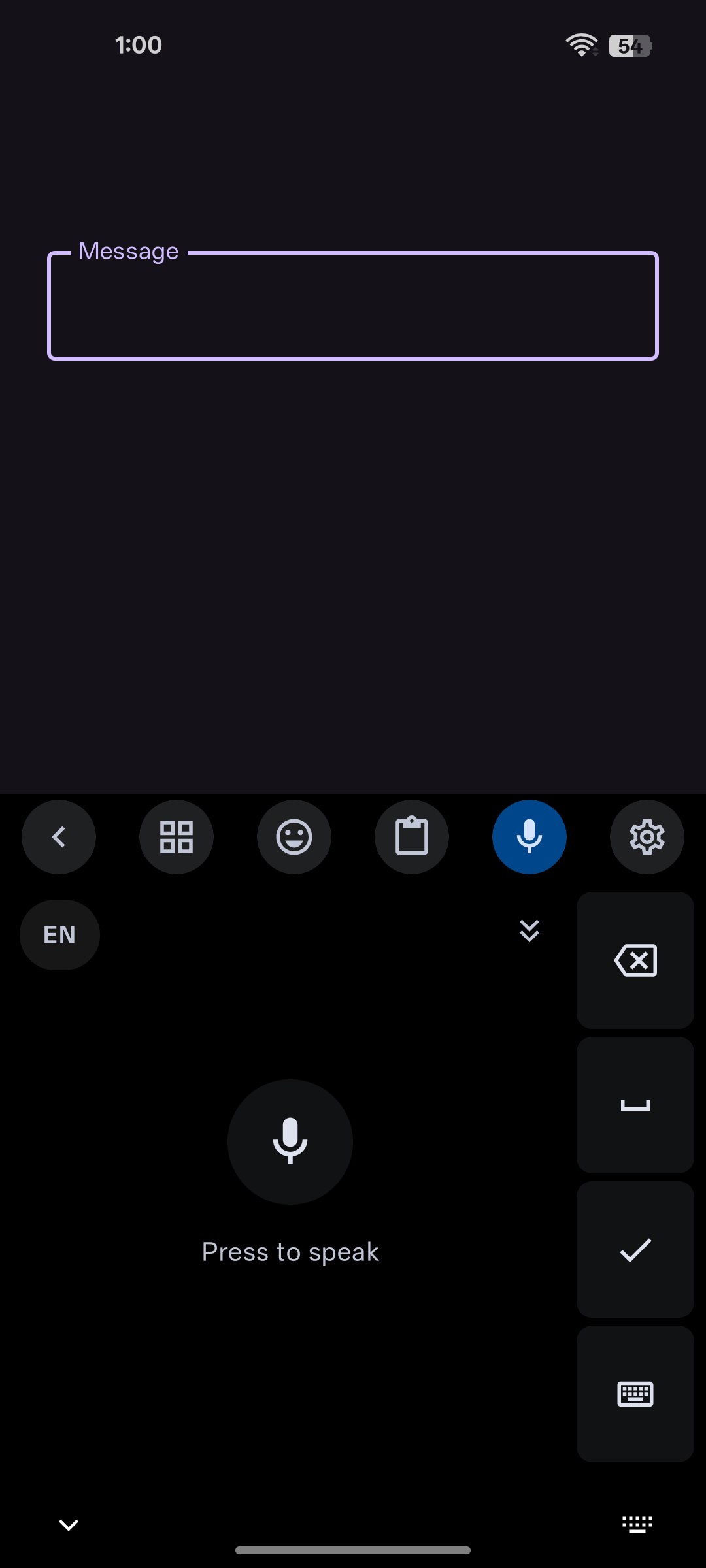
WM Keyboard is a free and open-source keyboard for Android. Prediction, autocorrect, glide typing, transliteration and offline voice typing all run on the device, and the app carries no ads and no analytics.
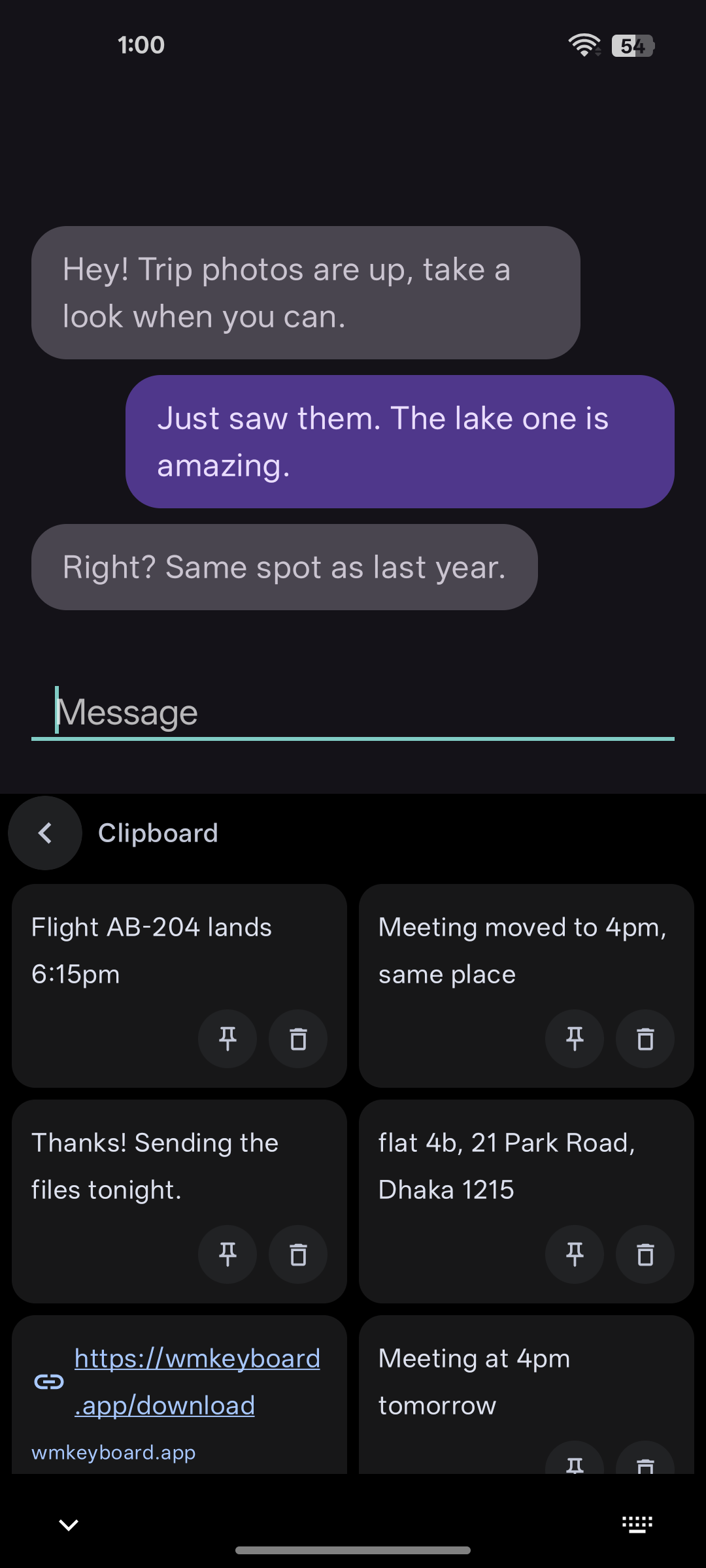
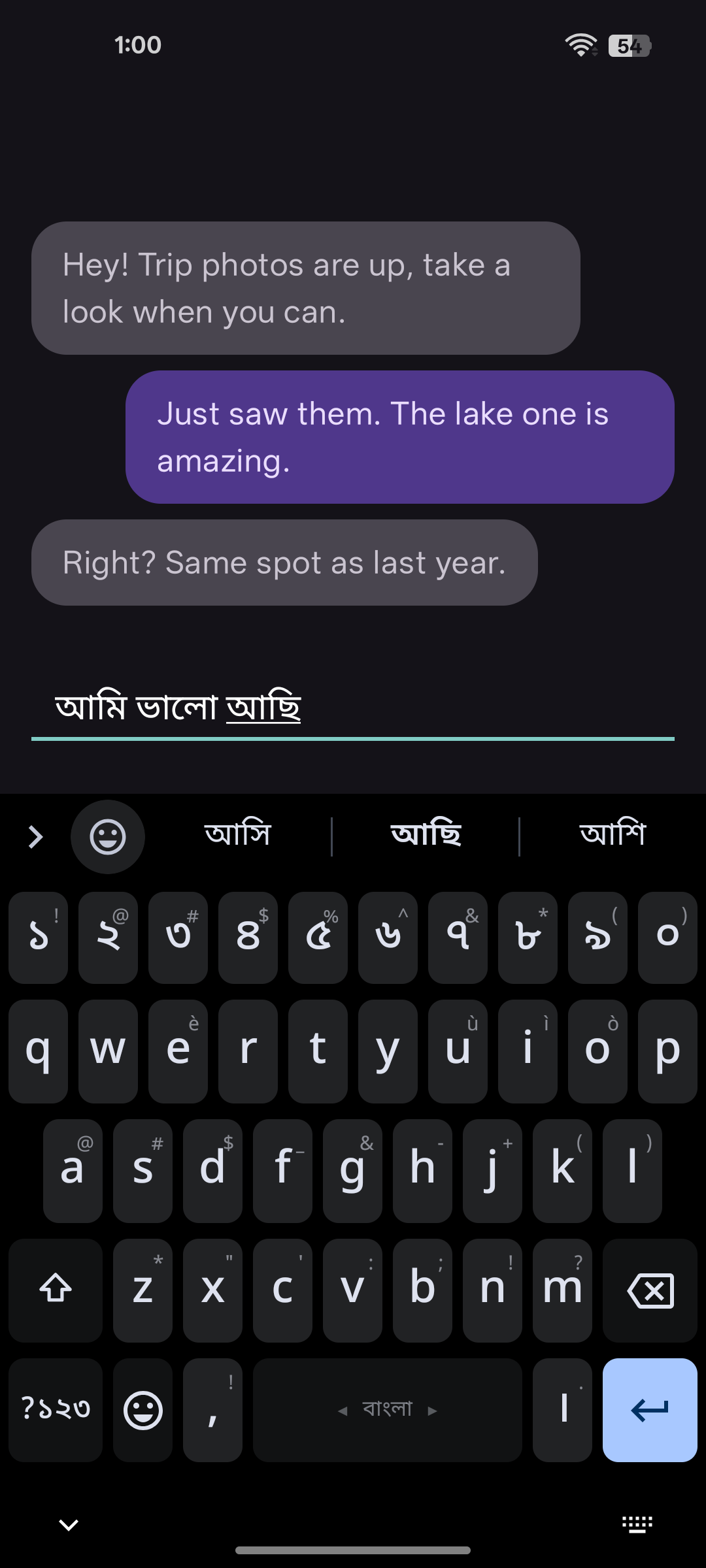
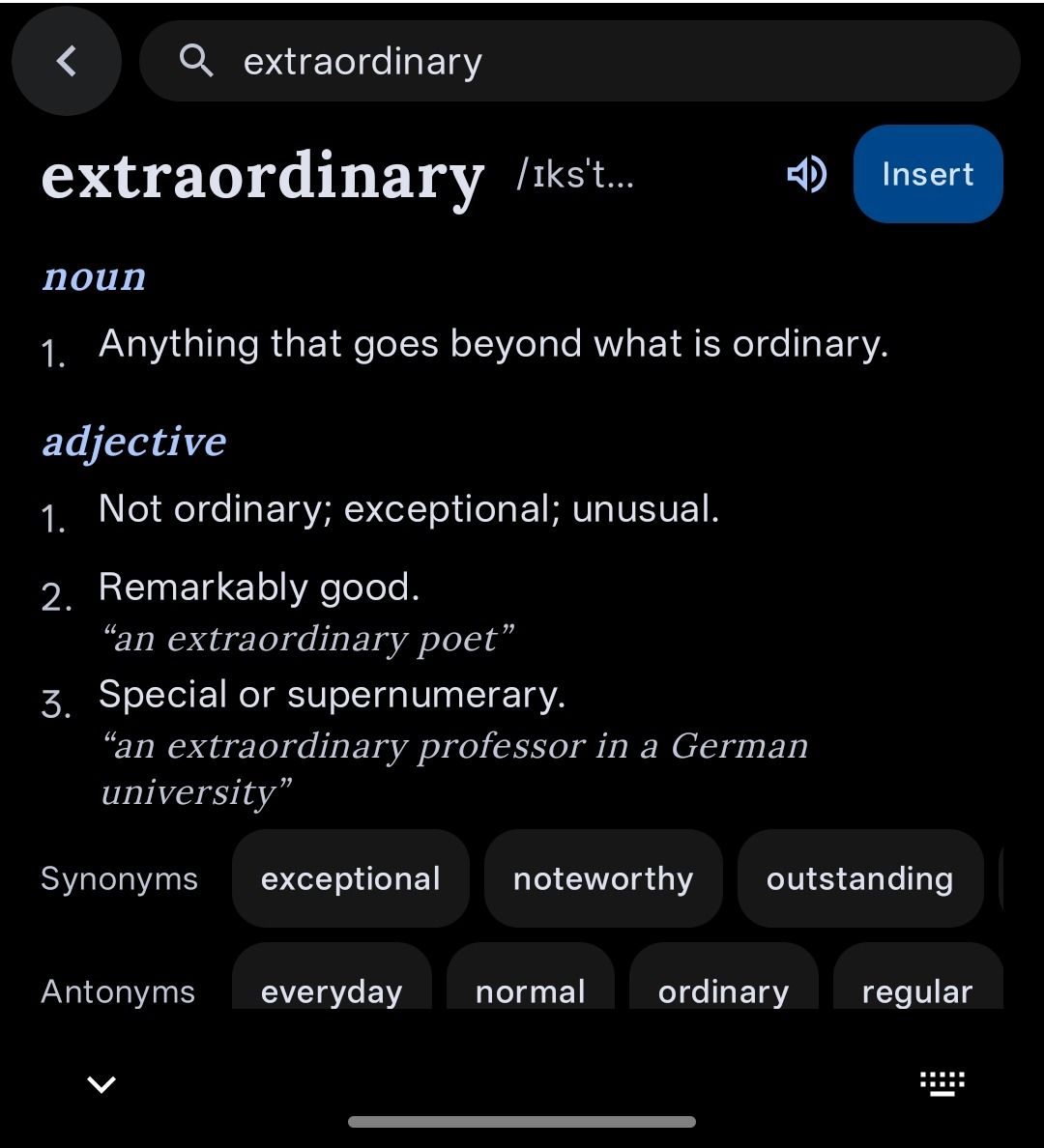
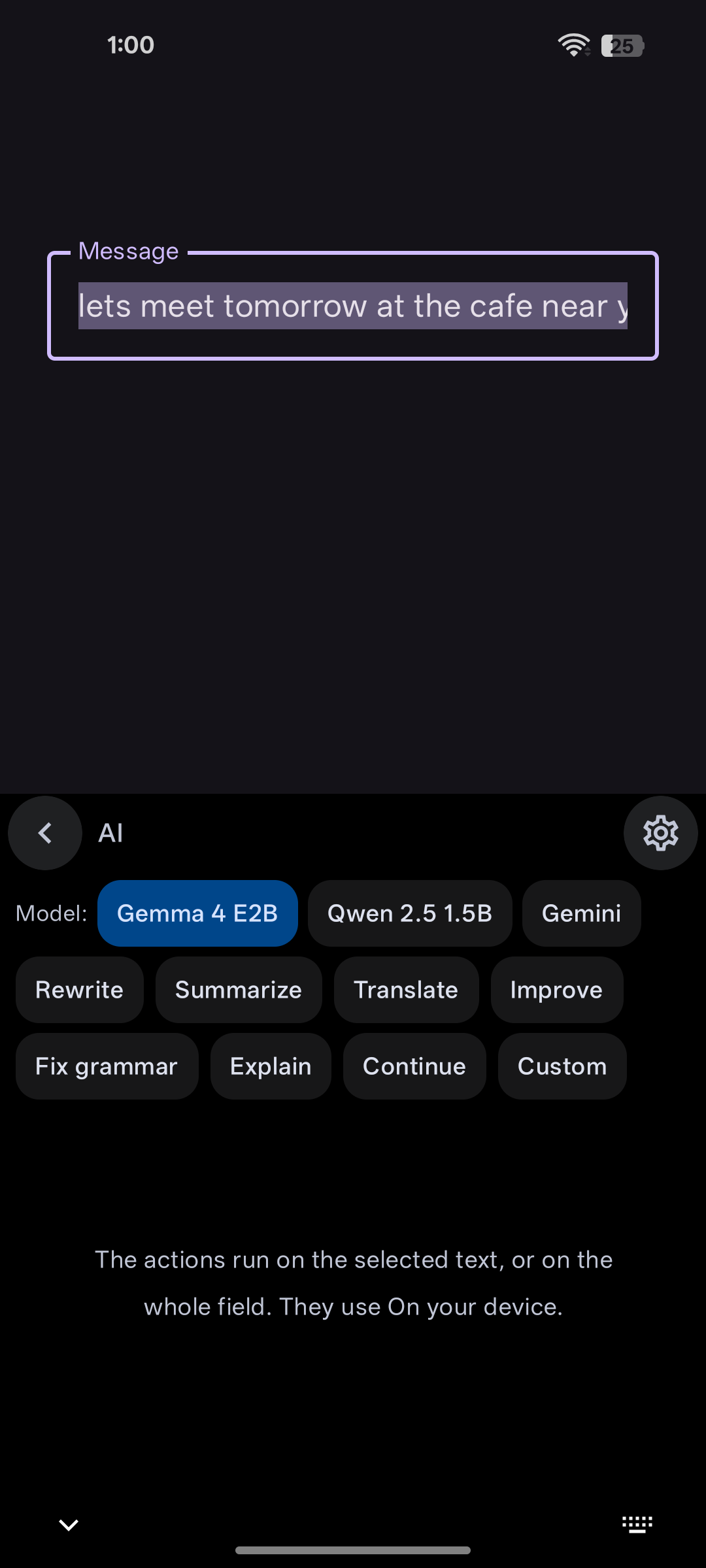
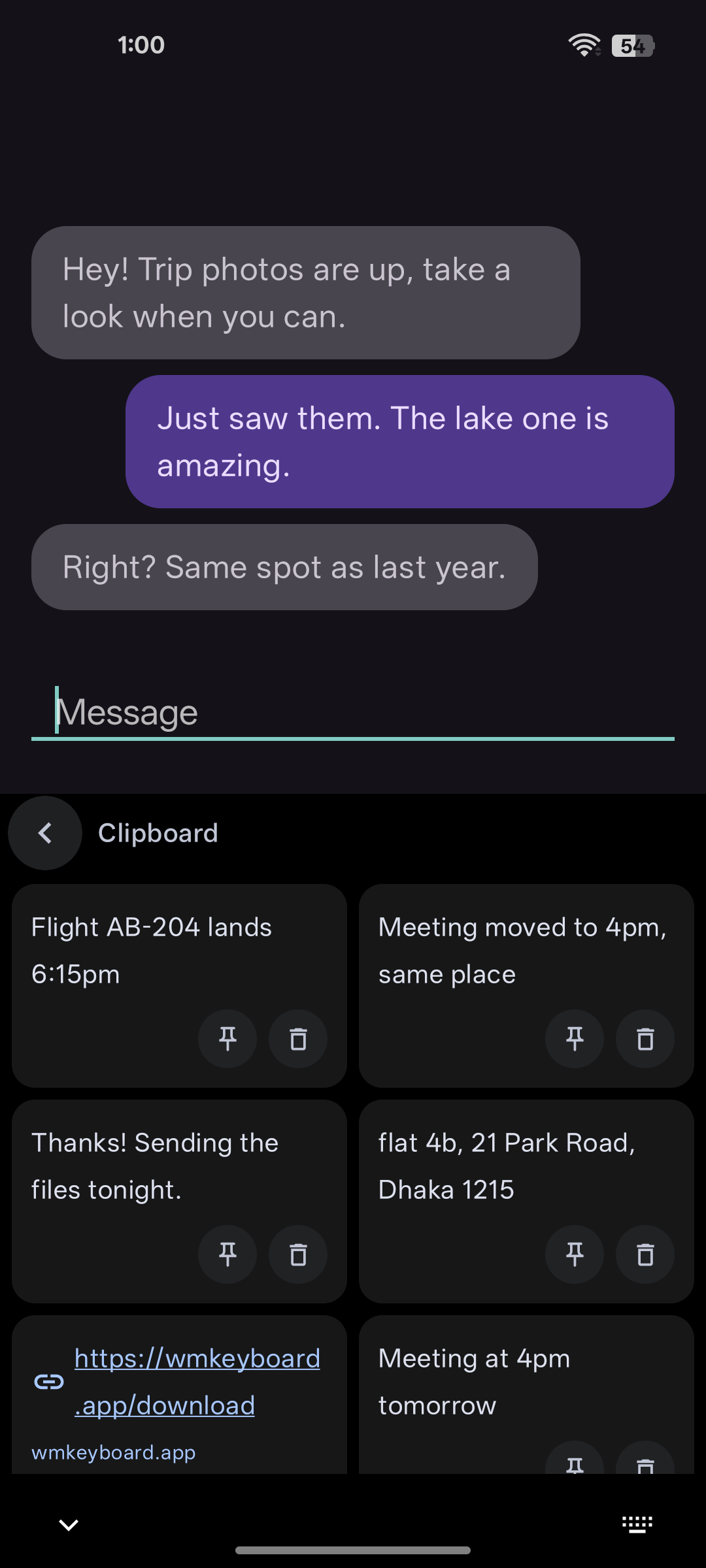
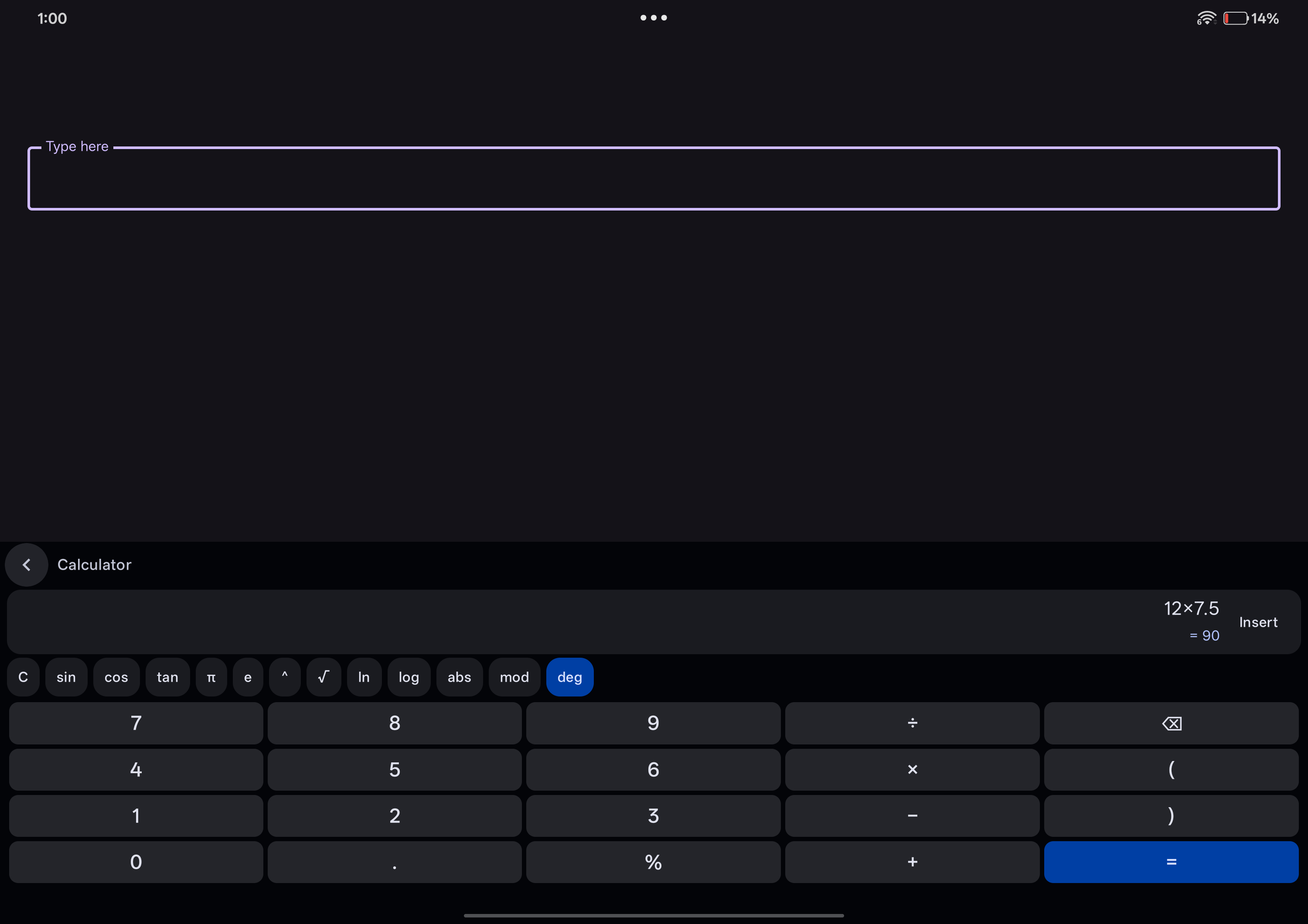
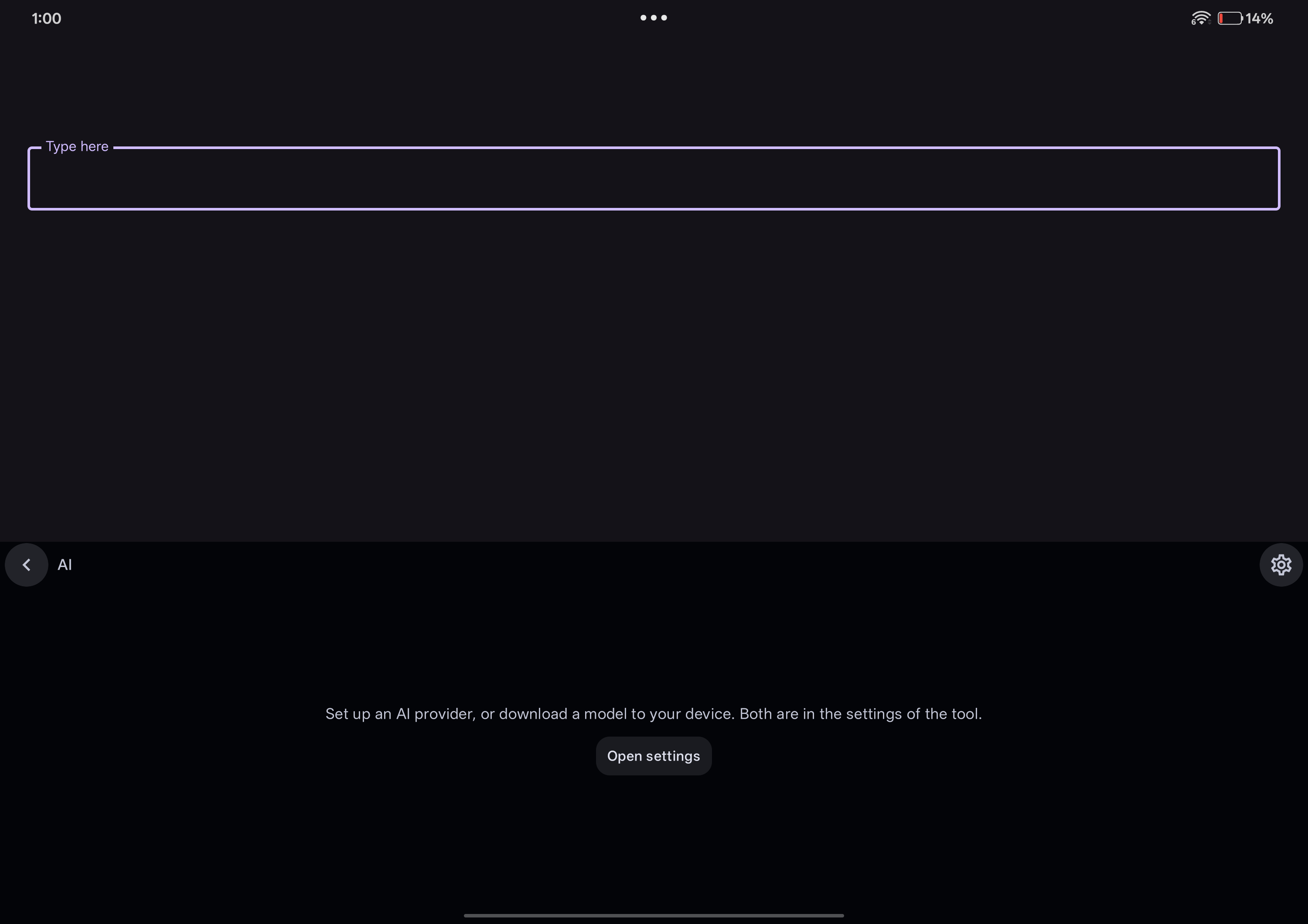
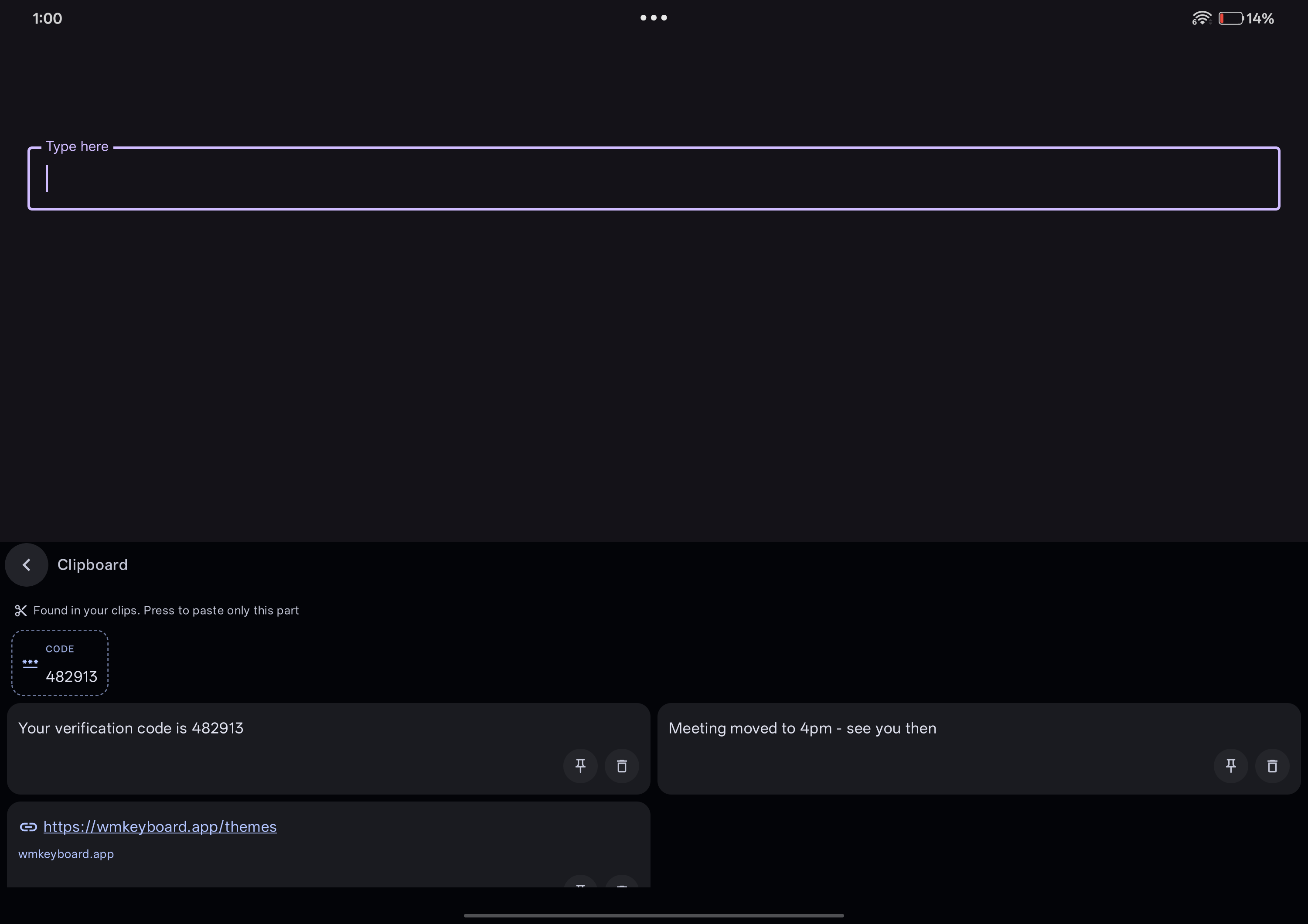
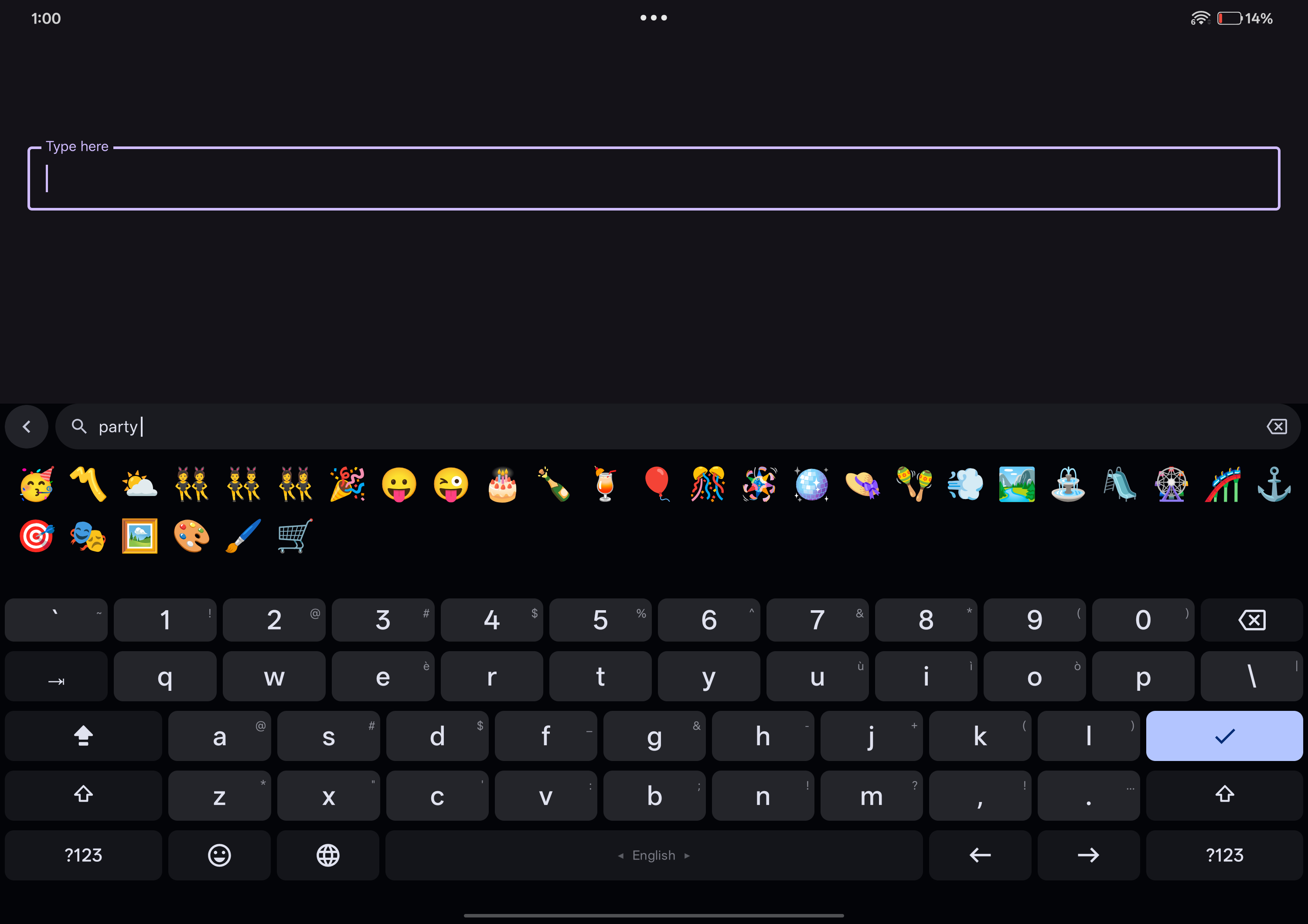
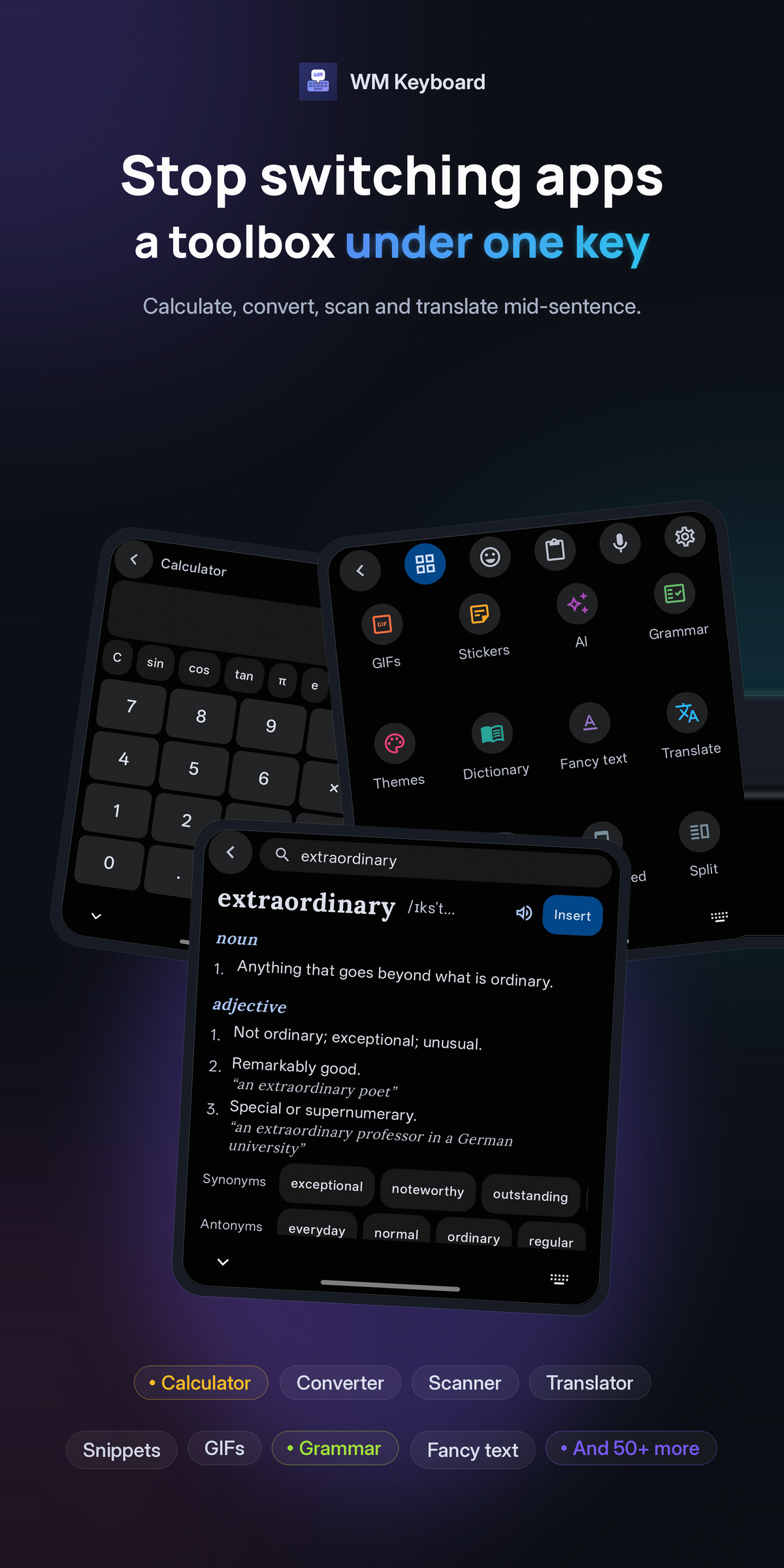
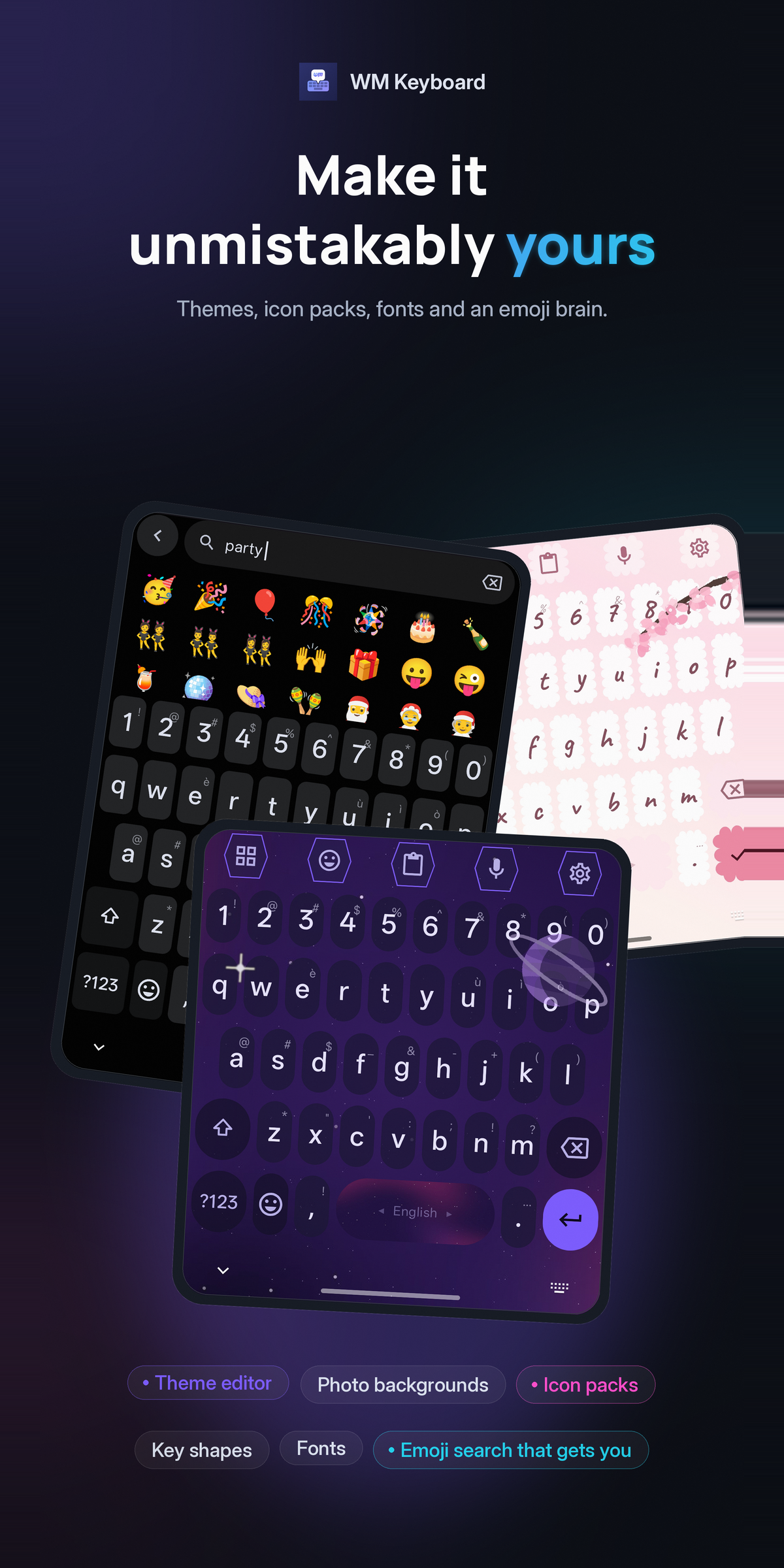
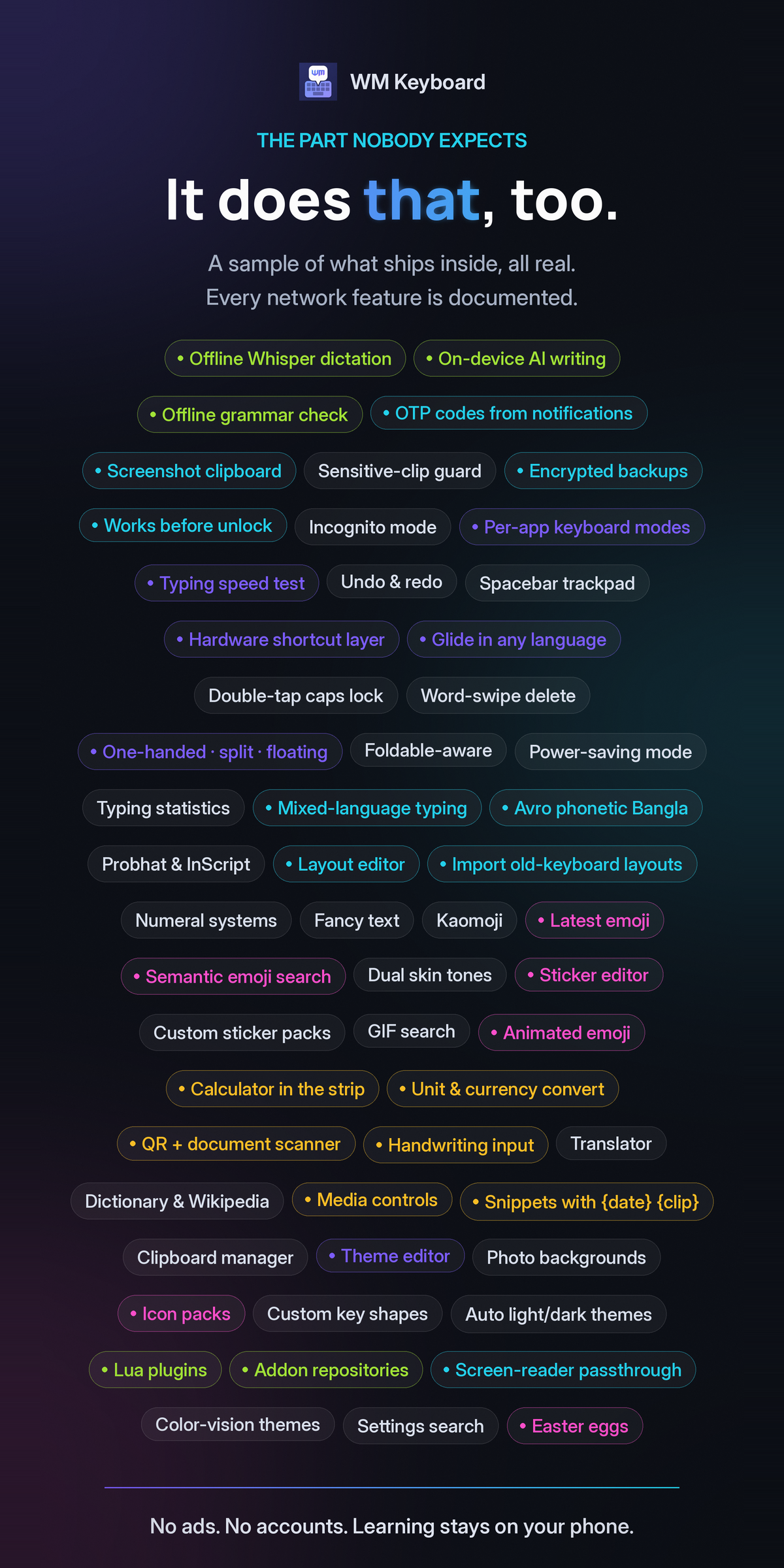
It types in more than 800 languages, with phonetic input for Bangla, Hindi and Urdu, CJK input methods and downloadable dictionaries. A built-in tool belt adds a clipboard manager, translation, OCR and QR scanning, handwriting, GIFs and stickers, a calculator and an on-device AI model. Themes, addon repositories and sandboxed Lua plugins let people make it their own.
WM Keyboard is MIT licensed and available on Google Play, F-Droid and GitHub. Documentation lives at https://wmkeyboard.pages.dev.
Every logo comes as an SVG, which scales to any size, and a large transparent PNG. Pick the version made for your background: the dark ones have white type, the light ones navy.
 App icon
The launcher icon. Use it wherever an app icon belongs.


Using the logo
Section titled “Using the logo”- Do give it room. Keep clear space on every side at least as tall as the “W” in the wordmark.
- Do use the one-colour mark when print, embroidery or a single-ink job can’t reproduce the gradient.
- Don’t recolour, stretch, rotate or outline it, or add shadows, glows or other effects.
- Don’t set the name in another typeface or rebuild the icon. Use the files.
- Don’t imply an endorsement. Using the logo to point at the app is welcome; using it to suggest WM Keyboard backs your product is not.
Write the name as WM Keyboard: two words, “WM” in capitals. Not “WMKeyboard”, “Wm Keyboard” or “WM keyboard”.
Colours
Section titled “Colours”The brand runs on one gradient, blue to violet, over deep navy. Click a swatch to copy its hex.
Typography
Section titled “Typography”The wordmark is set in Inter, in a heavy display weight, and shipped as outlines so it looks the same with or without the font installed. Inter is also the face on the store graphics and banners. Inside the app, text follows the phone’s system font.
Screenshots
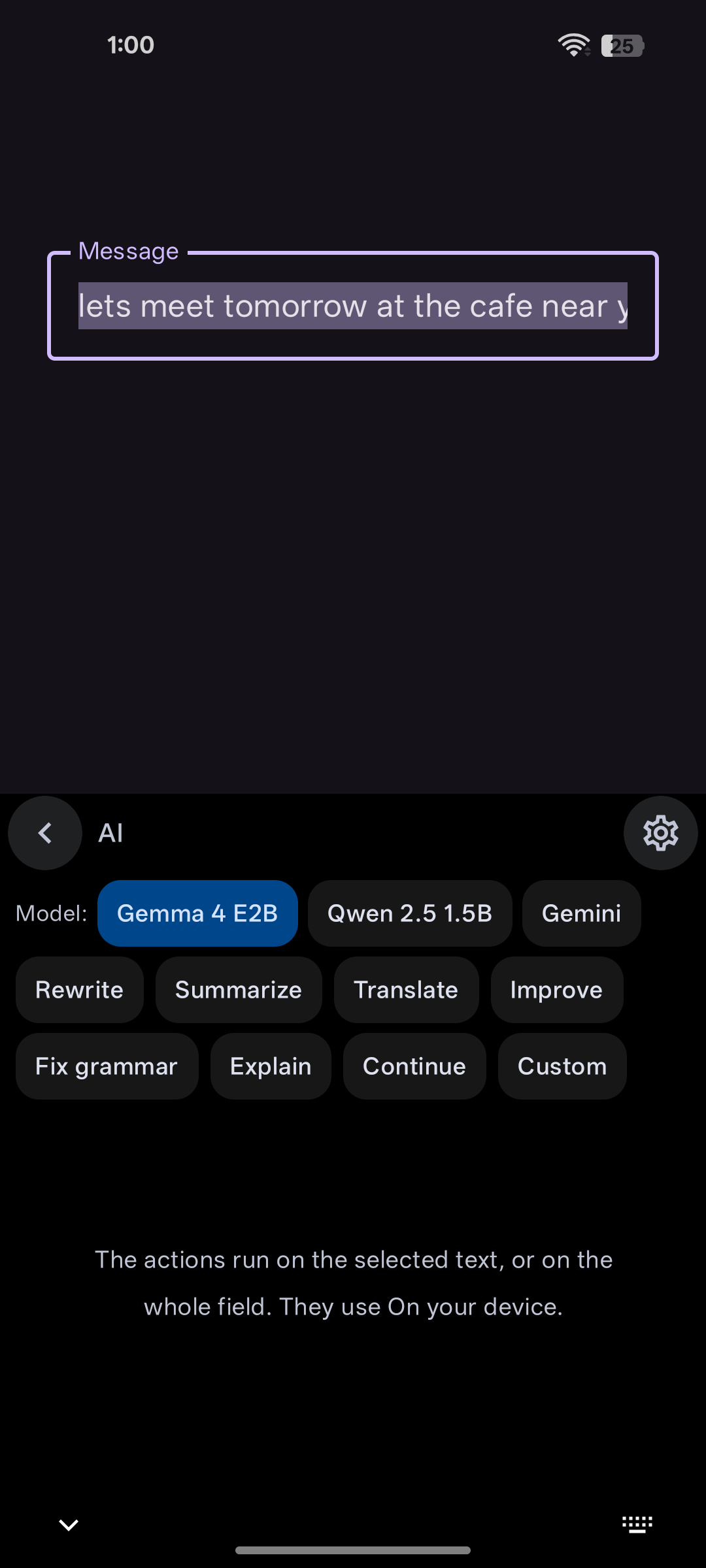
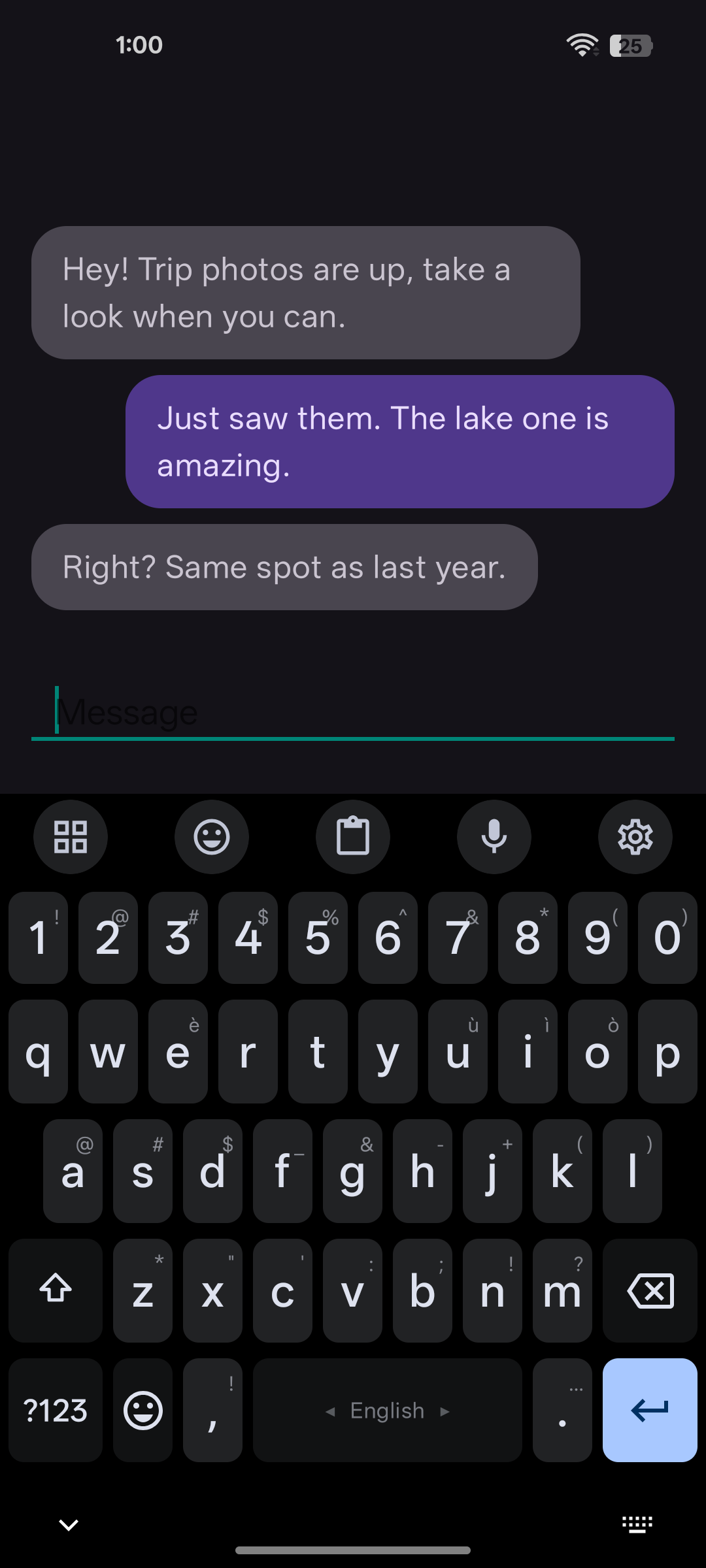
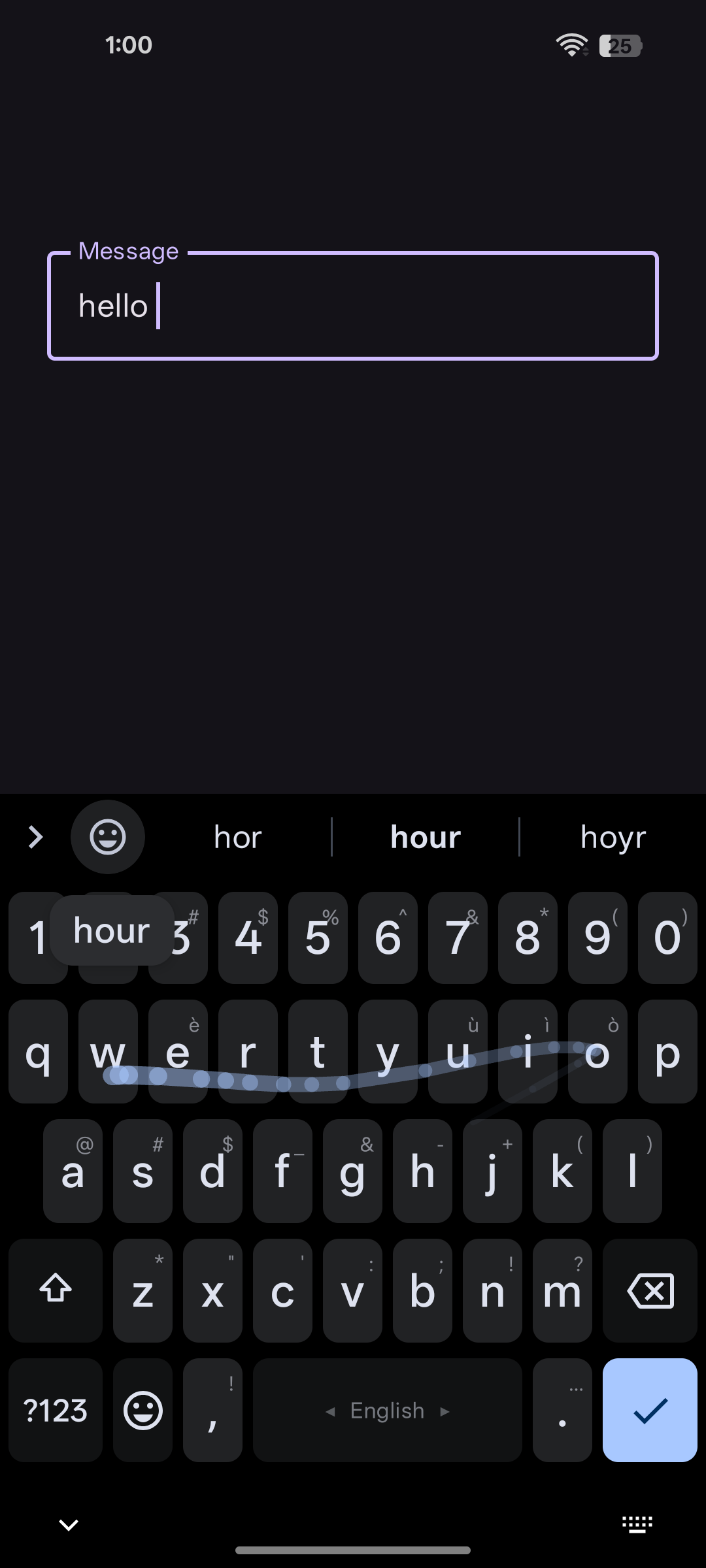
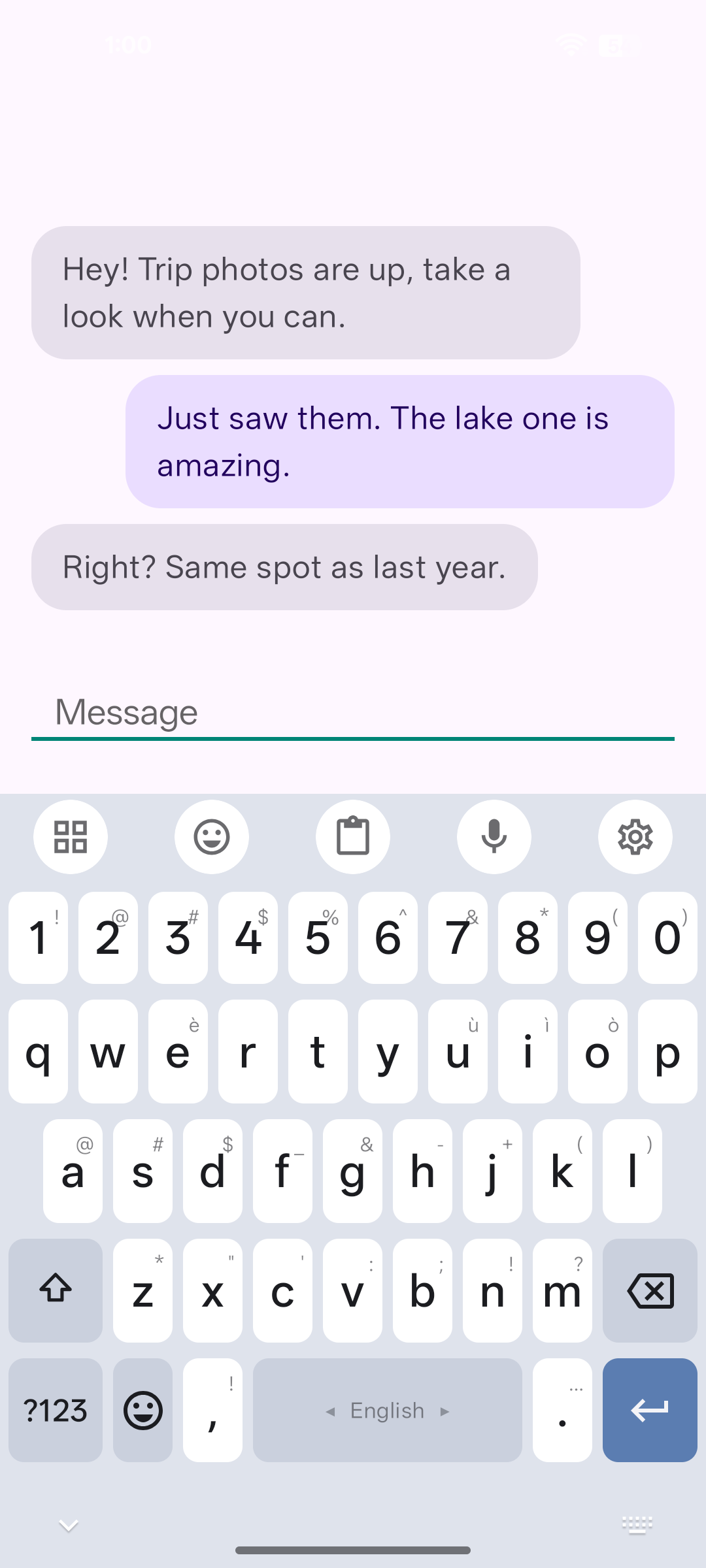
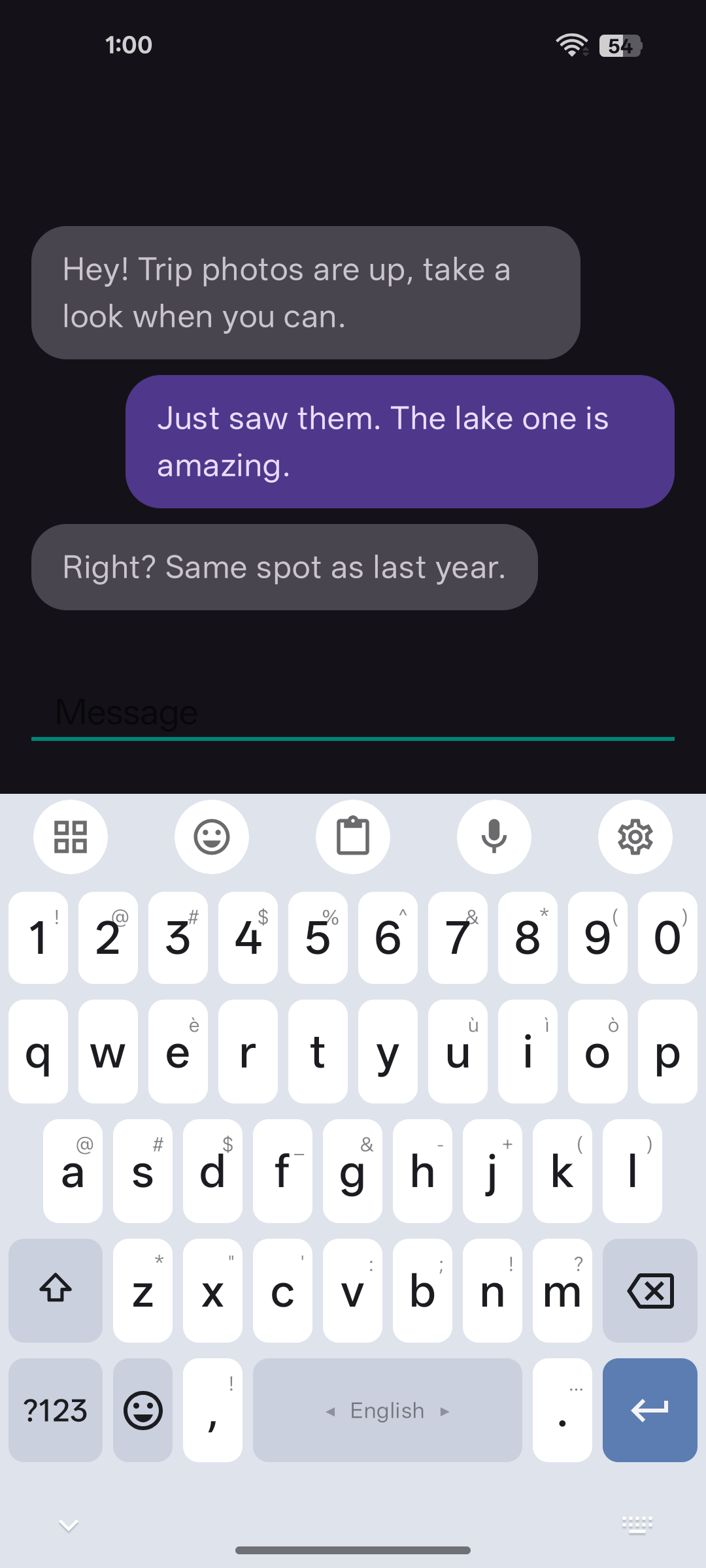
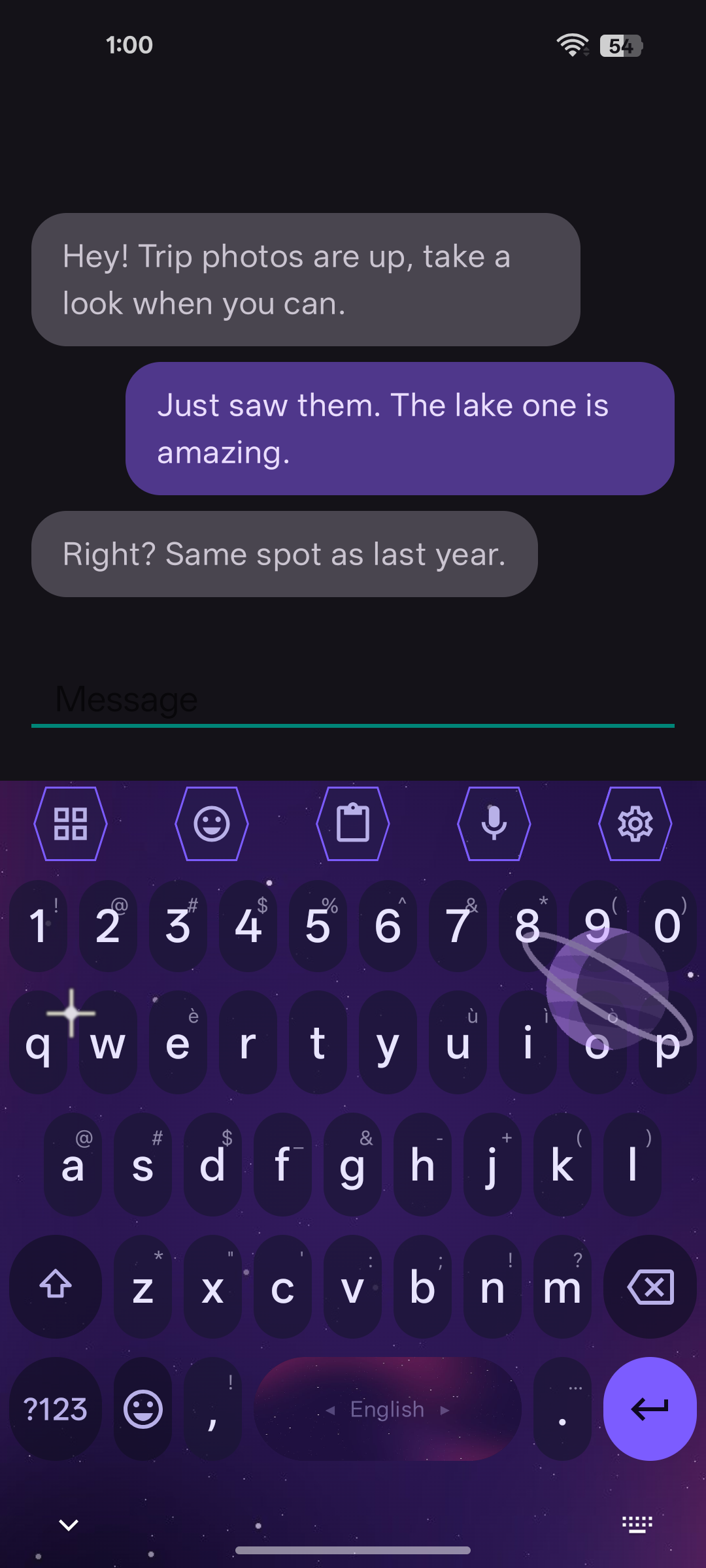
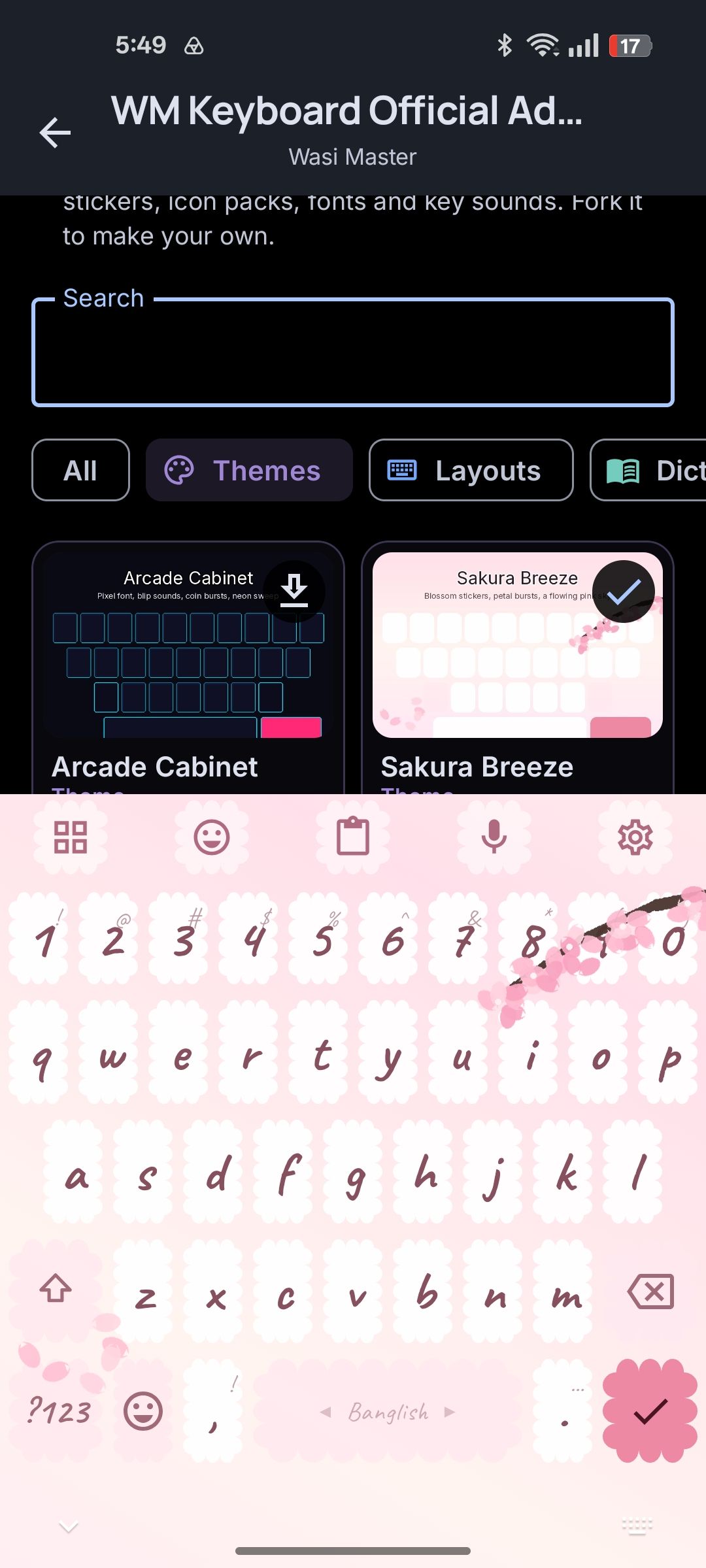
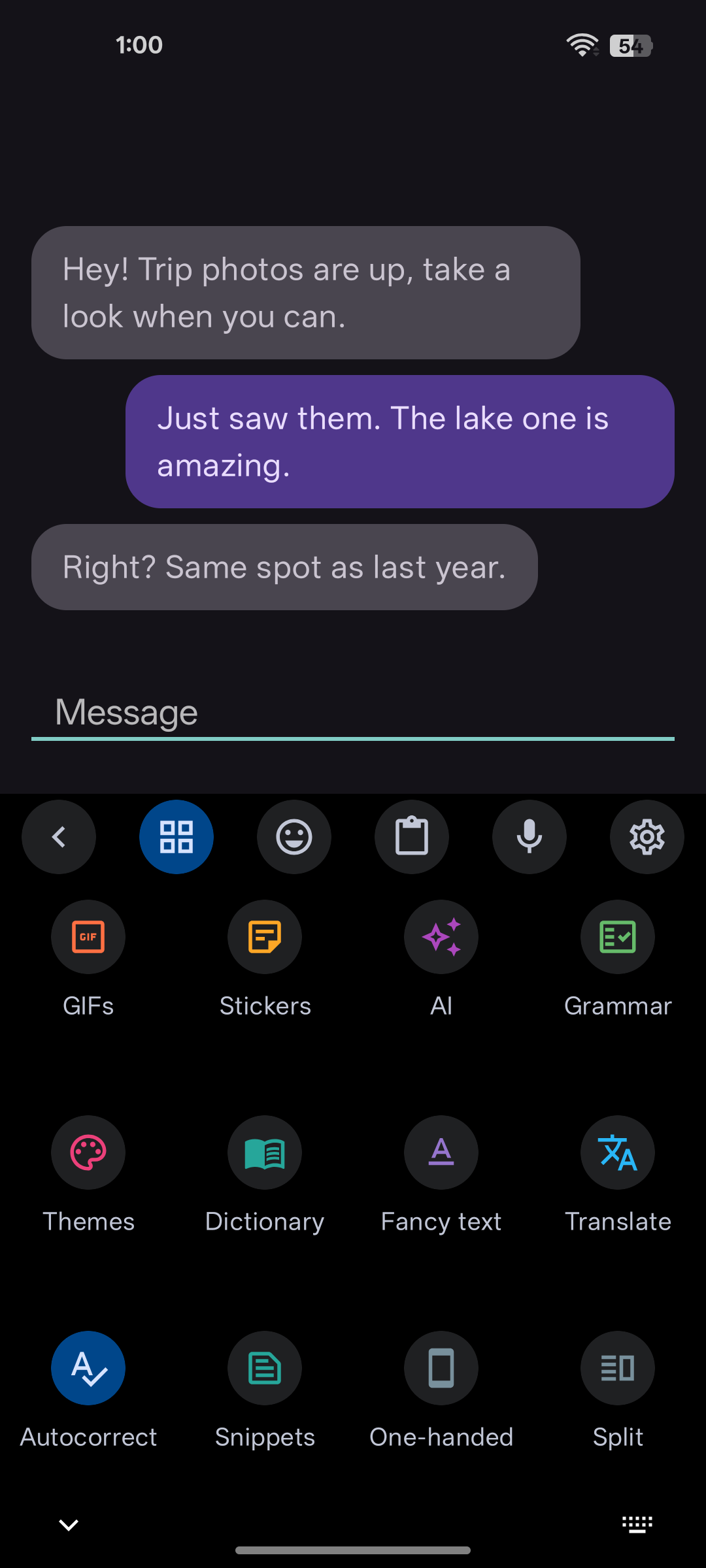
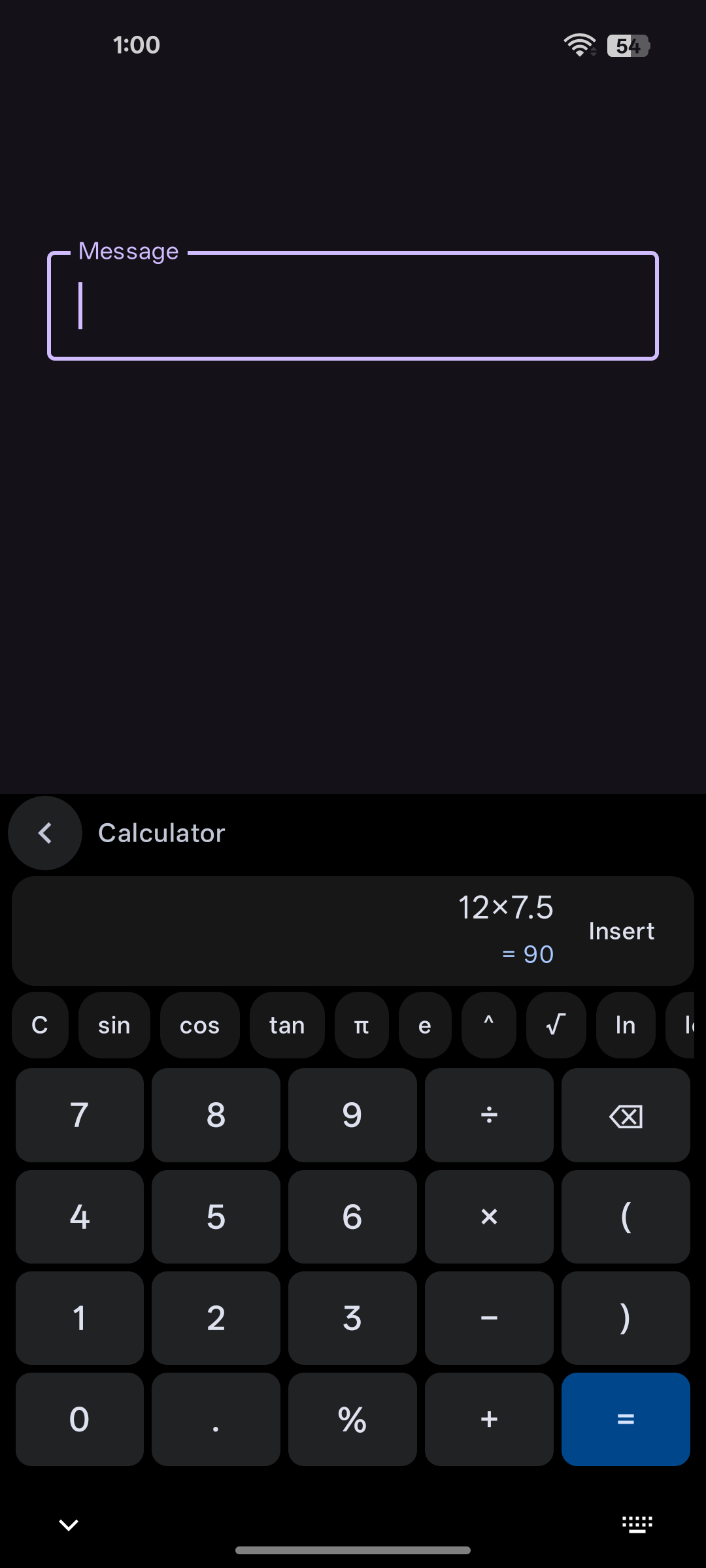
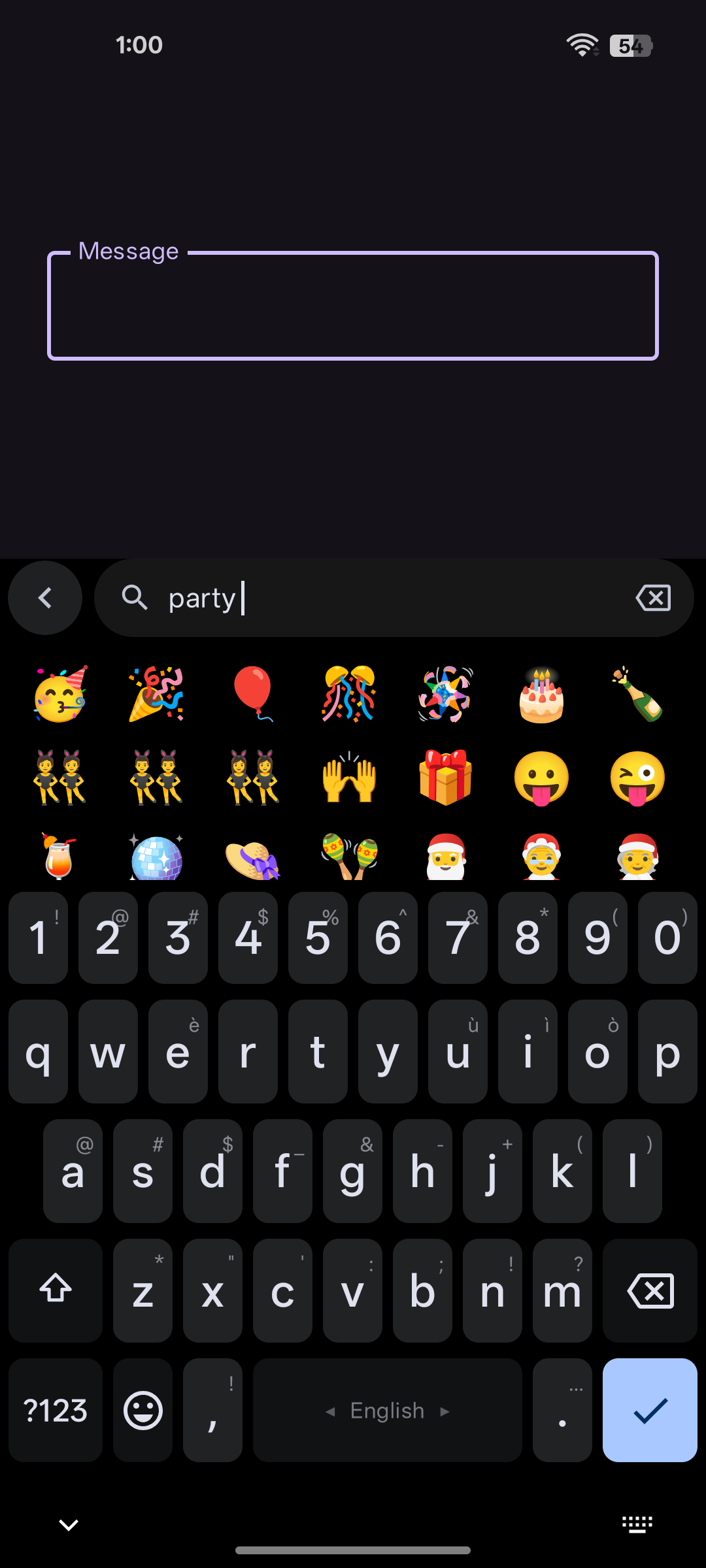
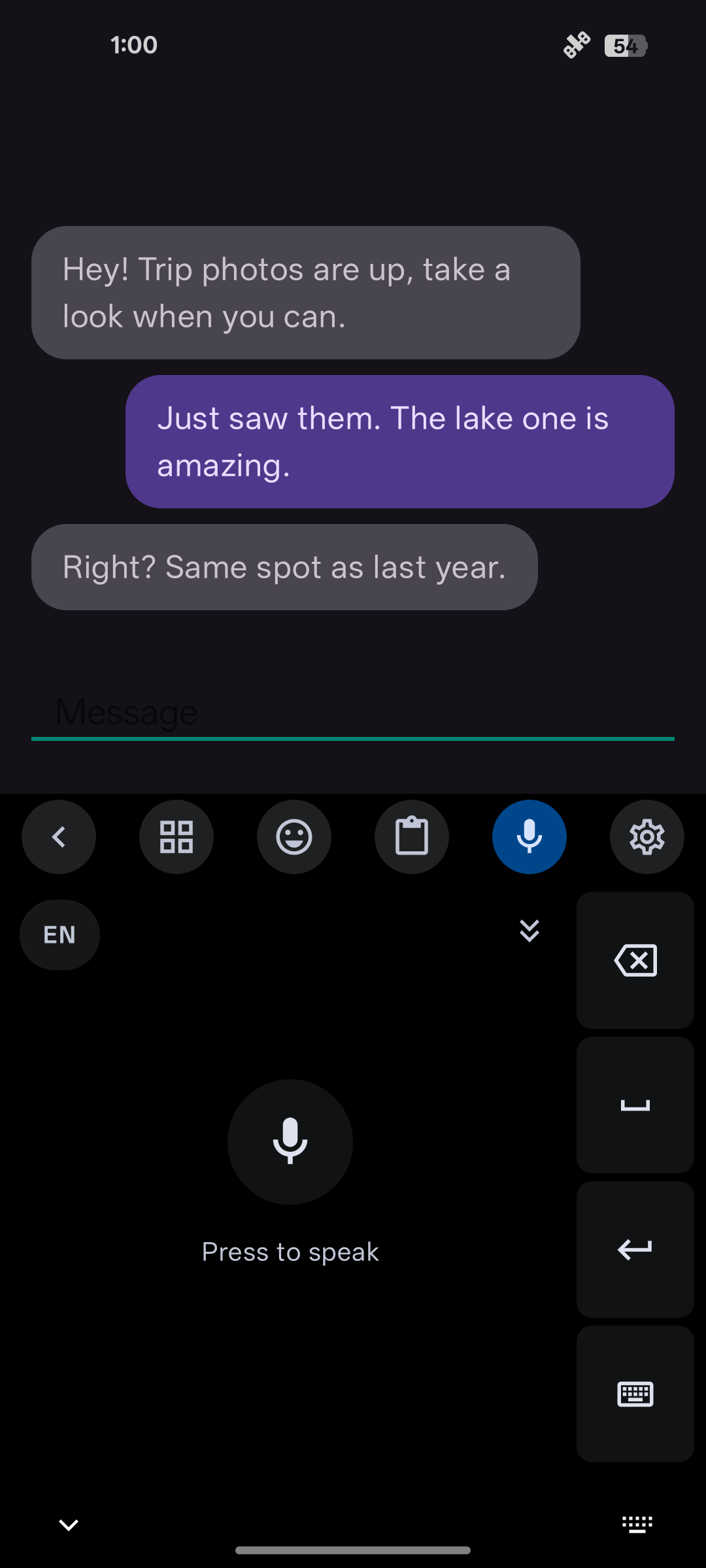
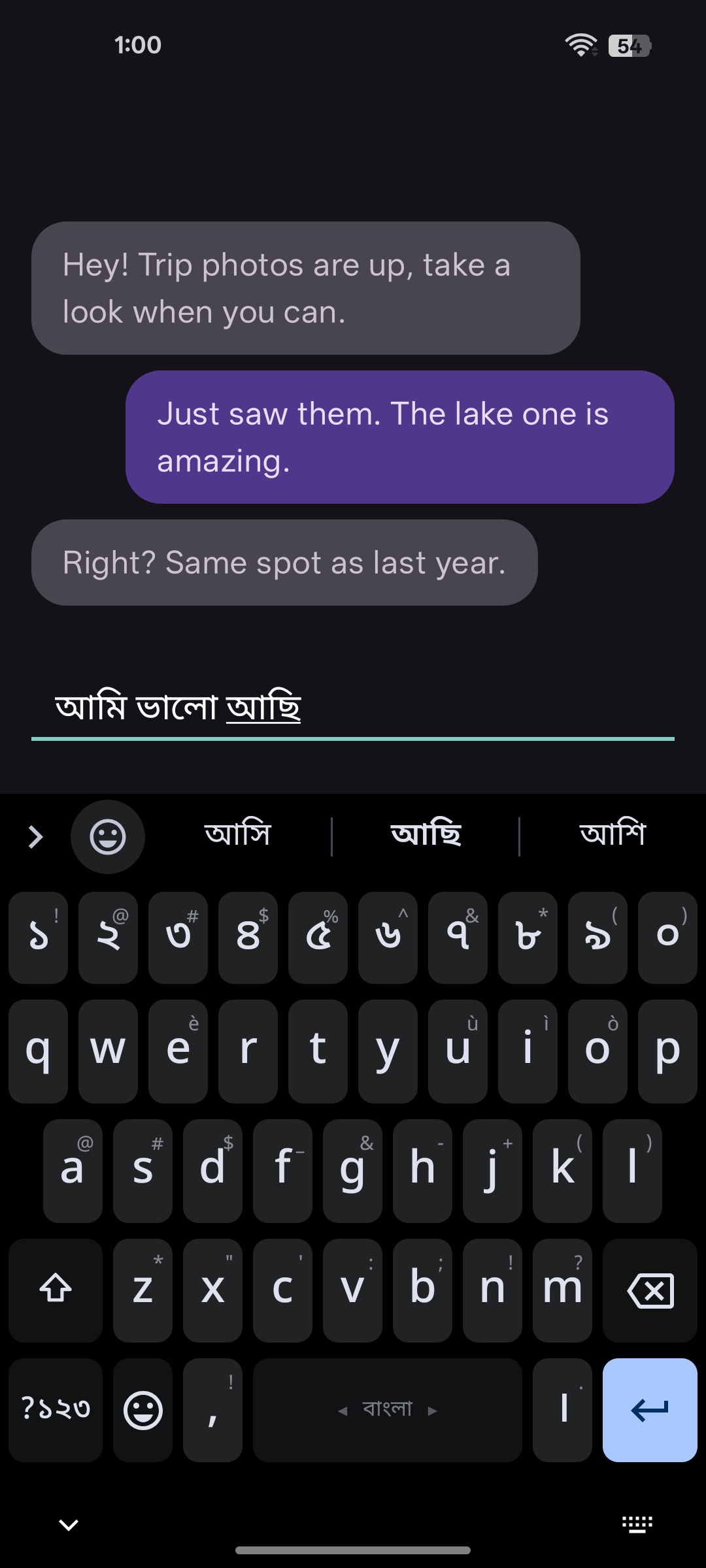
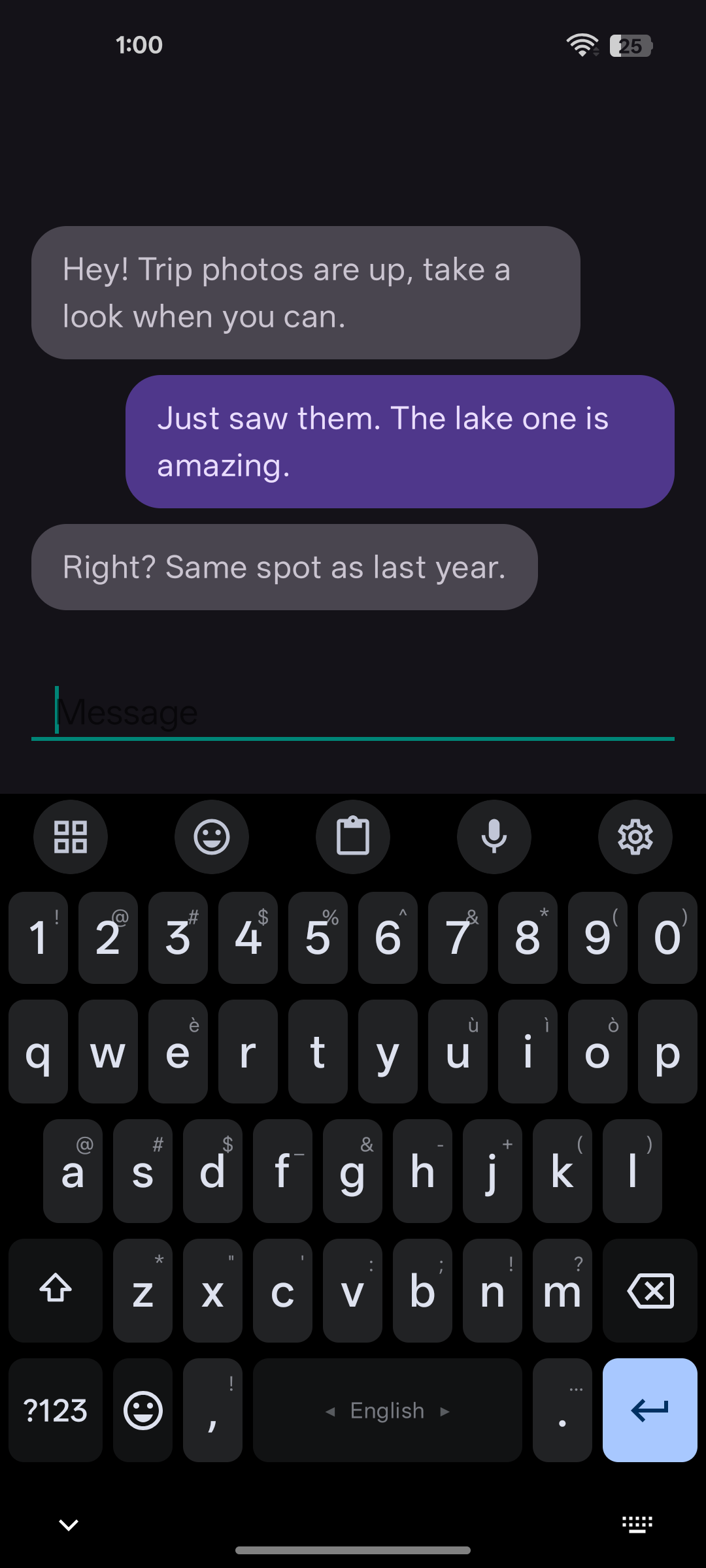
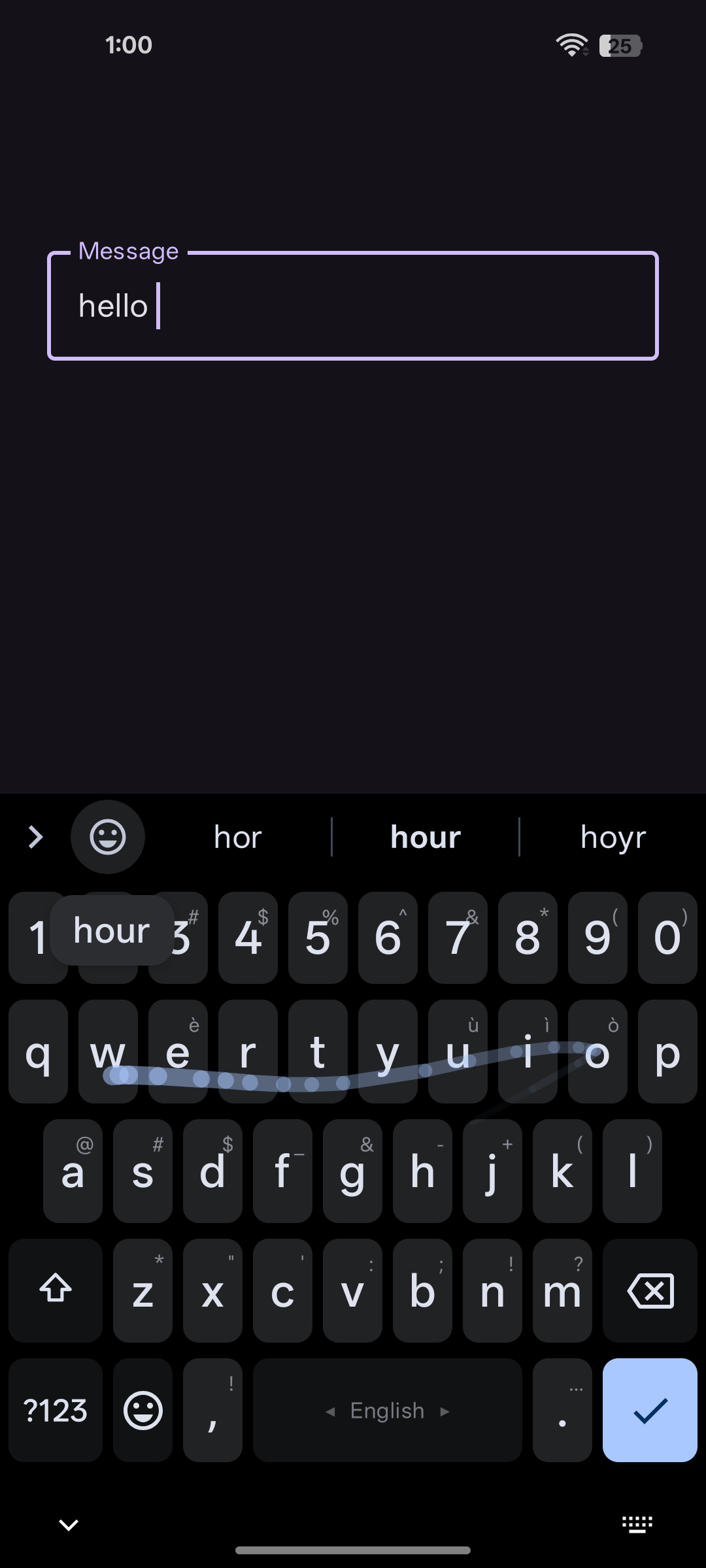
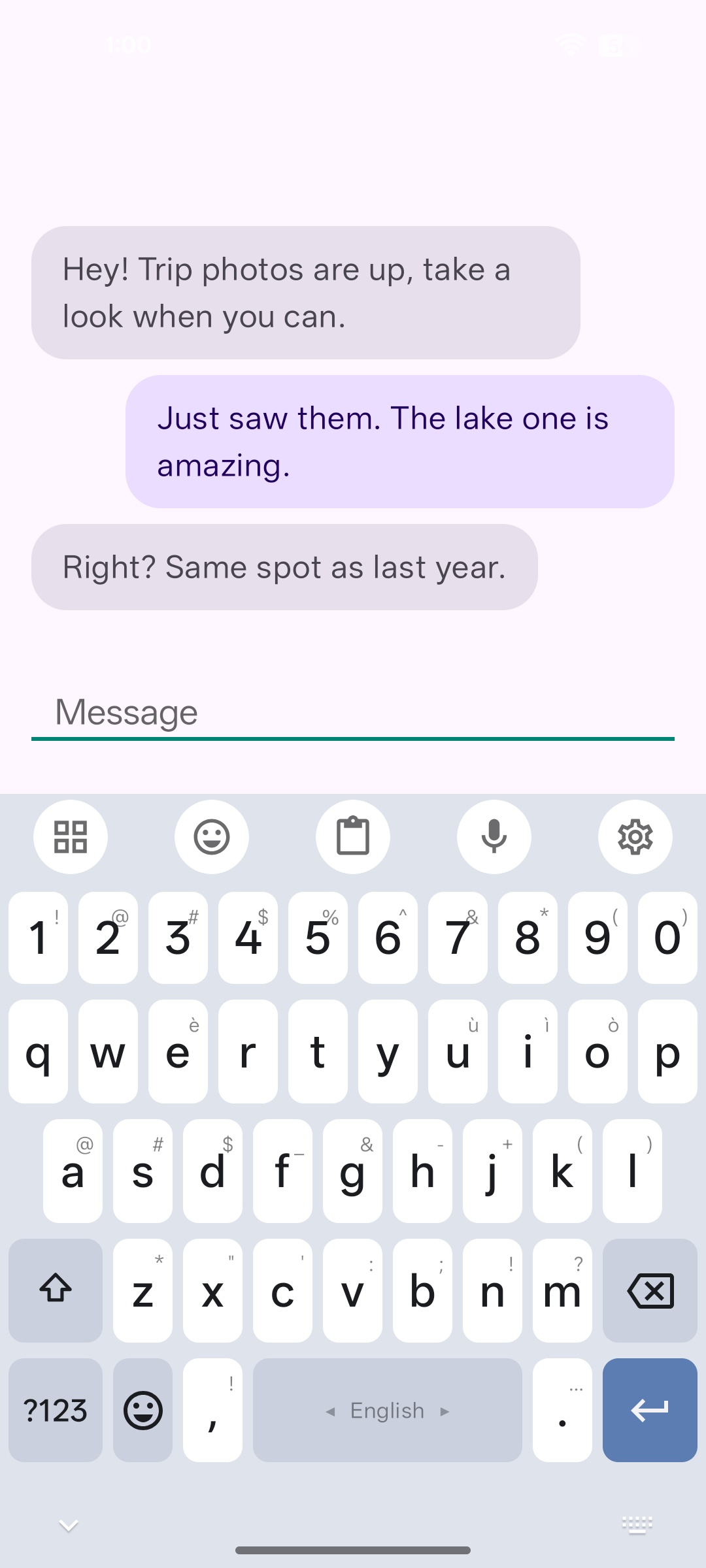
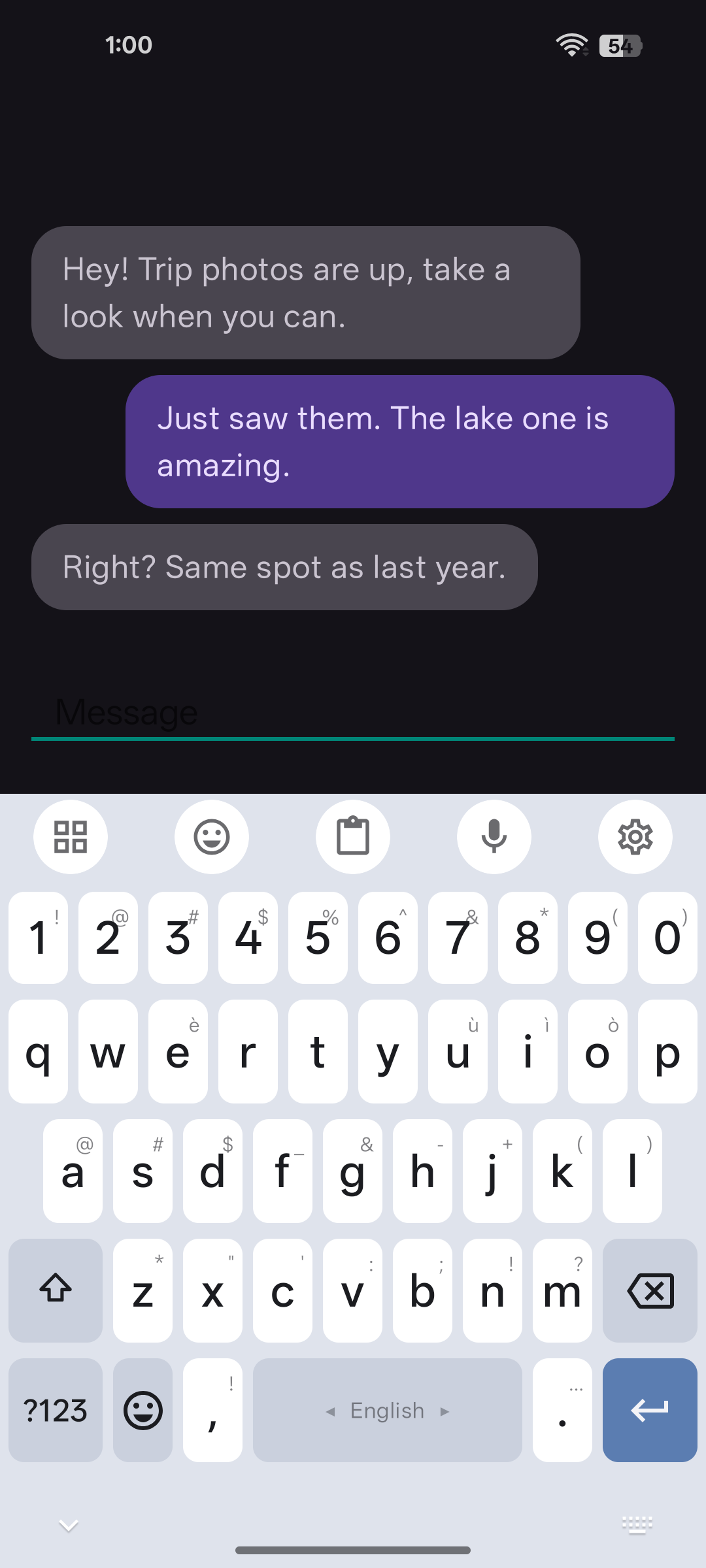
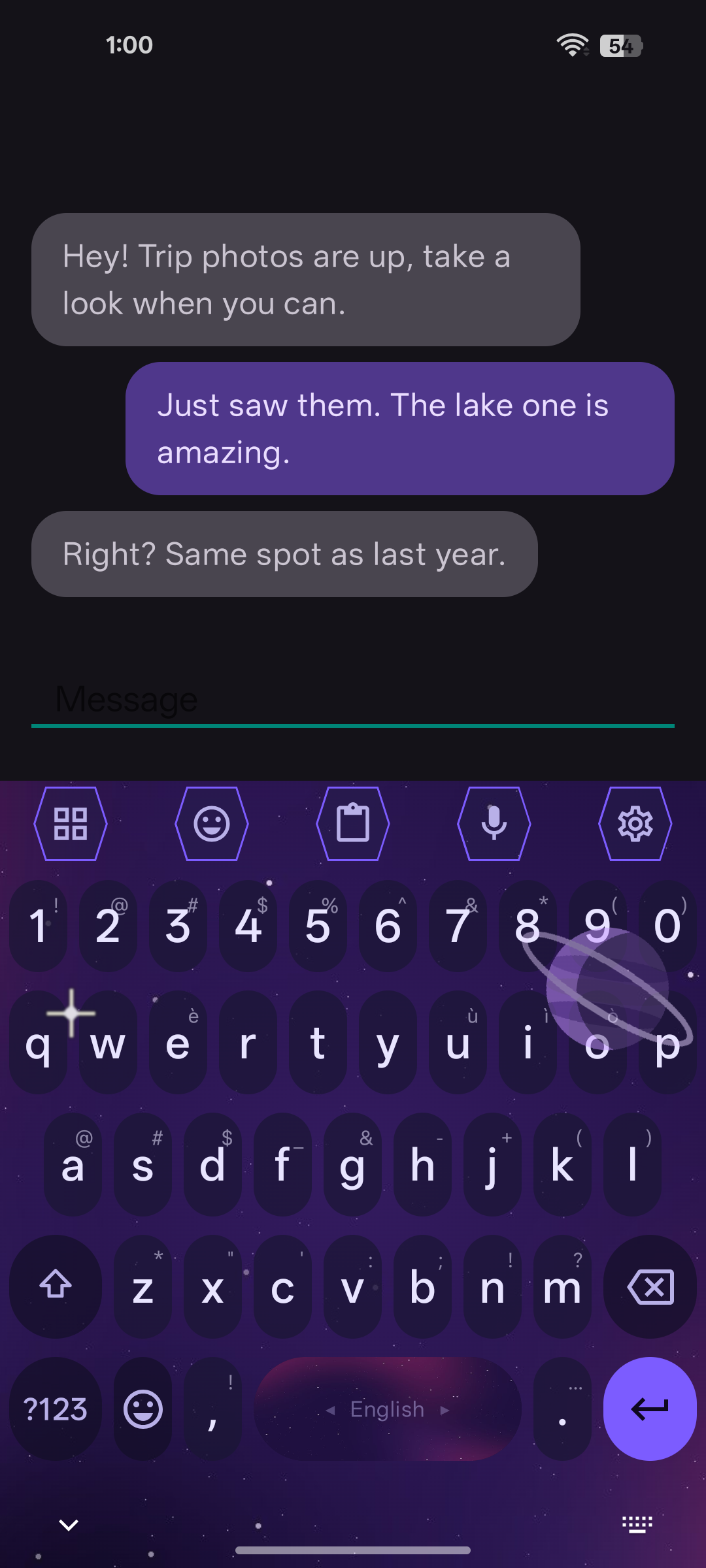
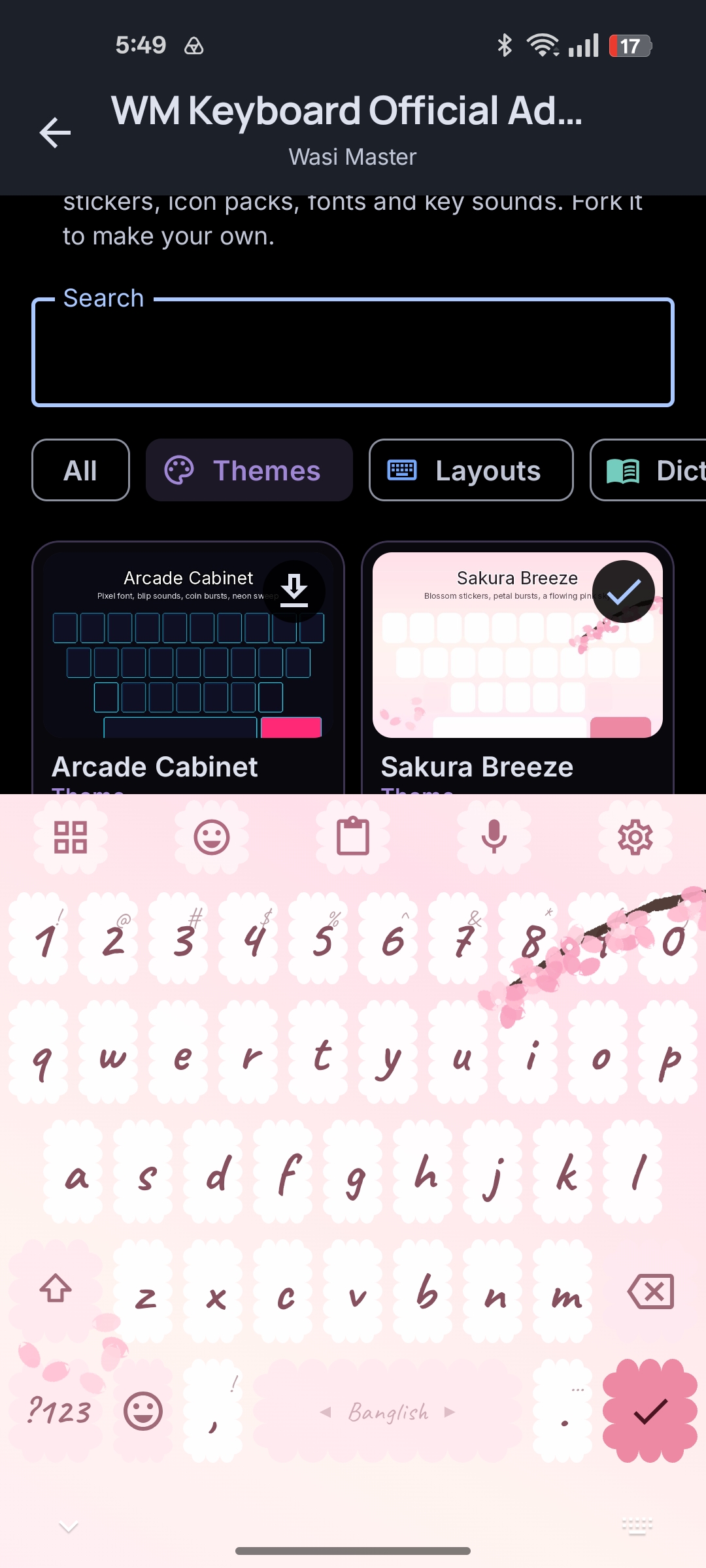
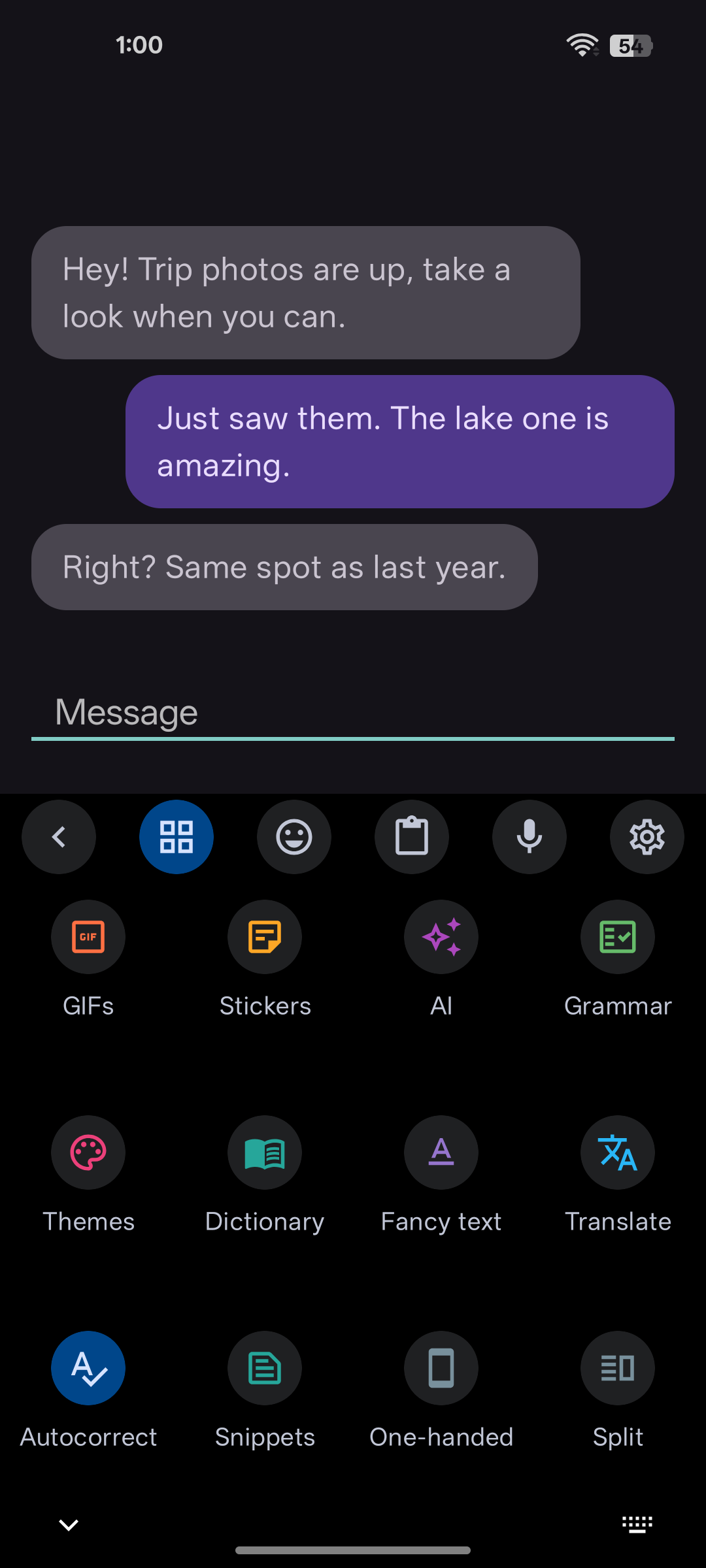
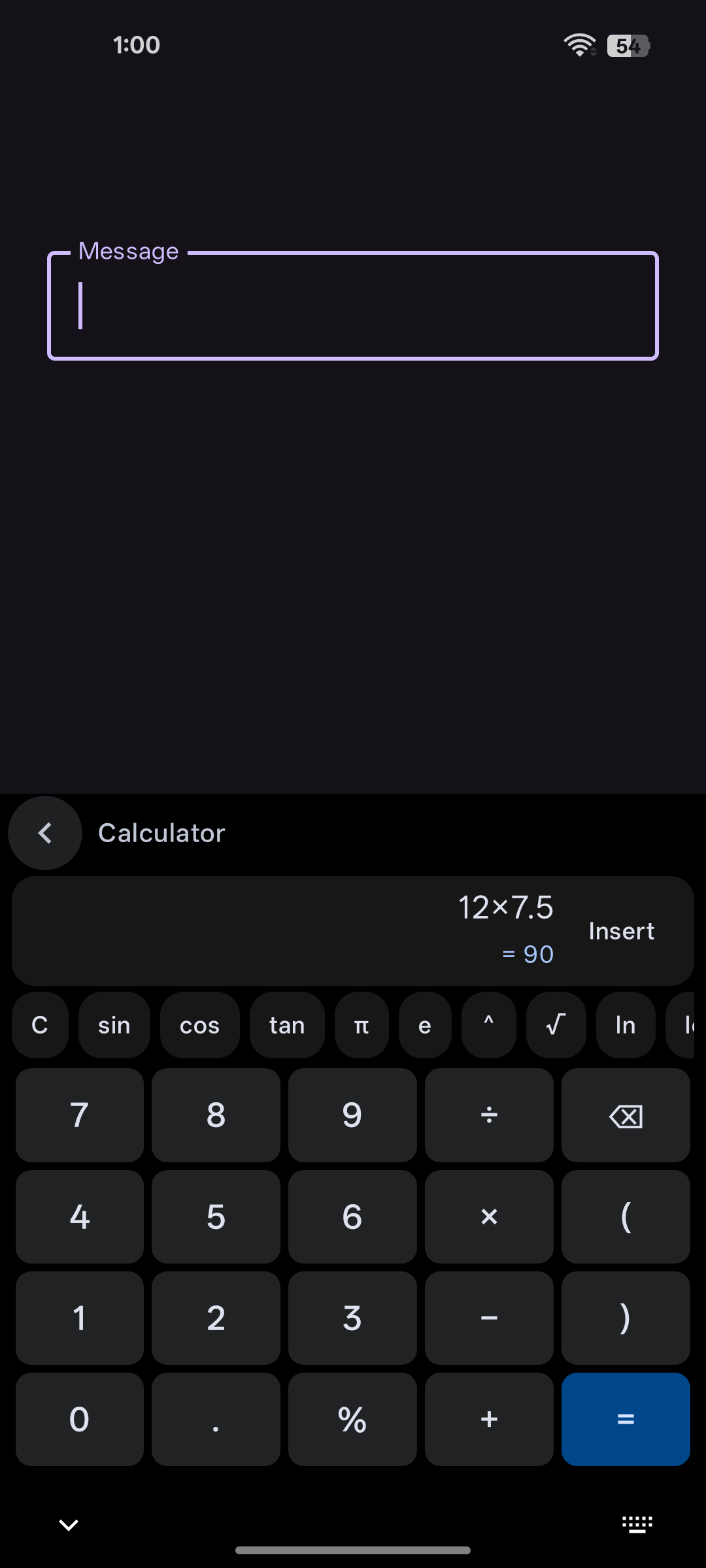
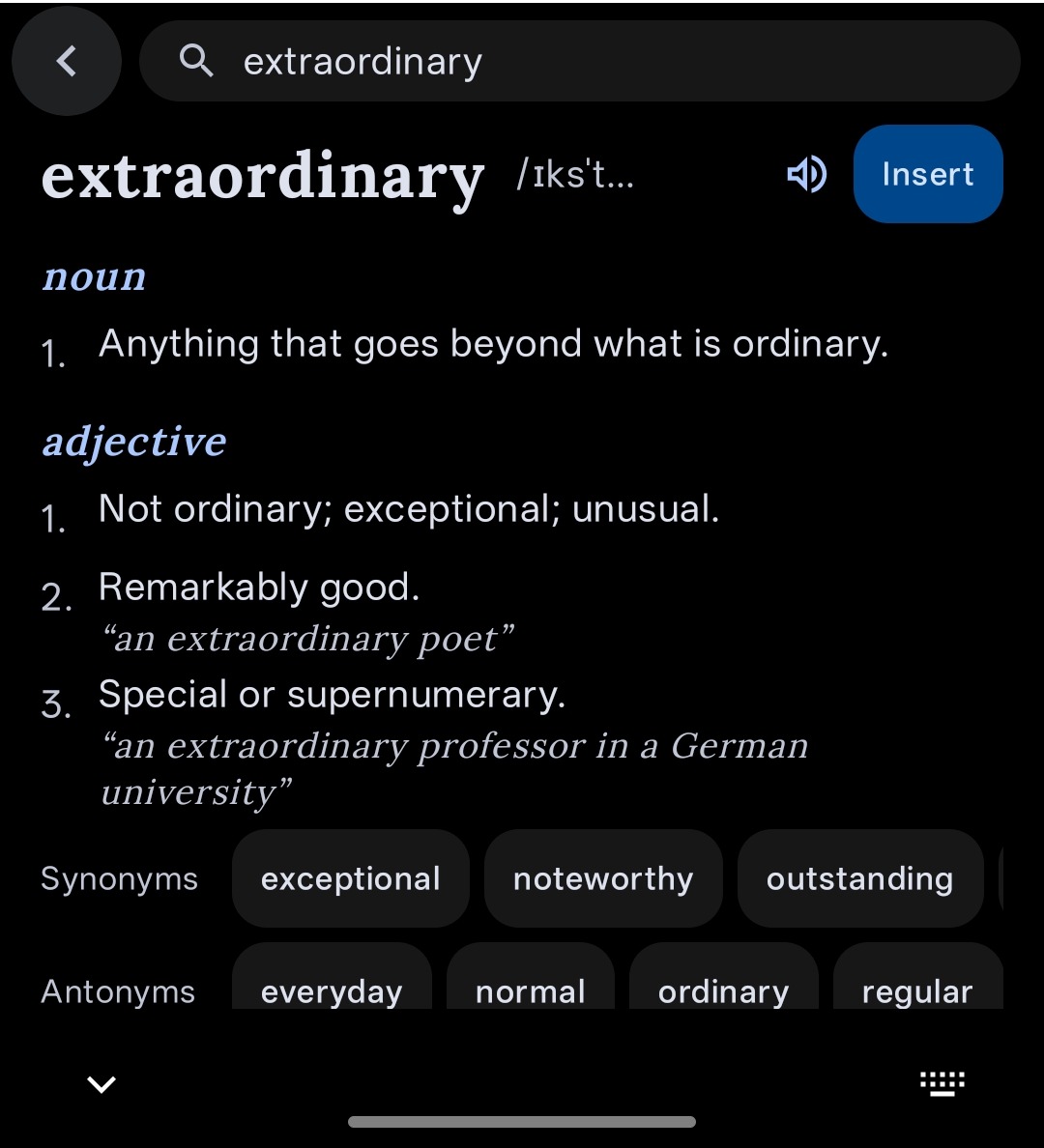
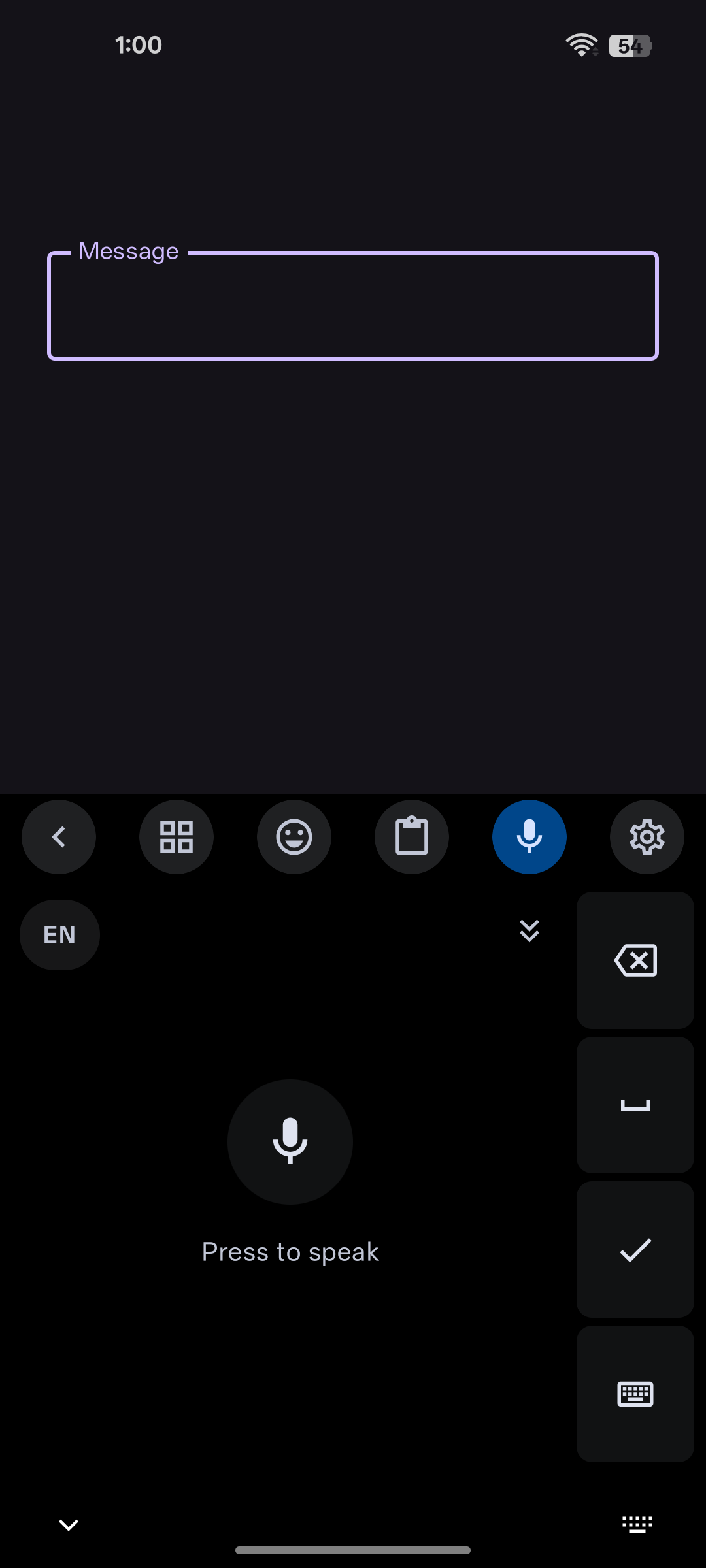
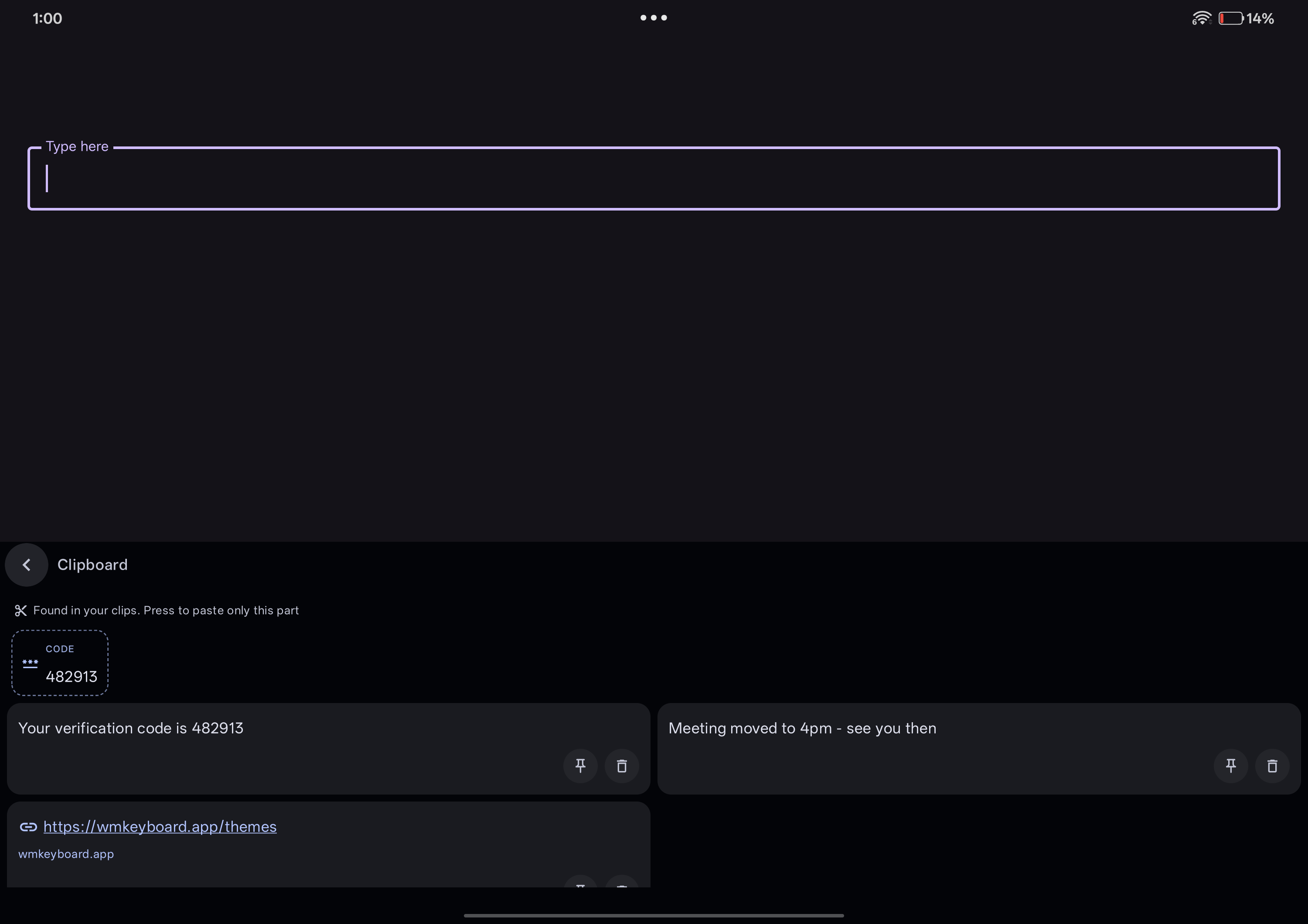
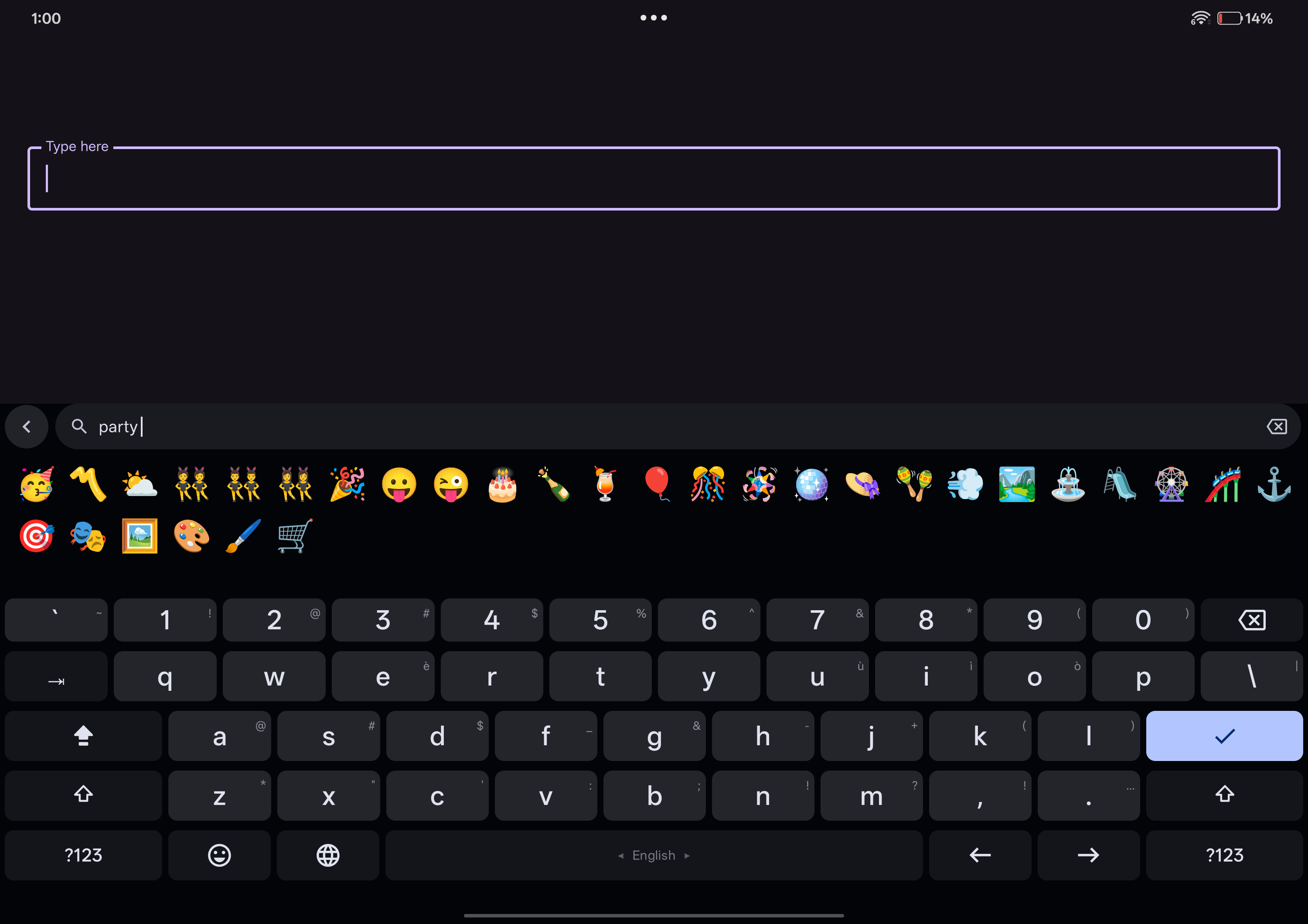
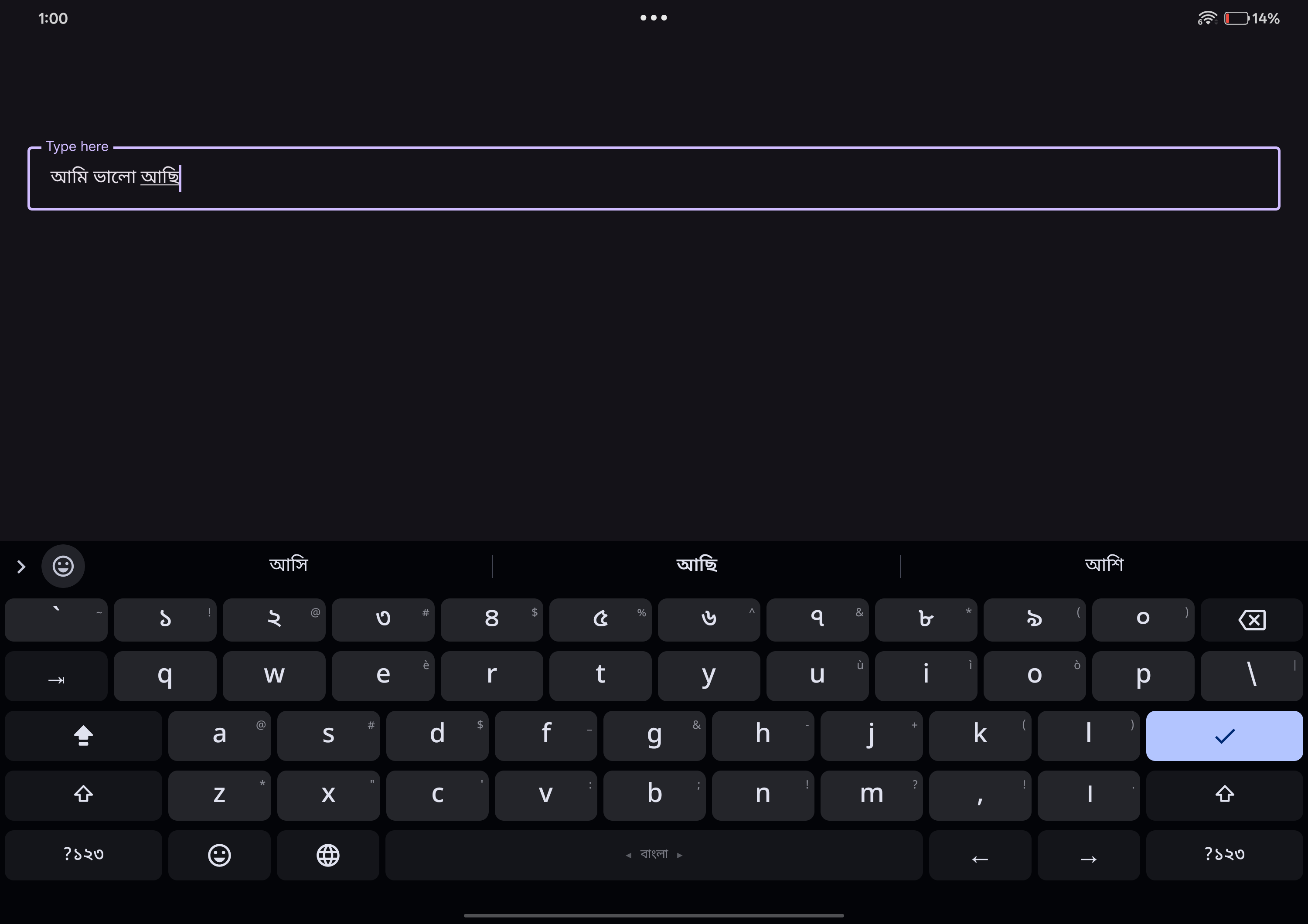
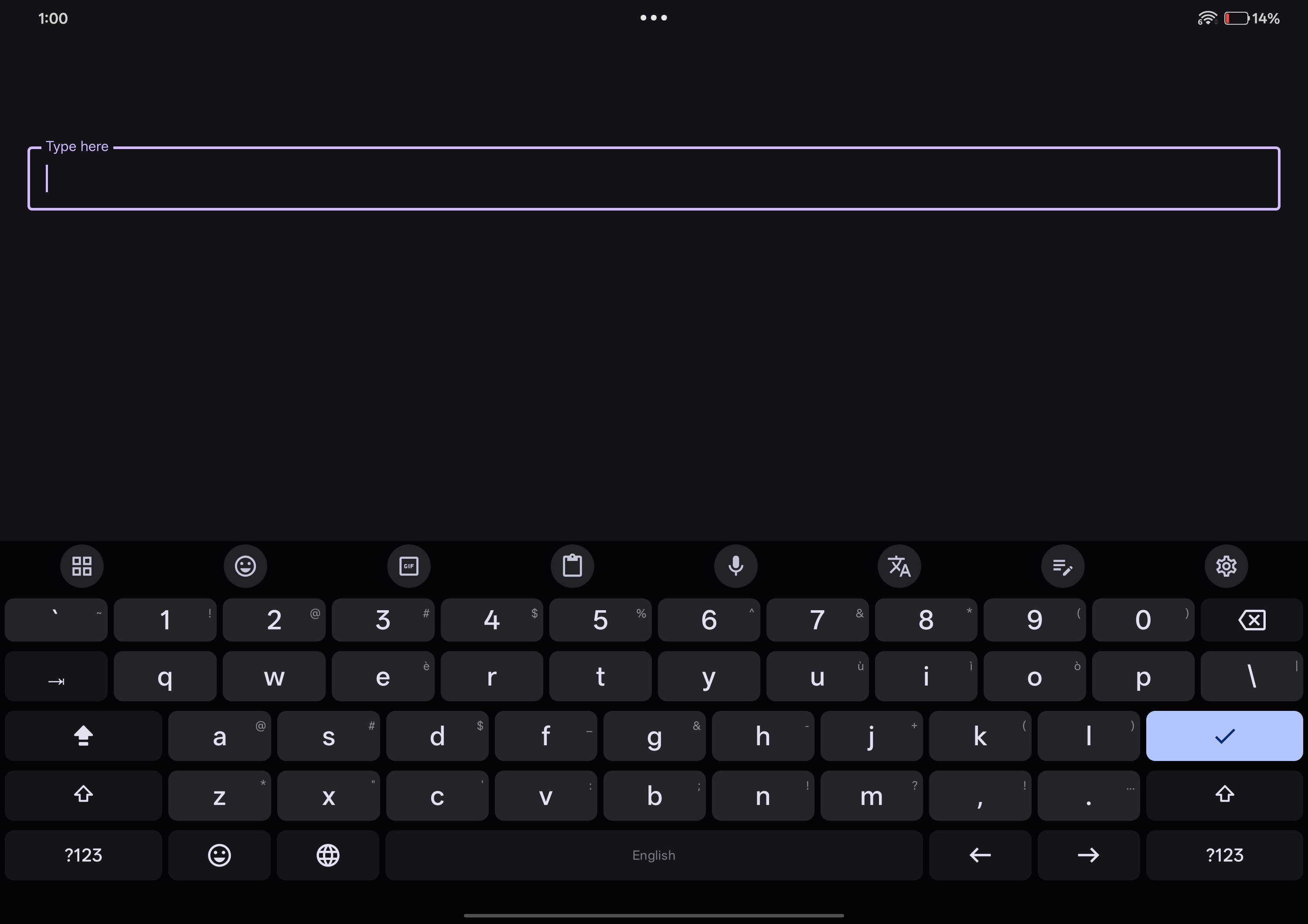
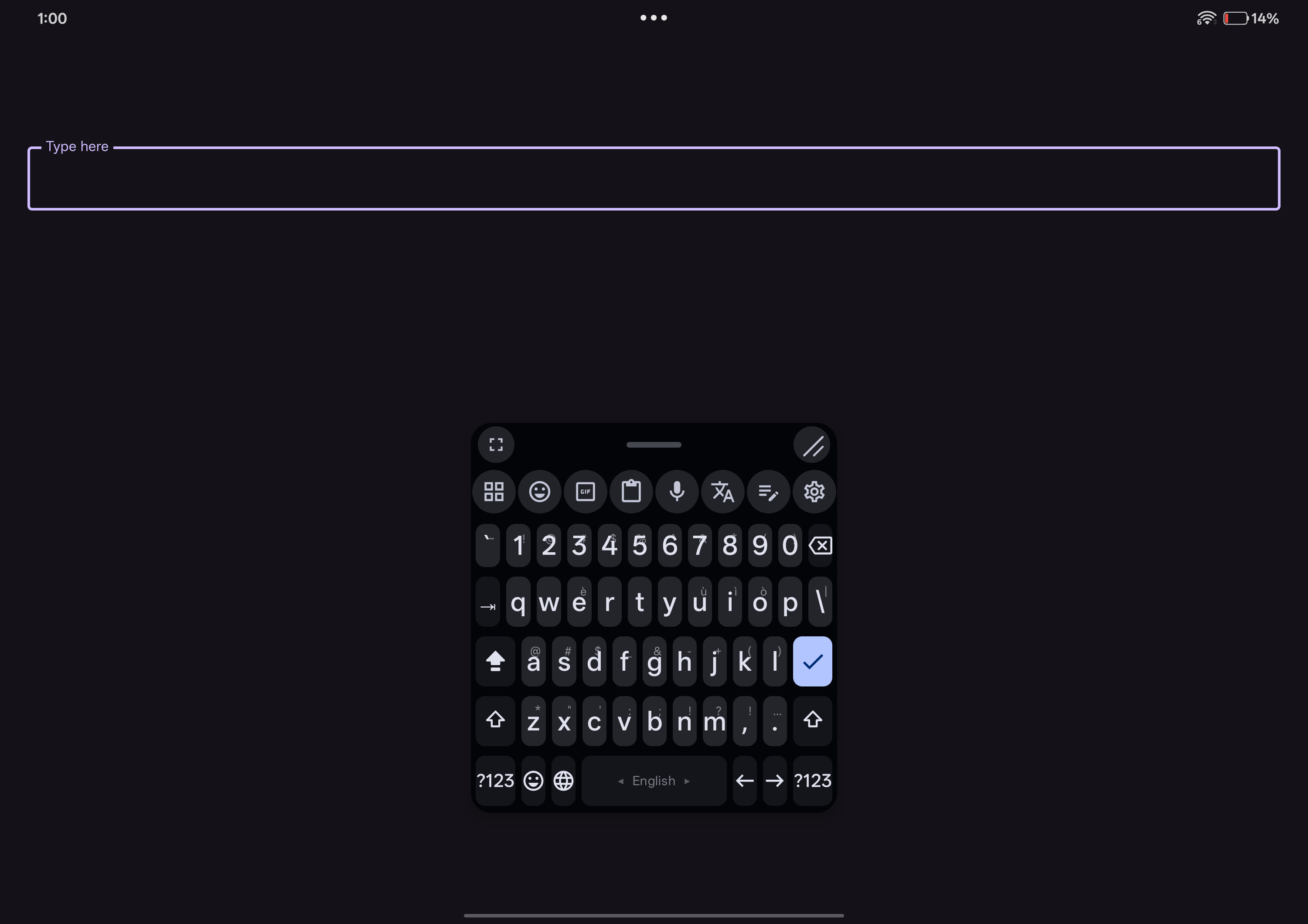
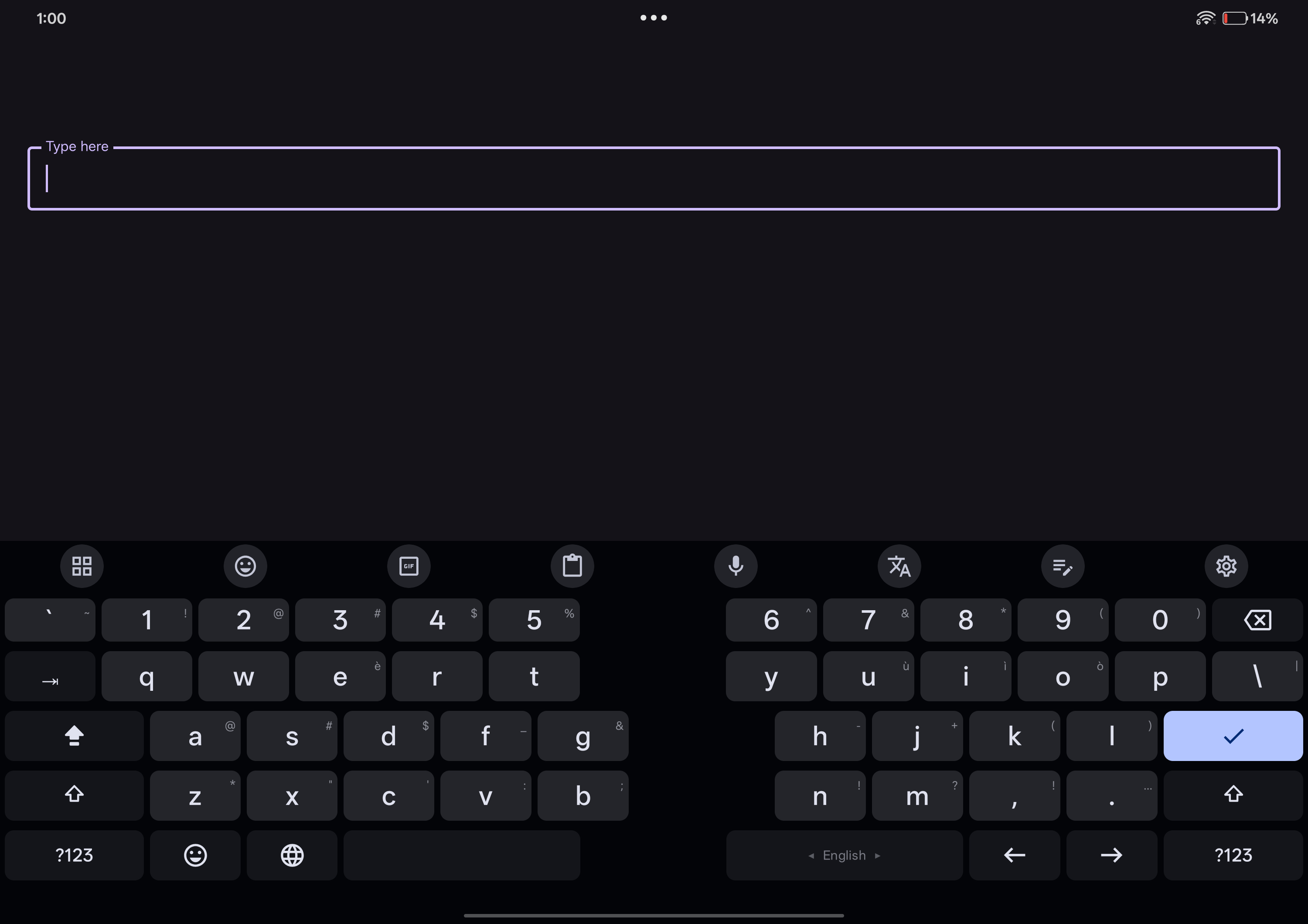
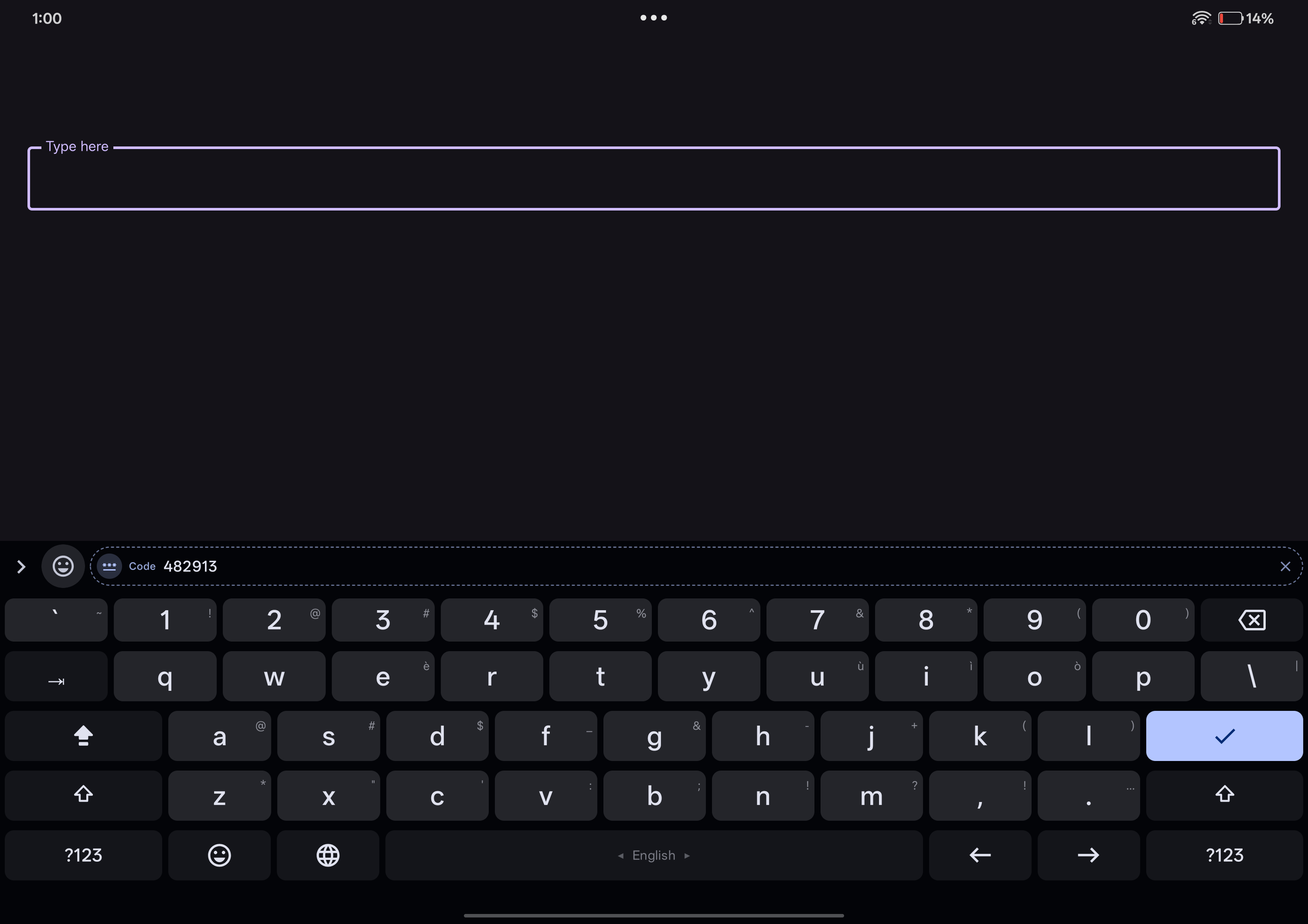
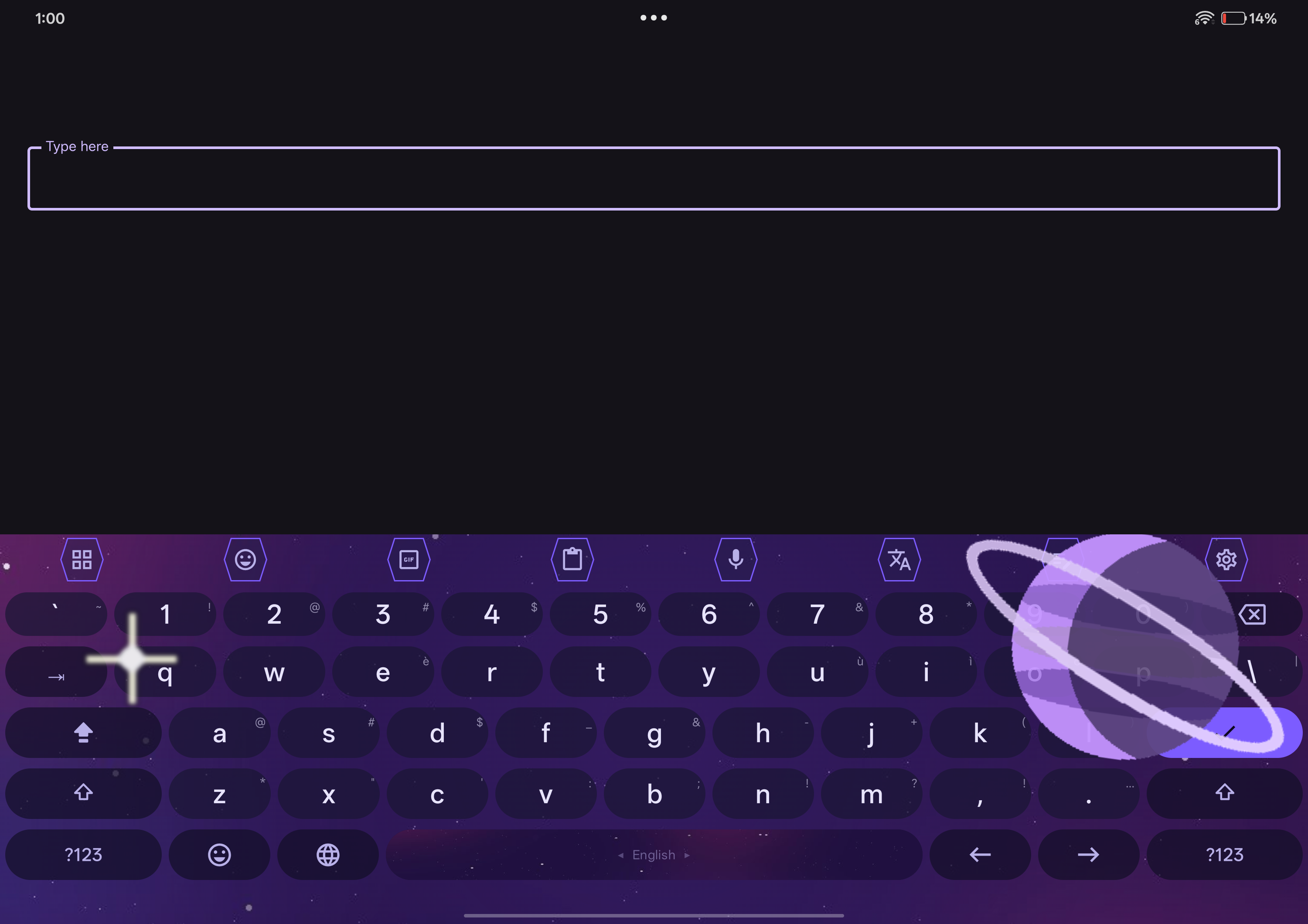
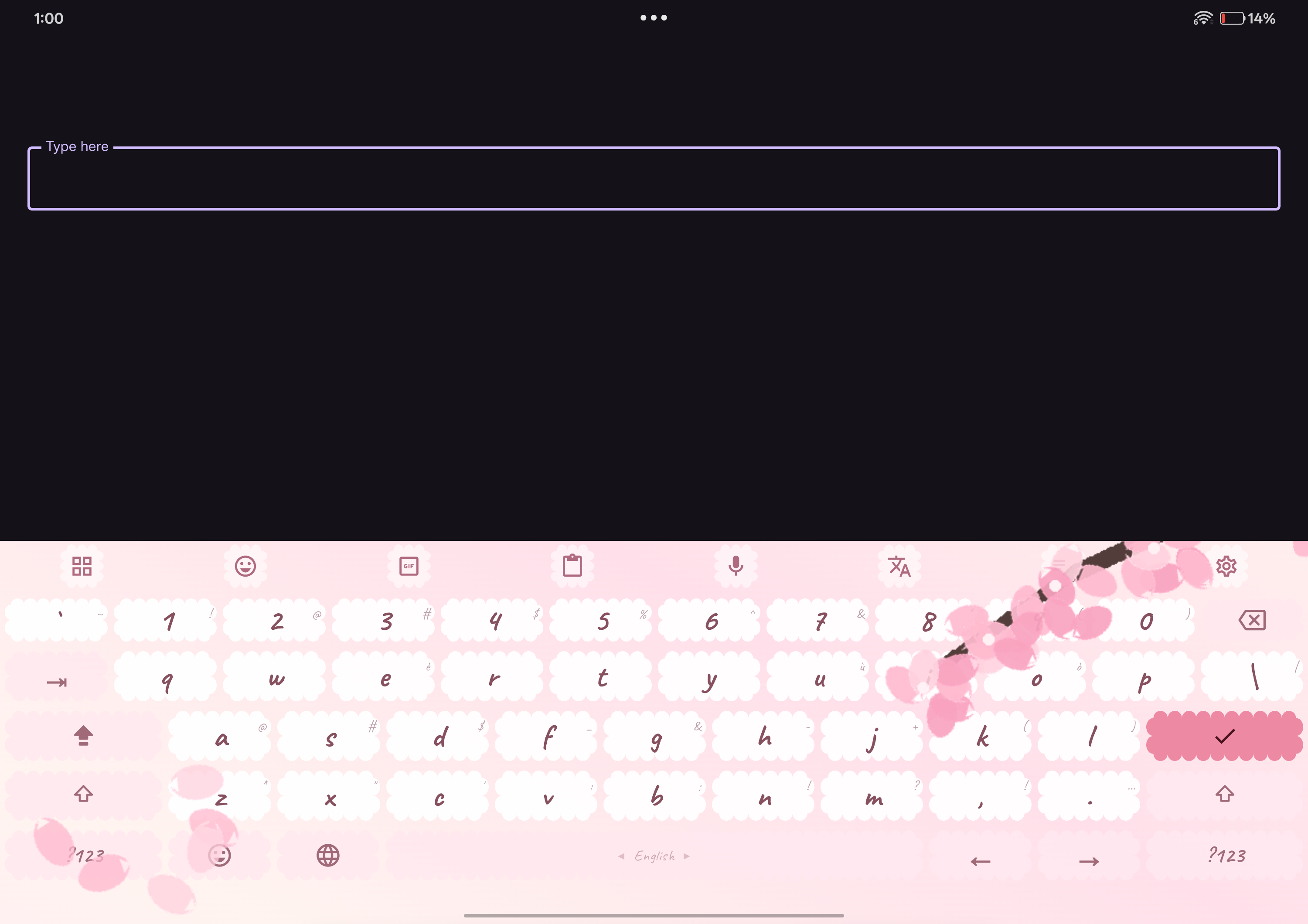
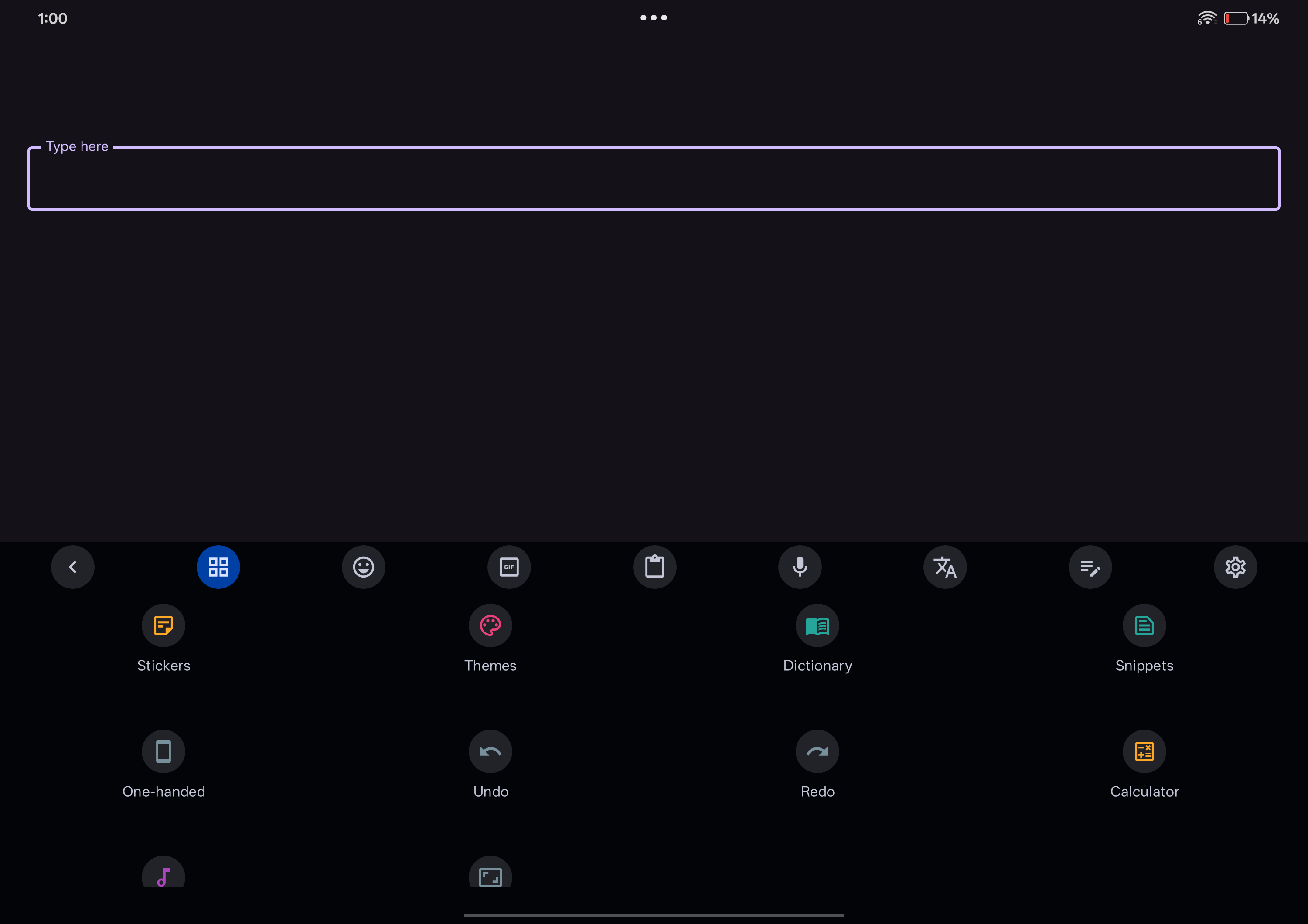
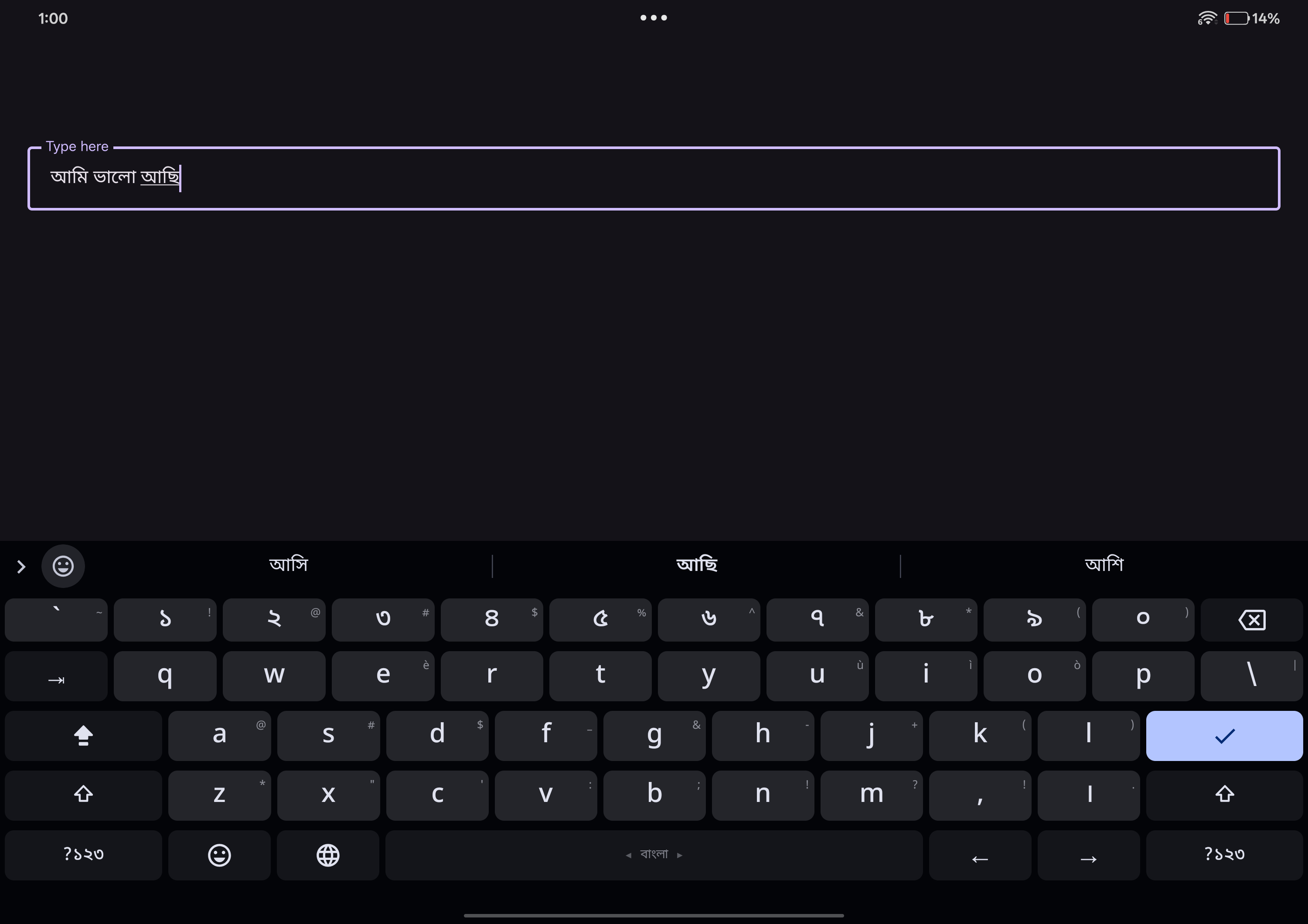
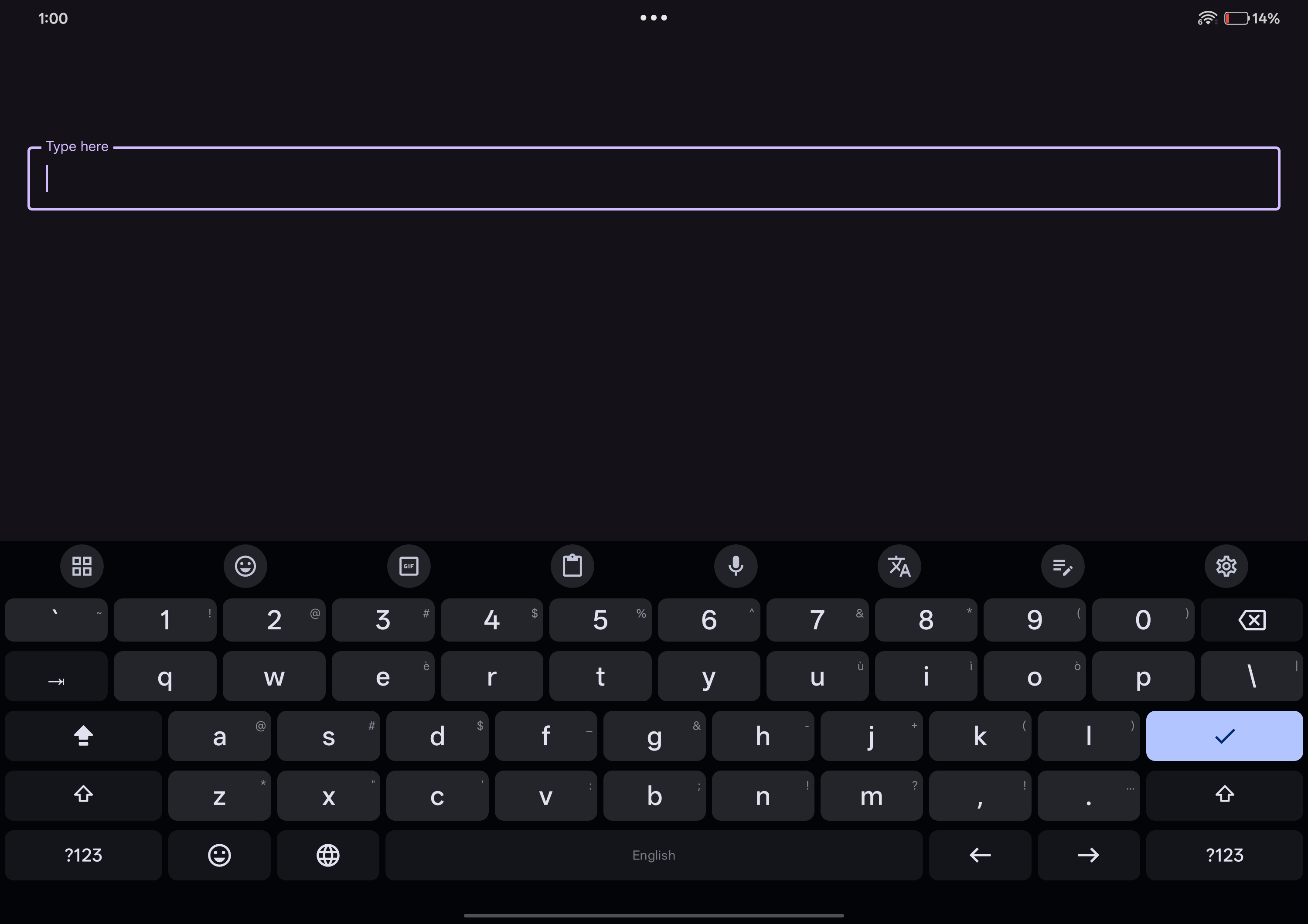
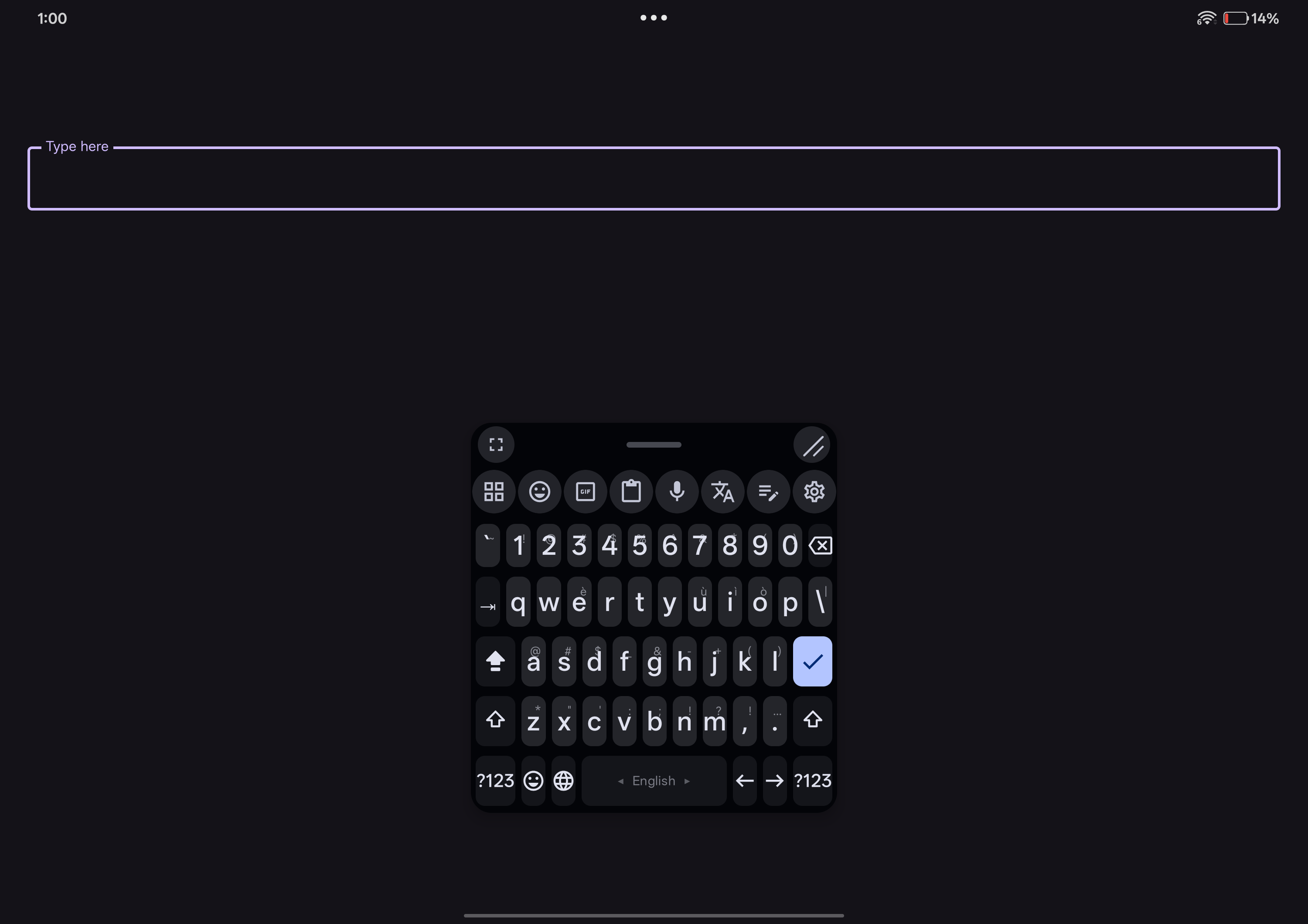
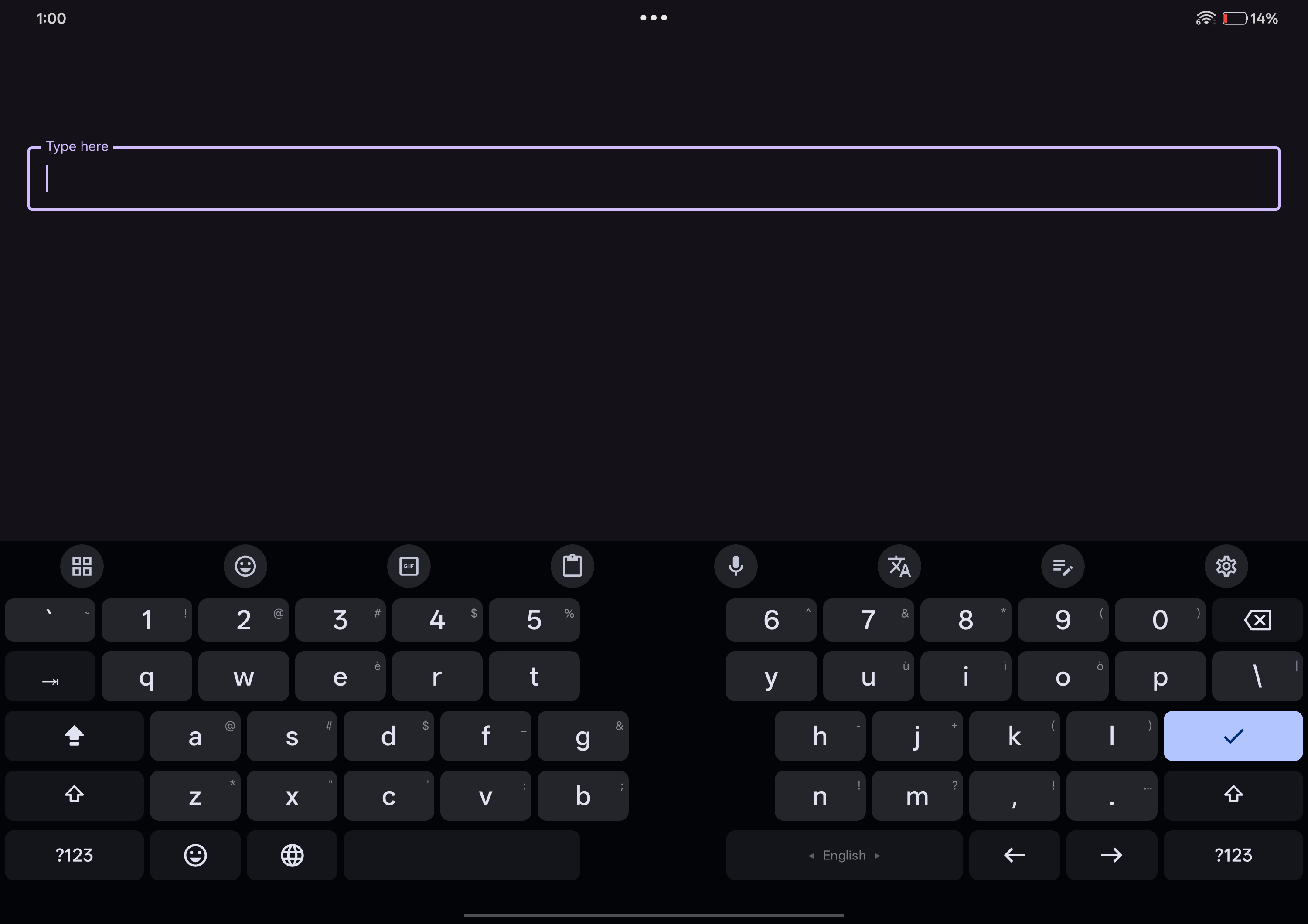
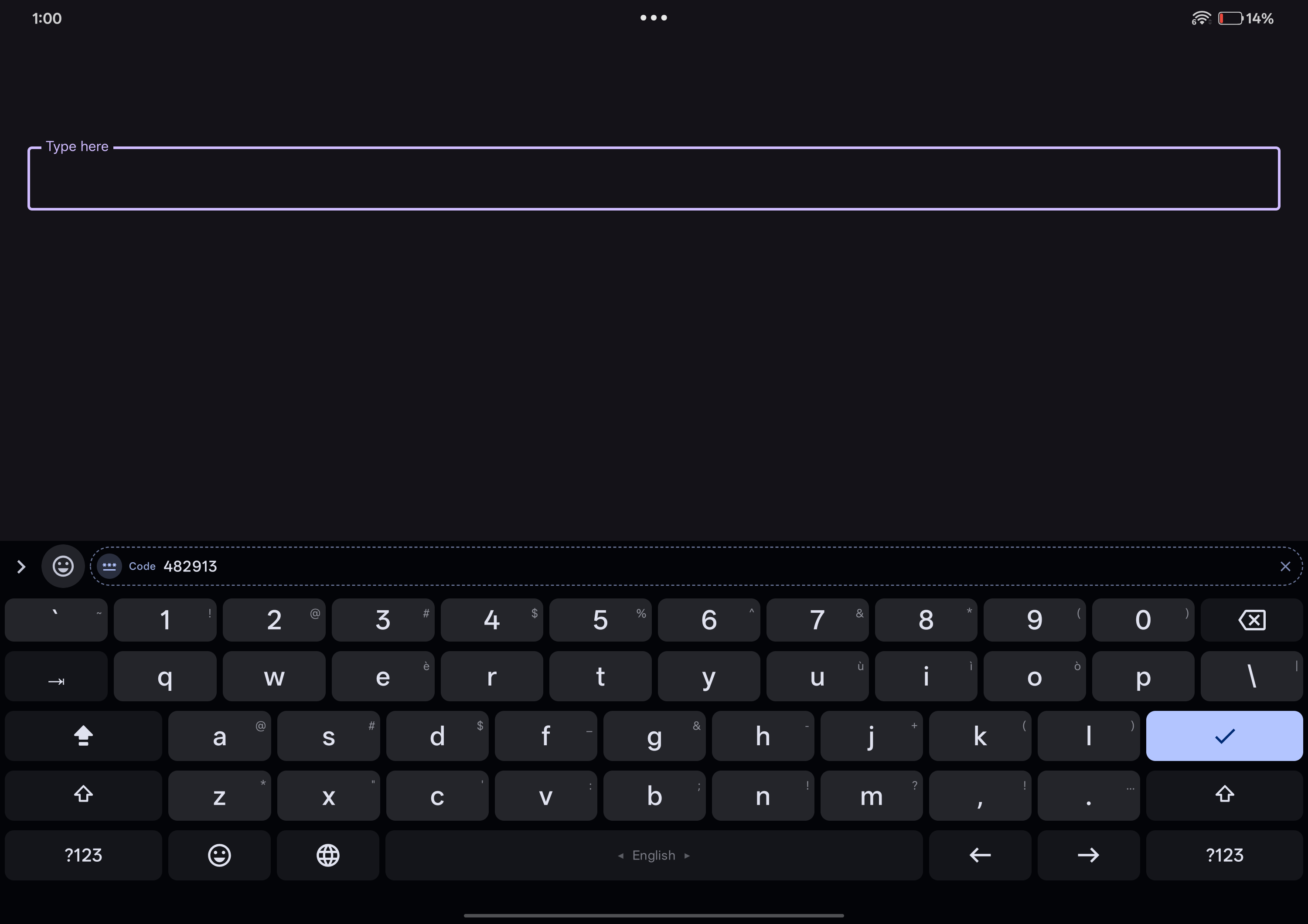
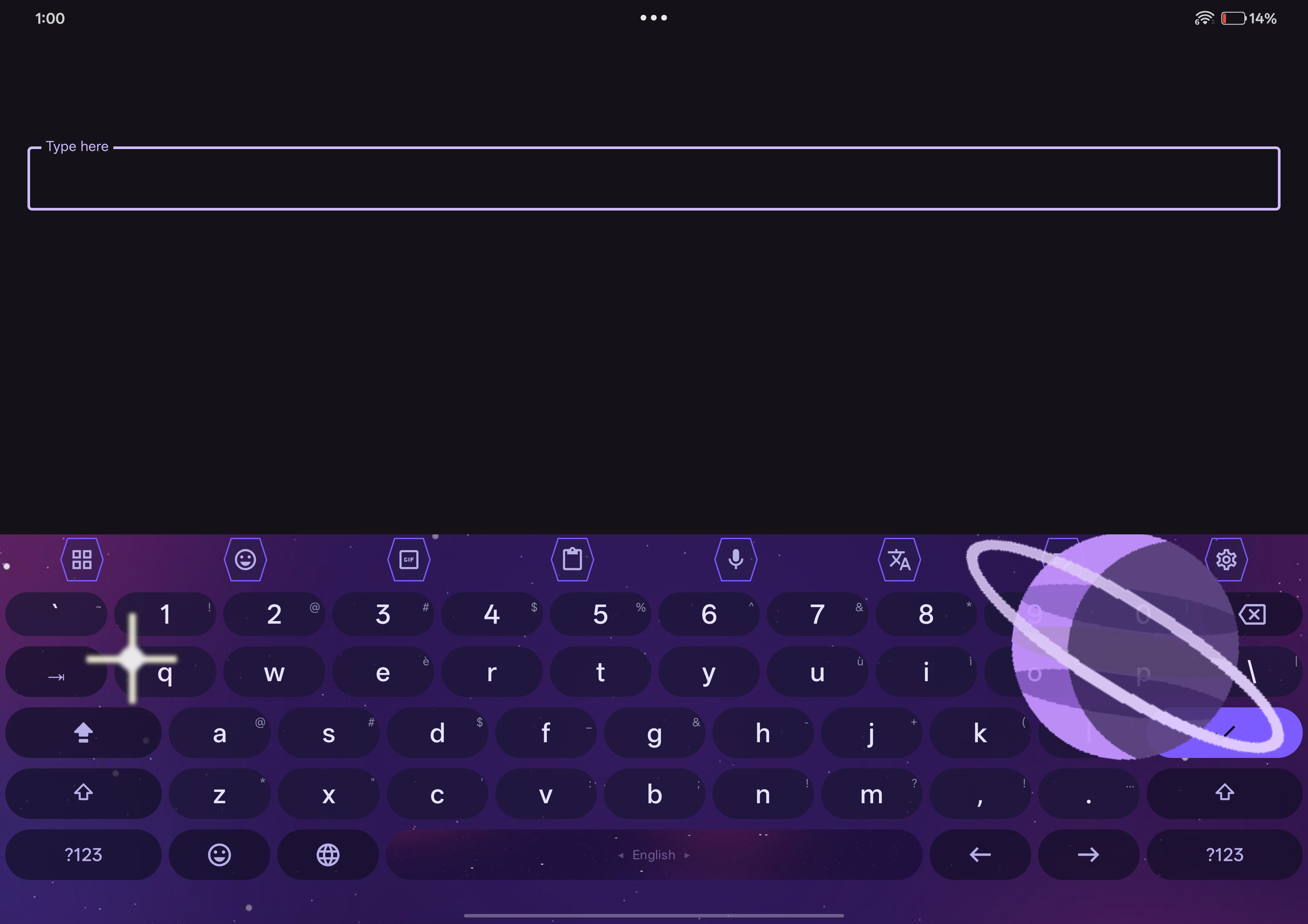
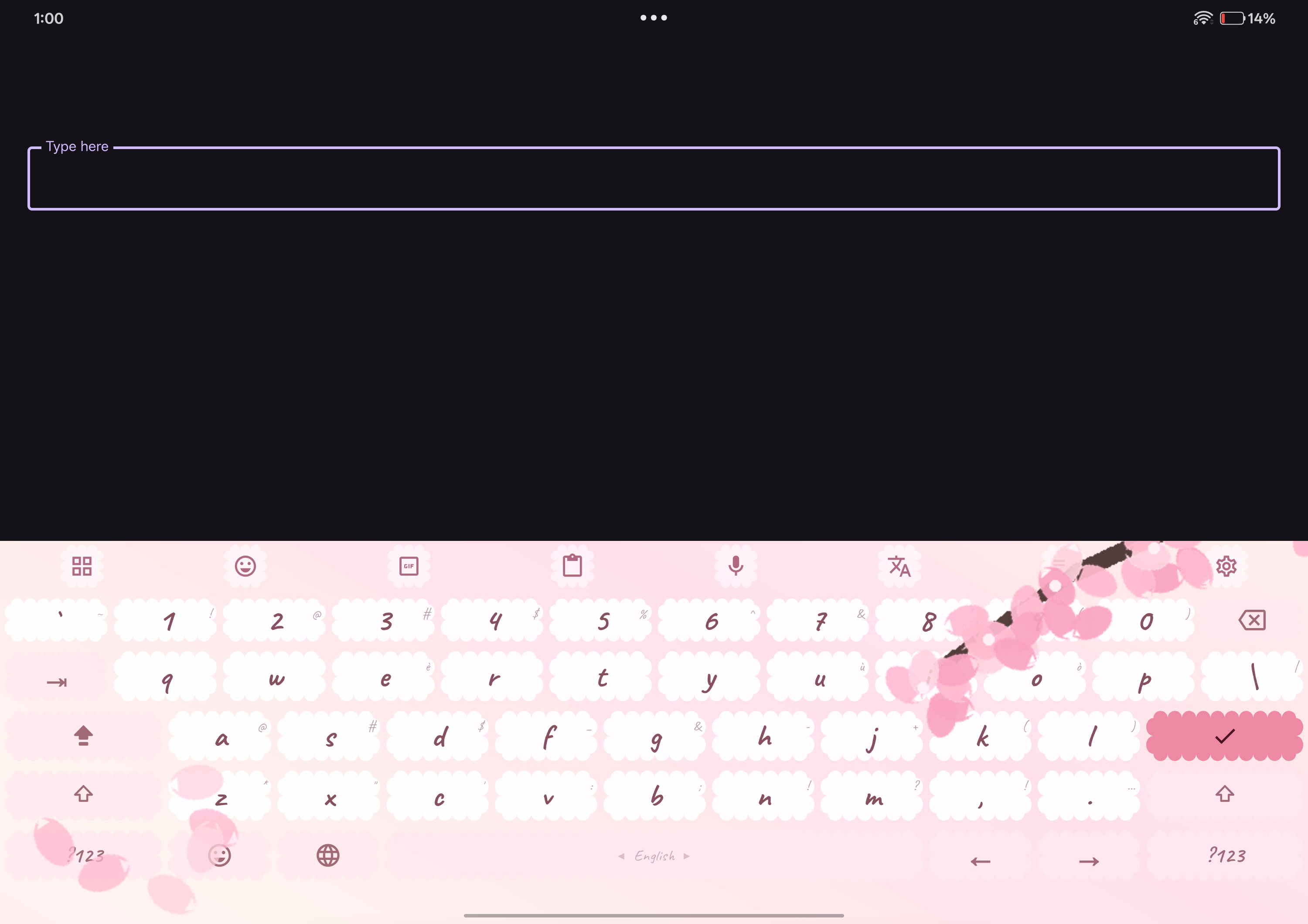
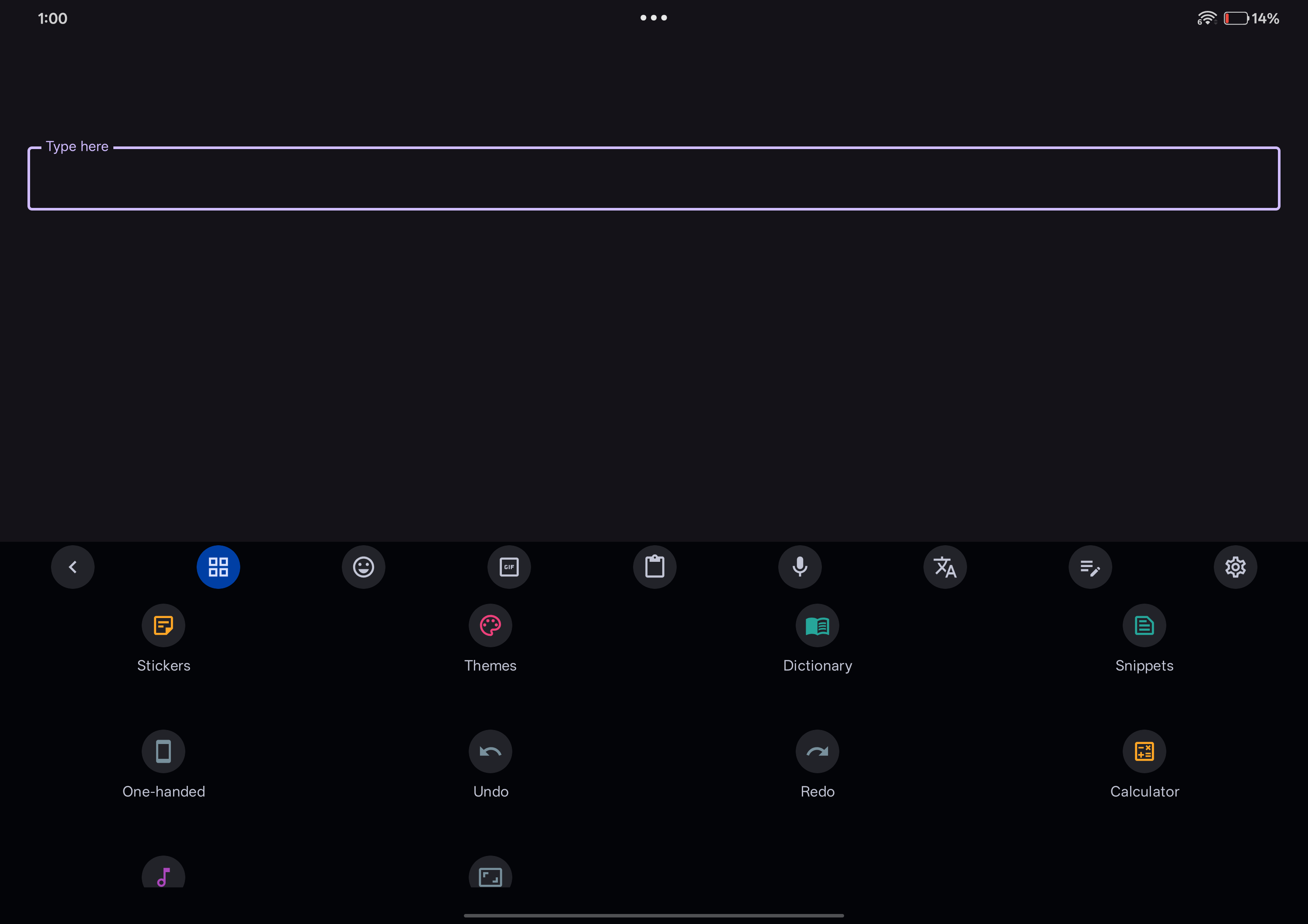
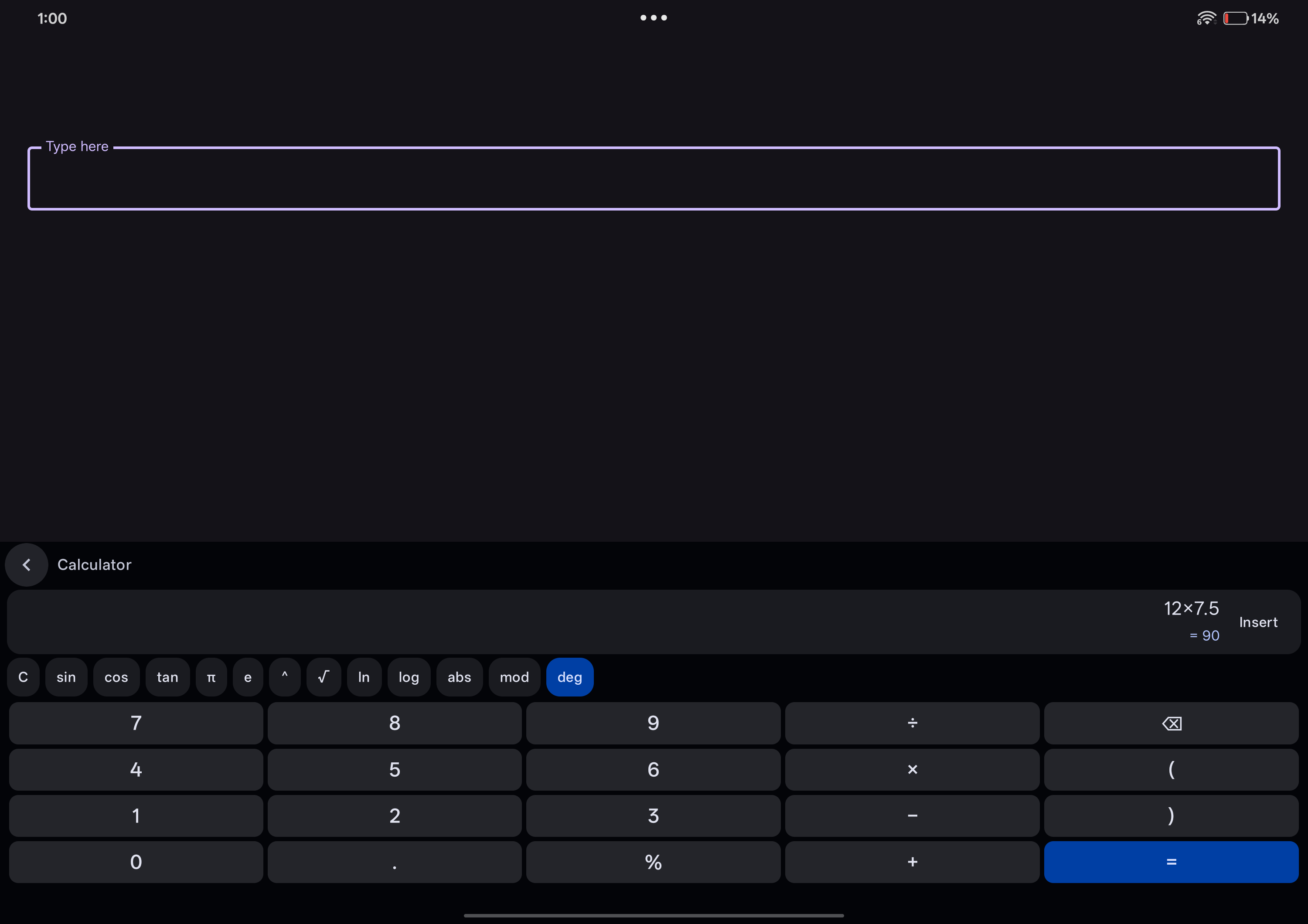
Section titled “Screenshots”The phone set is 1080×2400, the tablet set 3000×2120.
Tablet
Section titled “Tablet”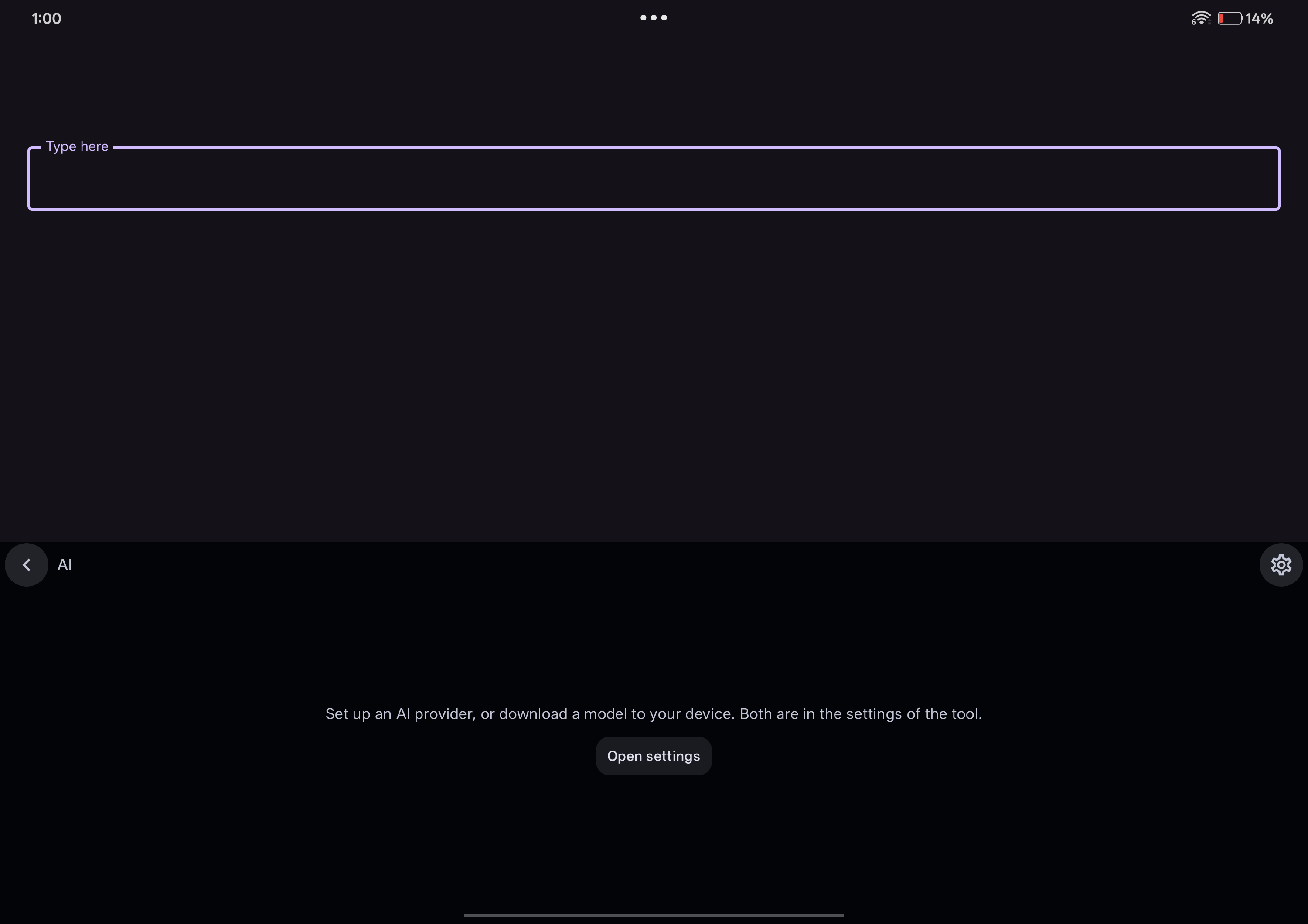
Store graphics
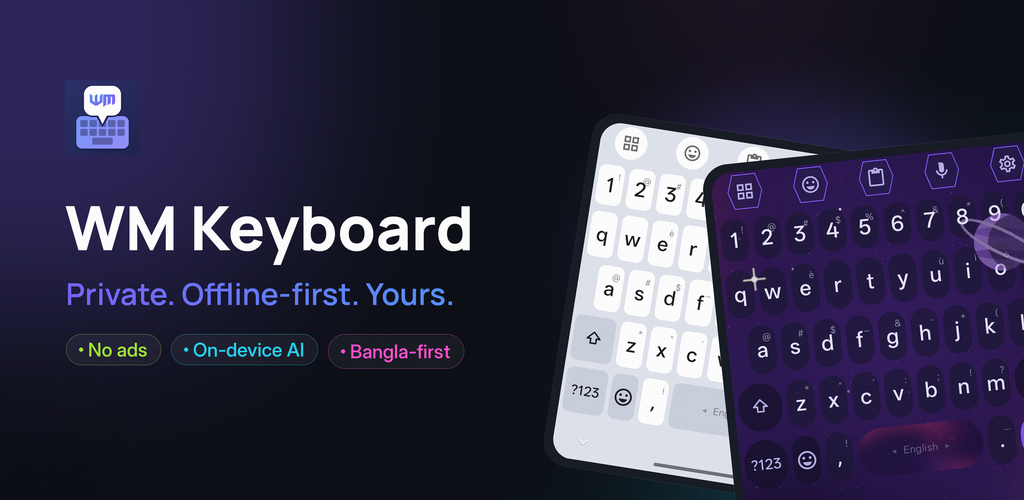
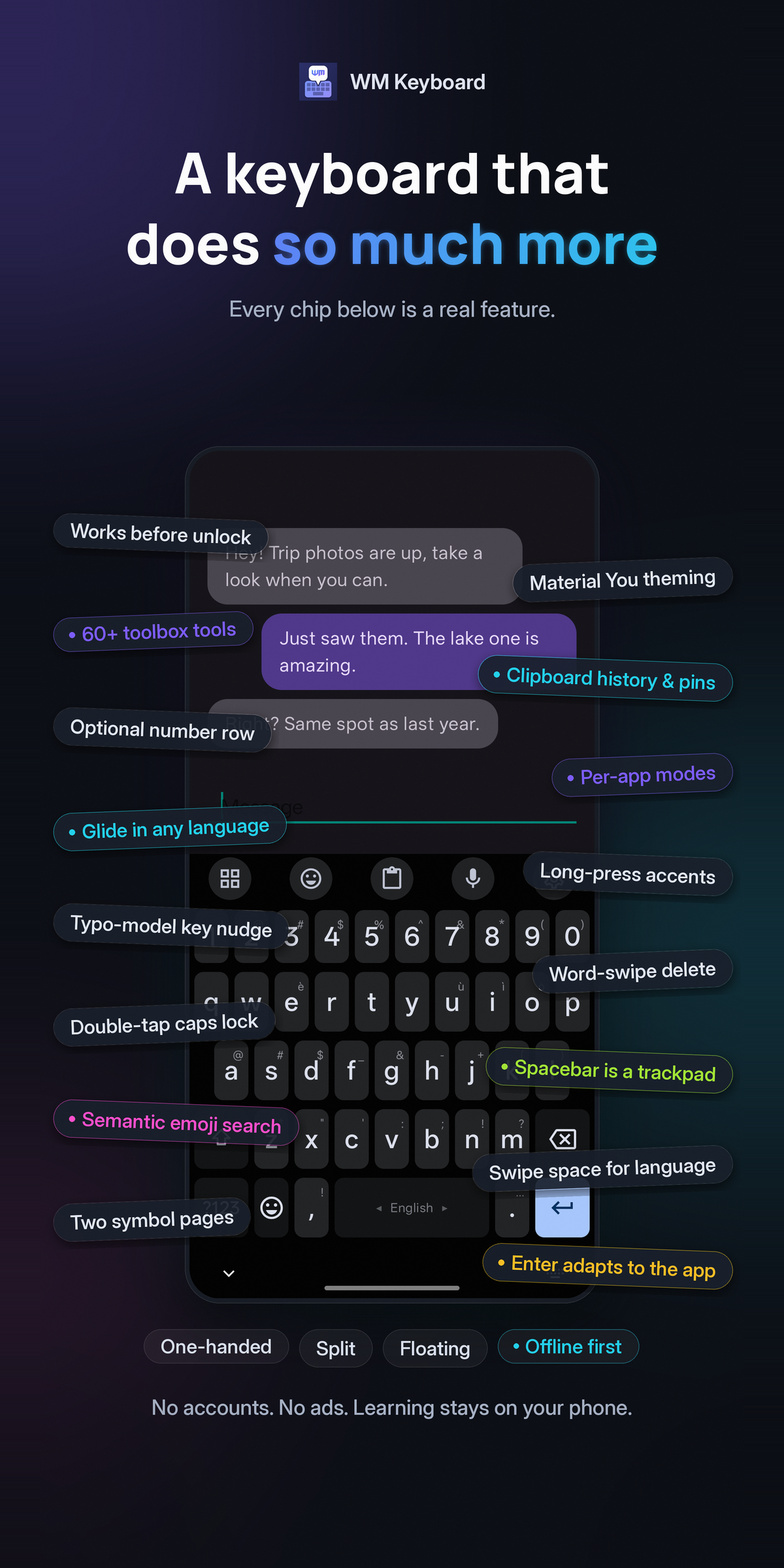
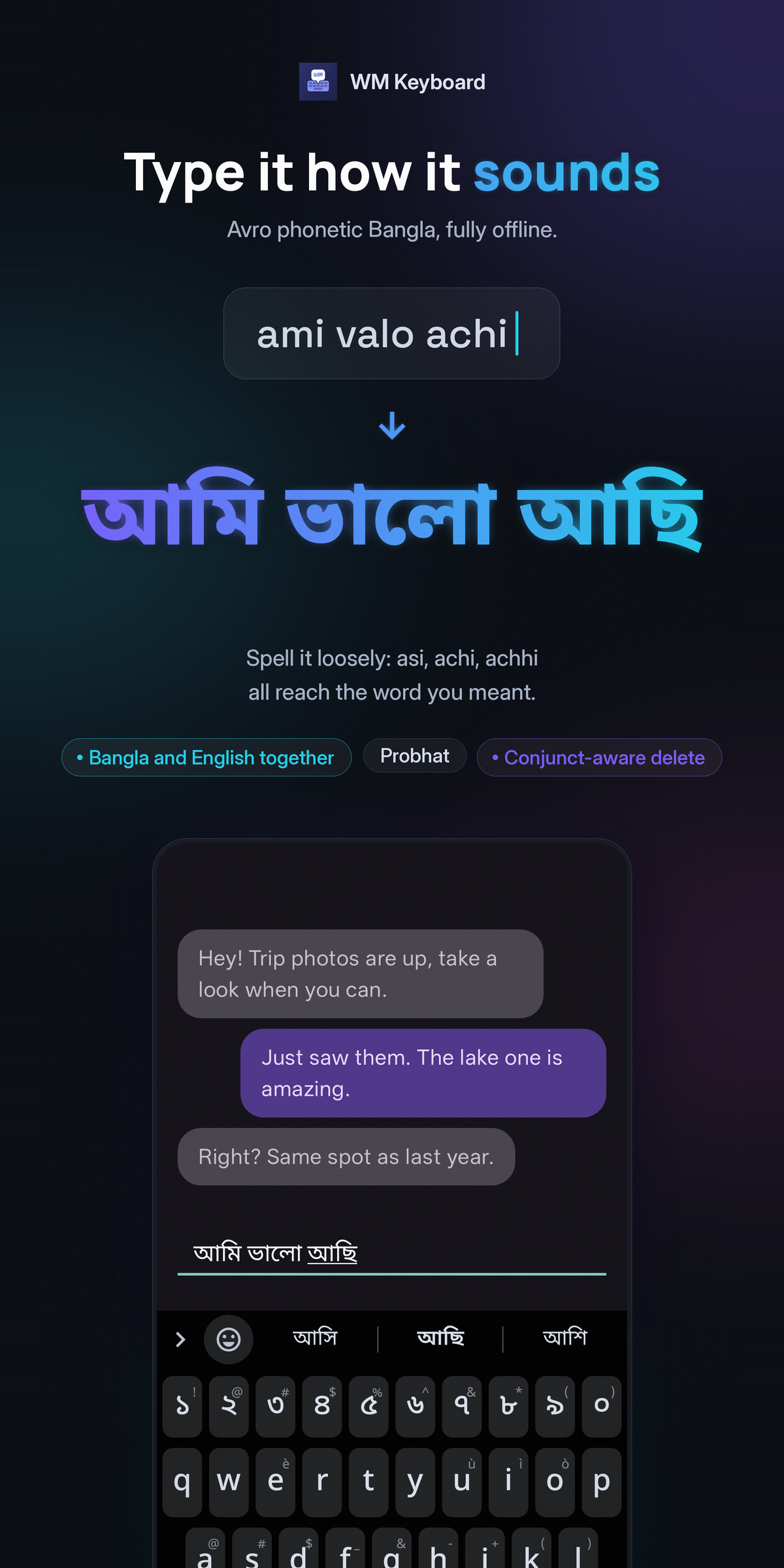
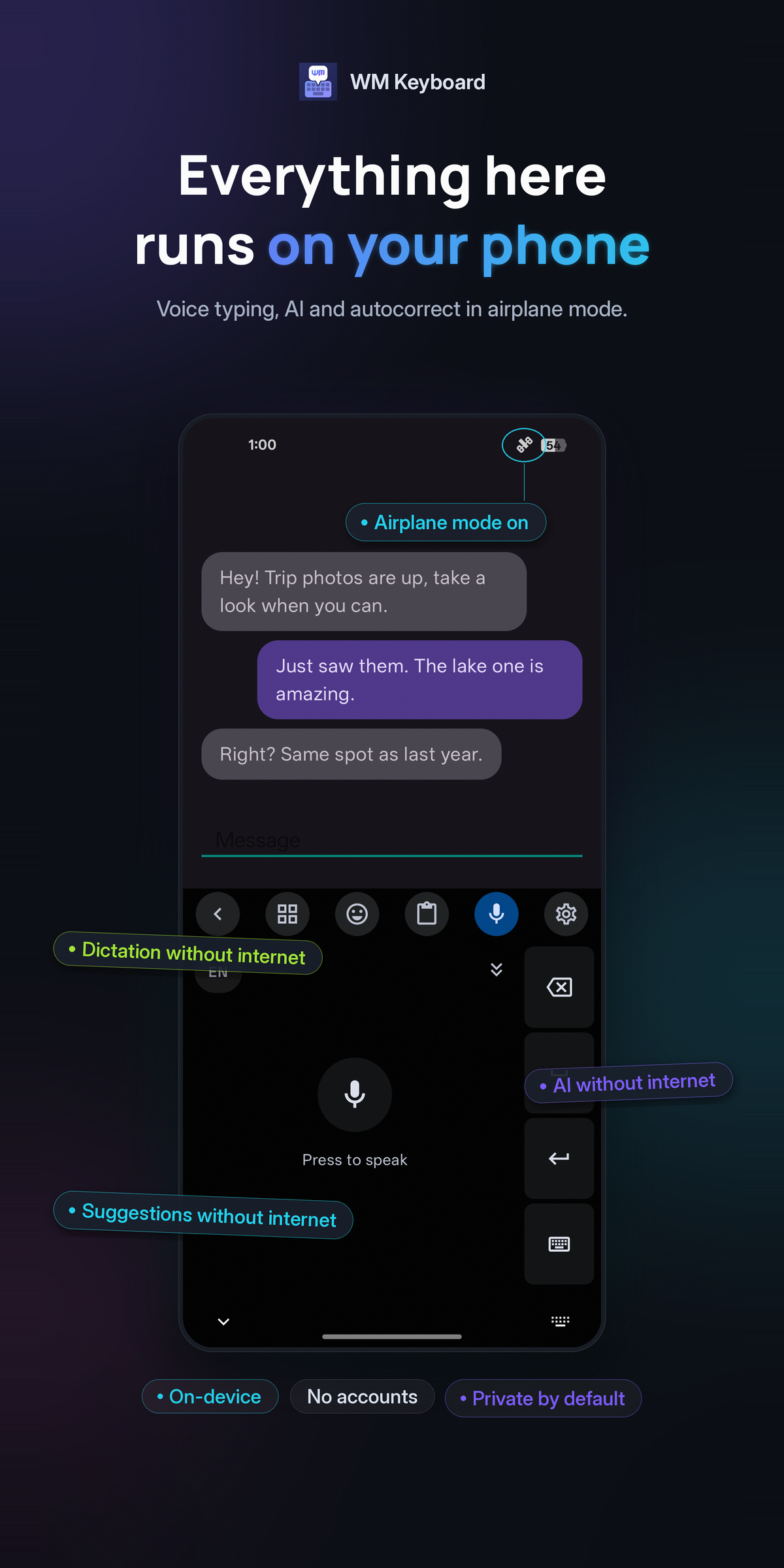
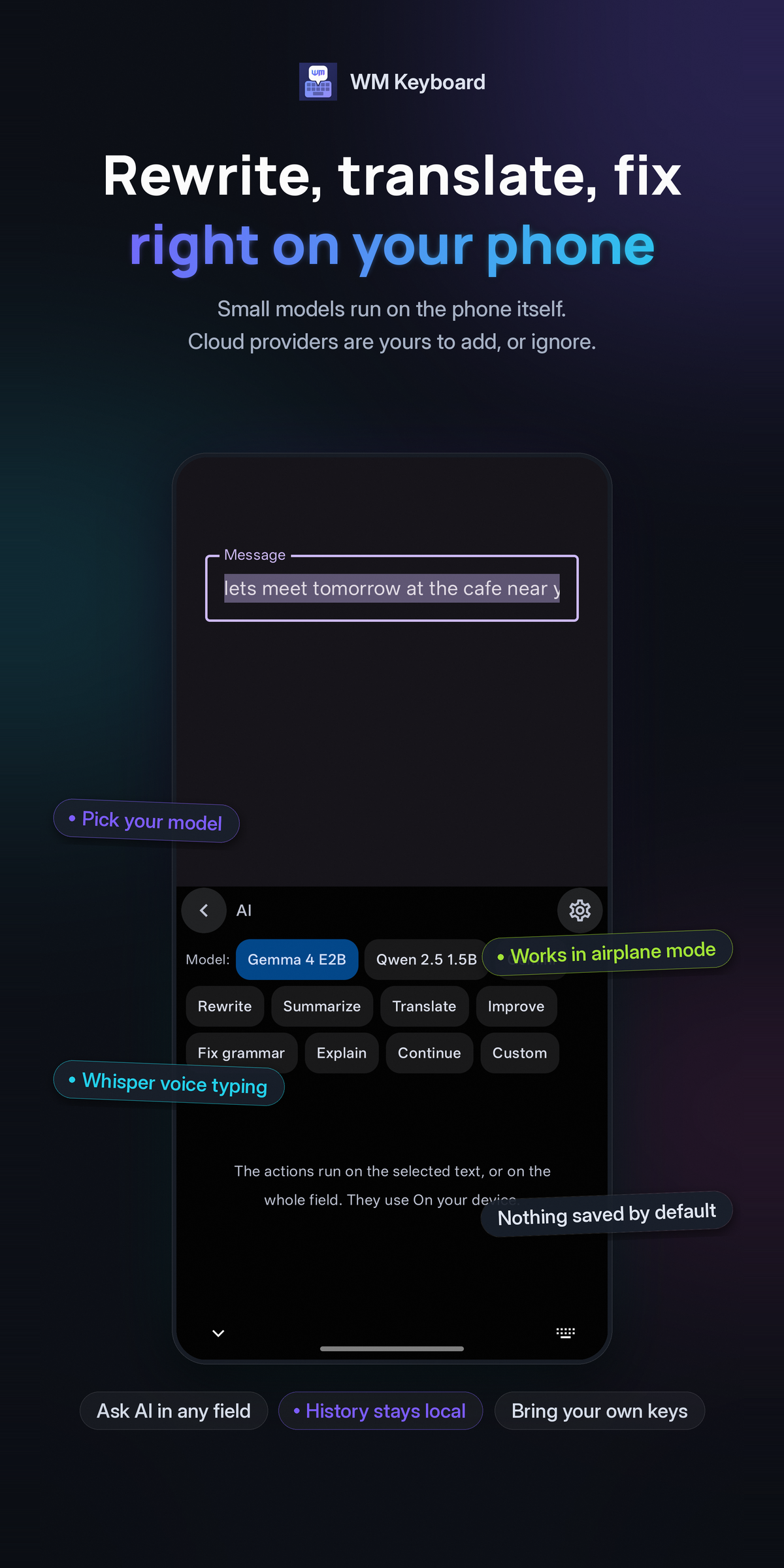
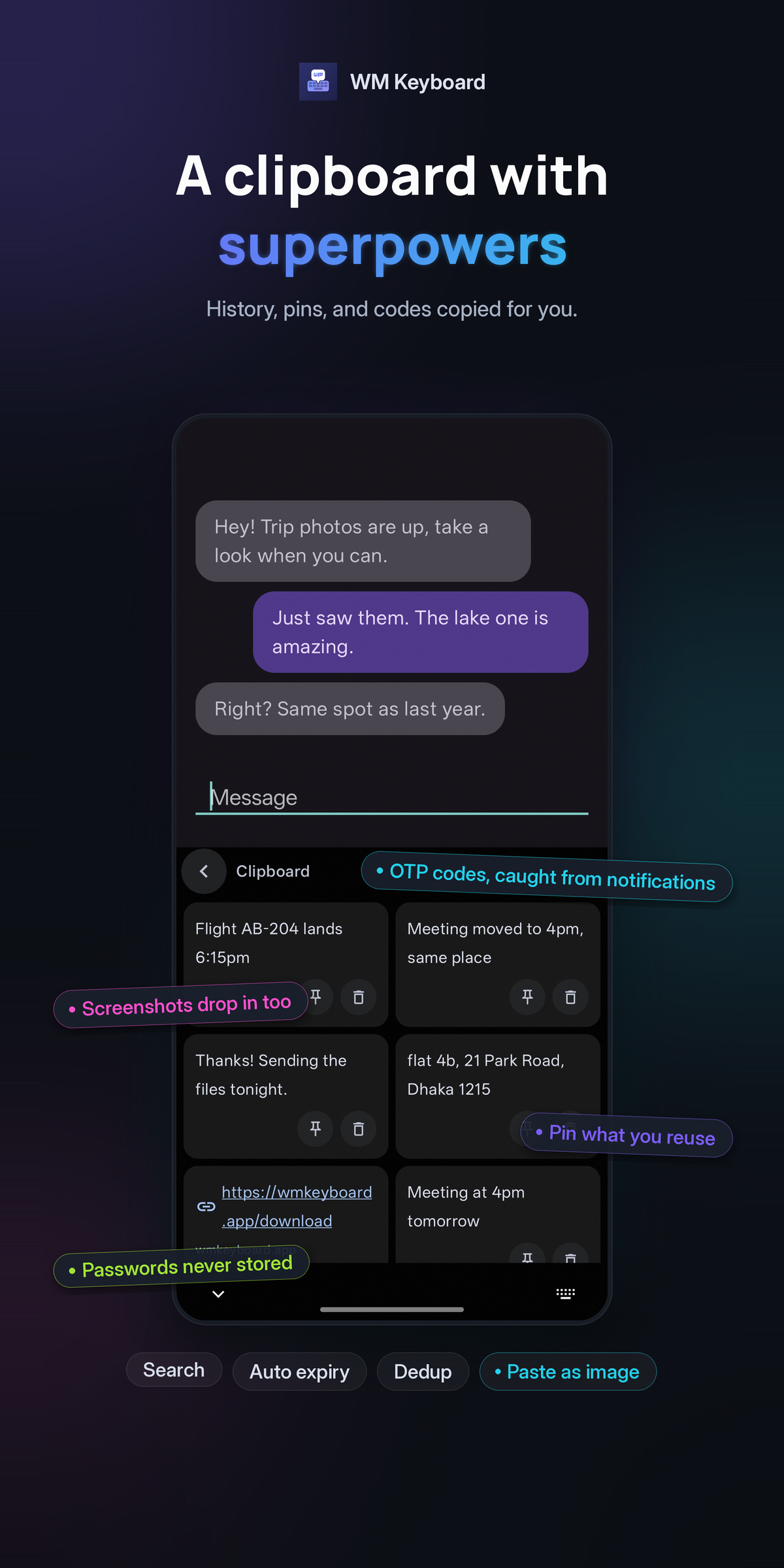
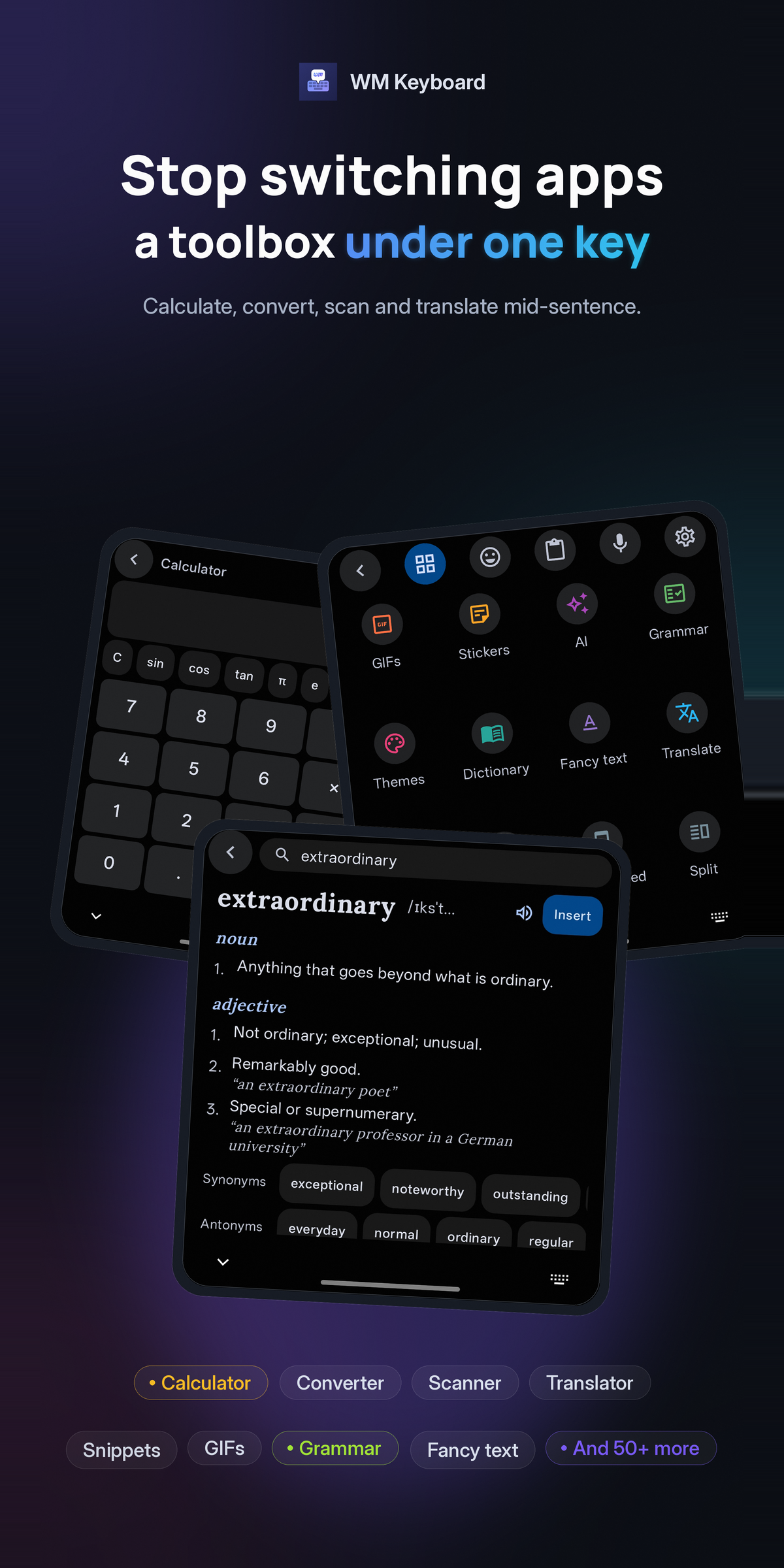
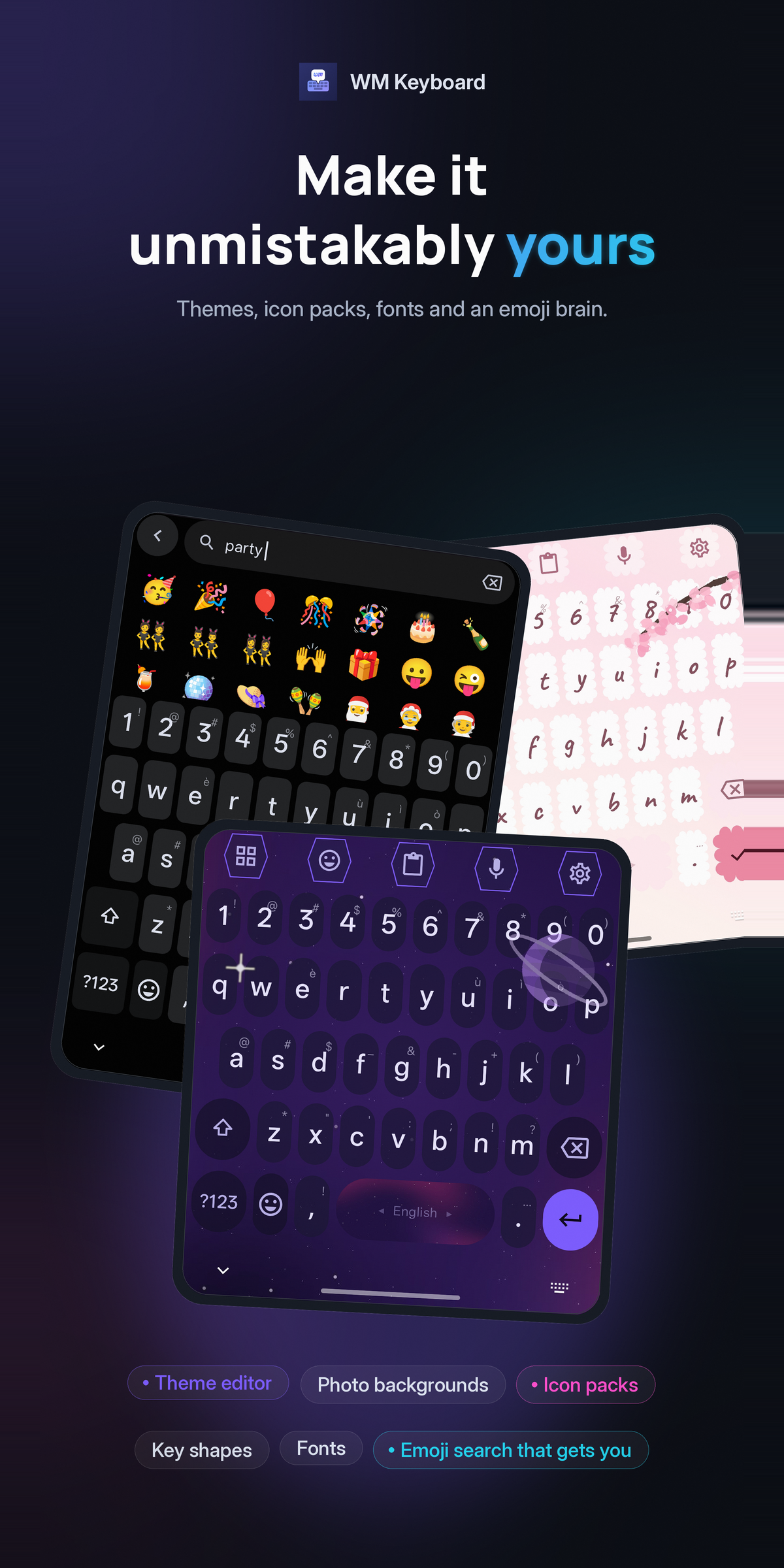
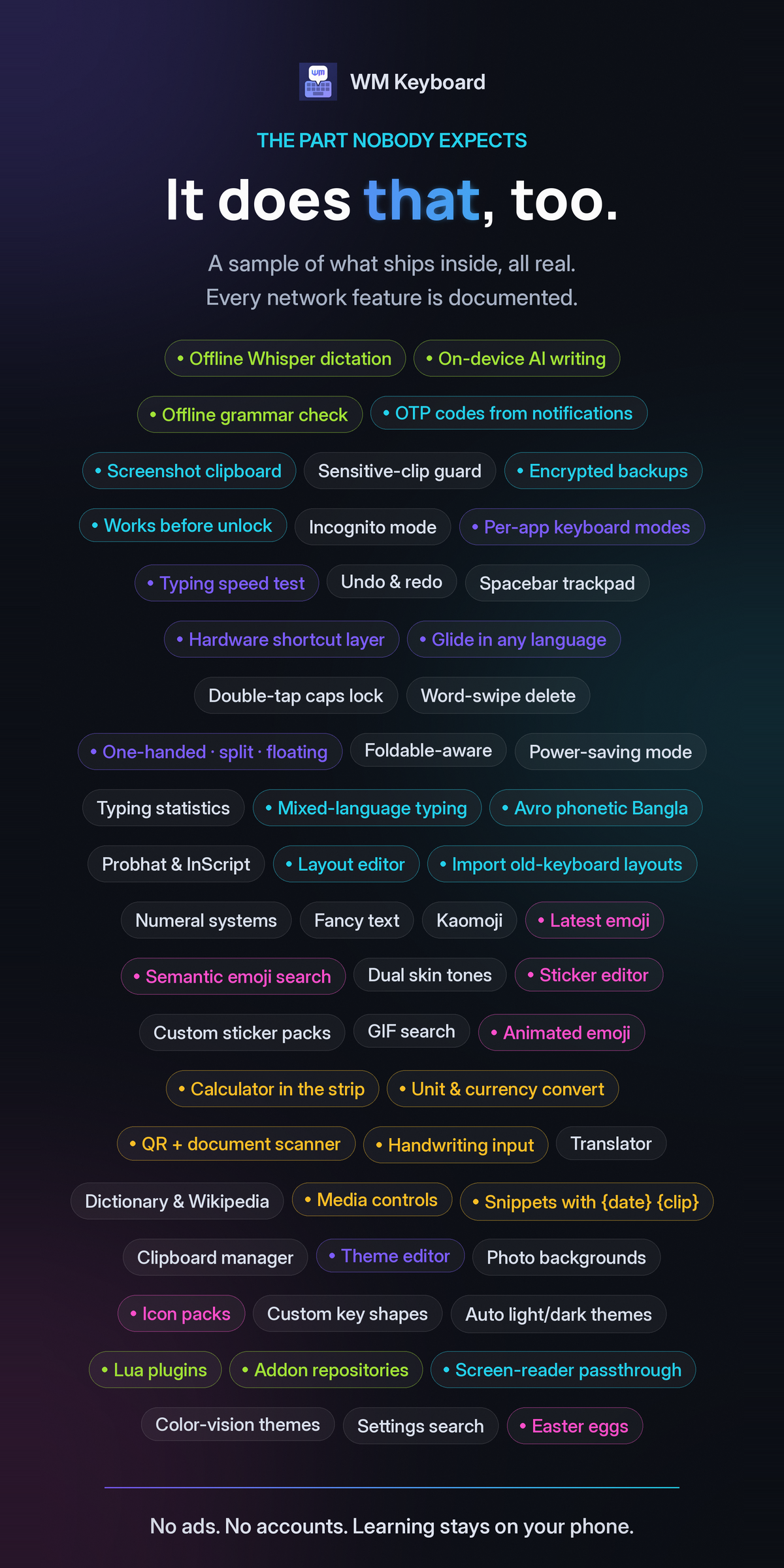
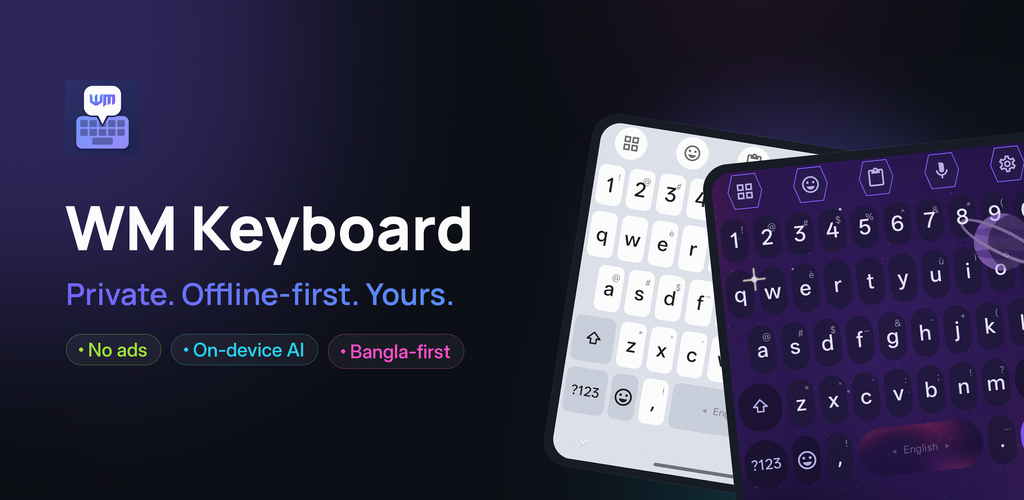
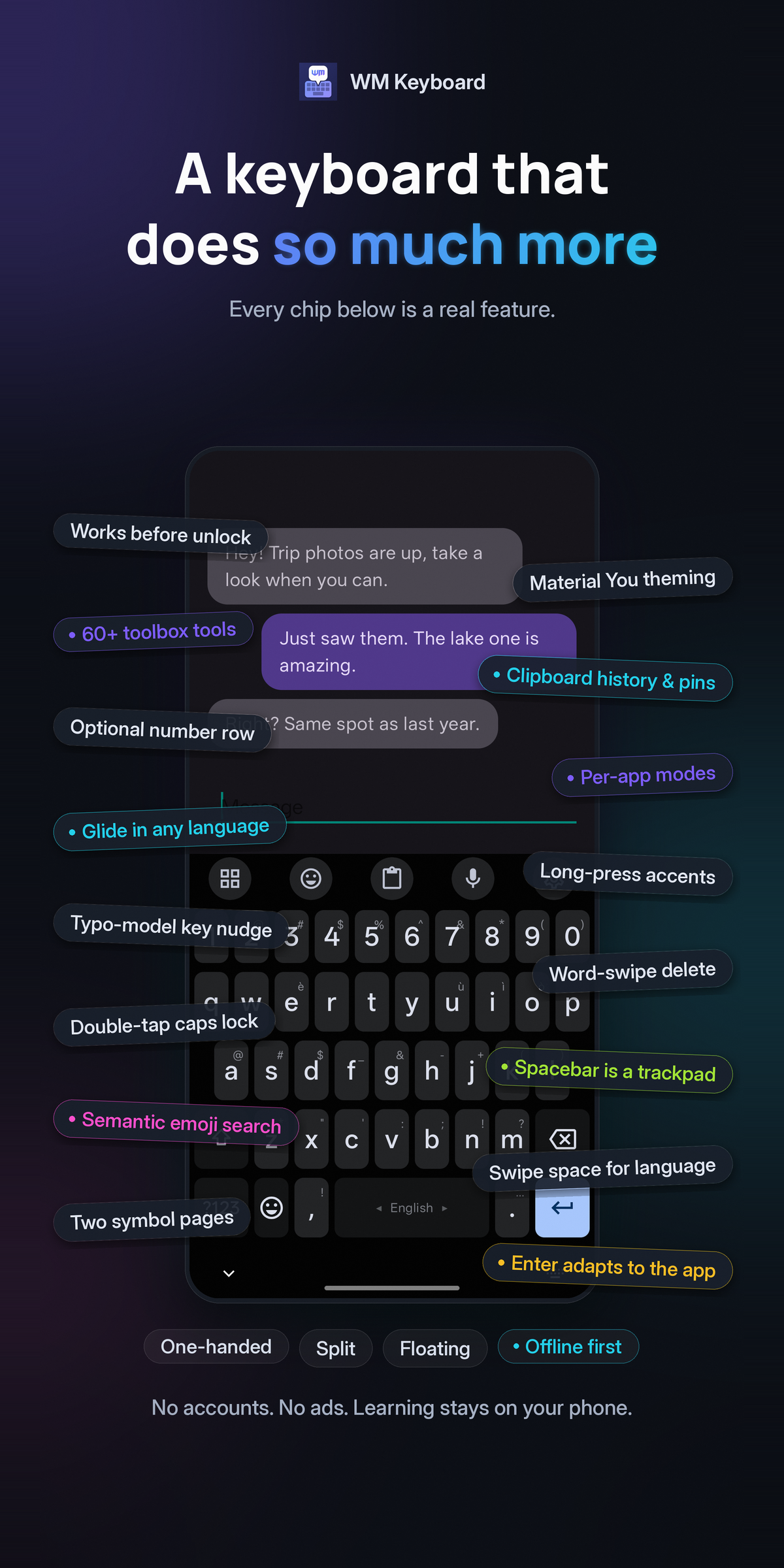
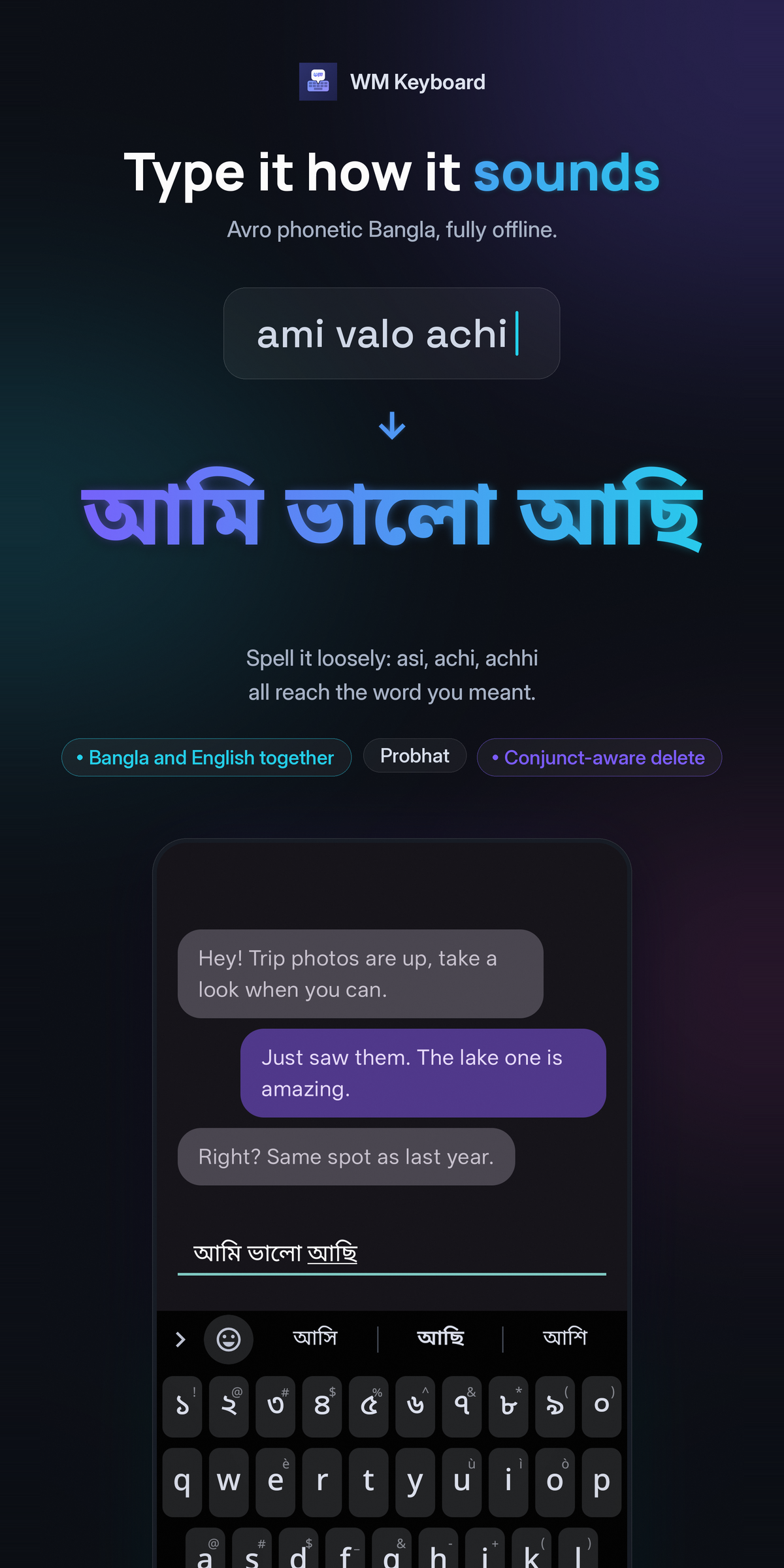
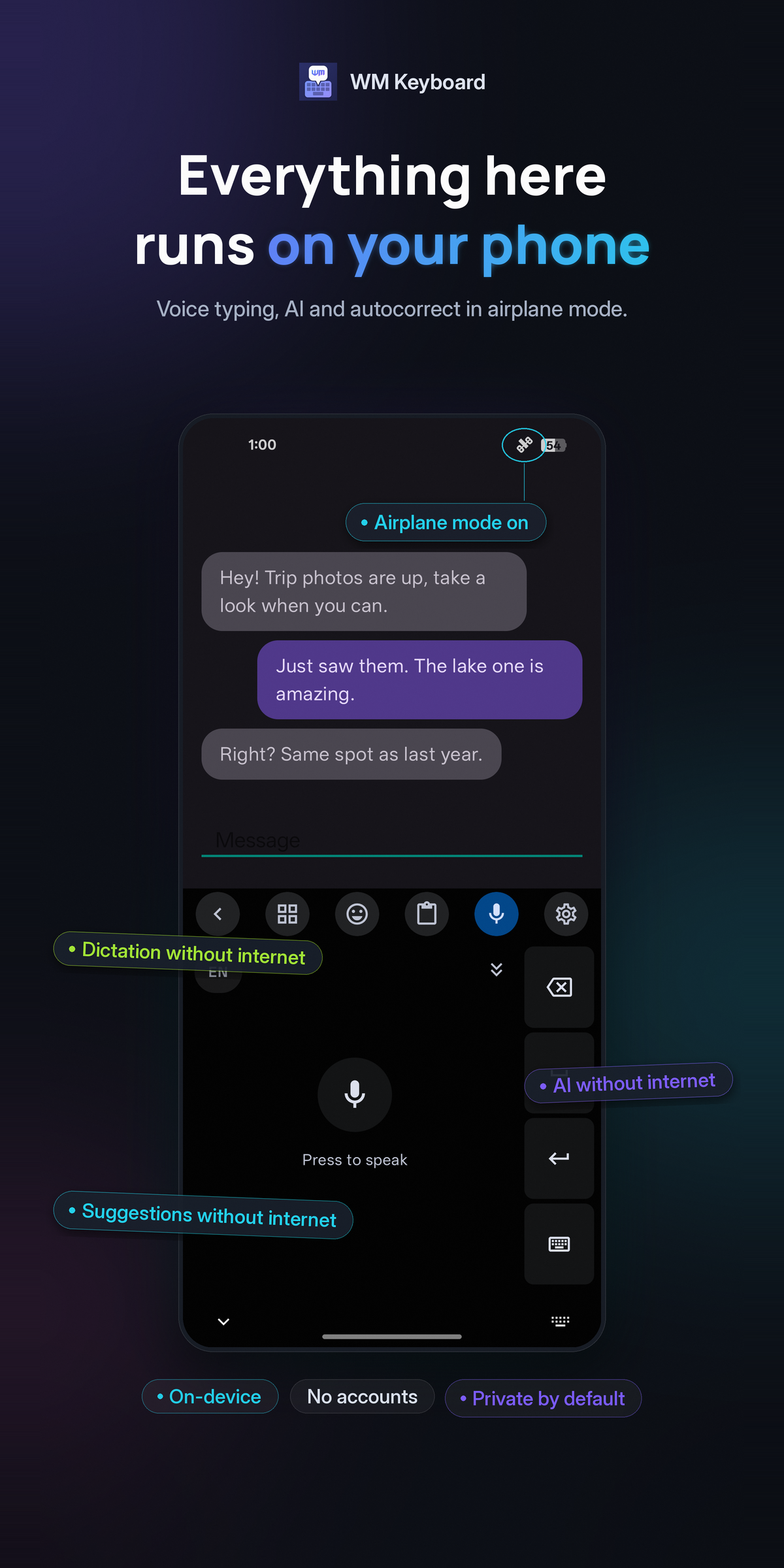
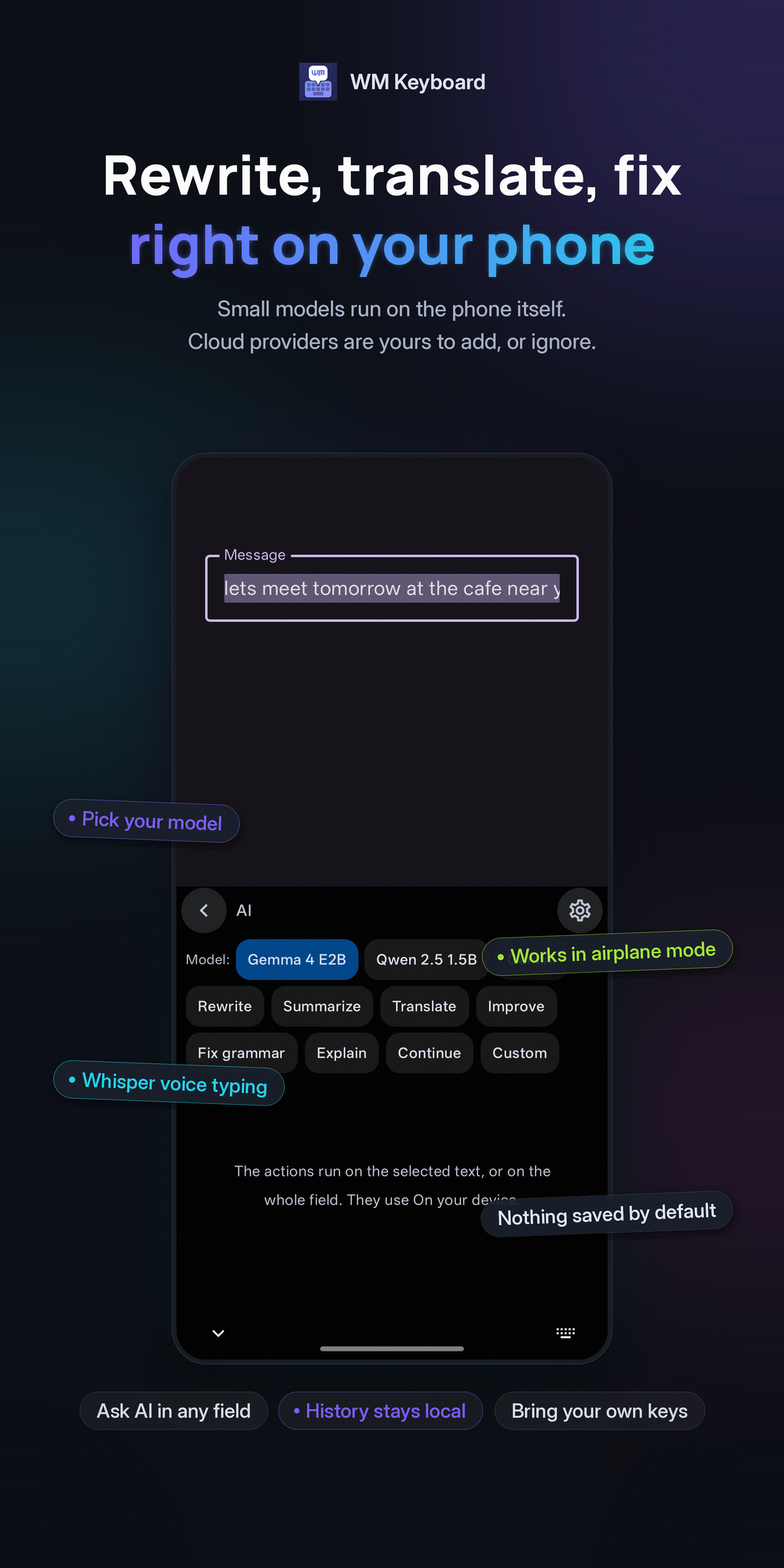
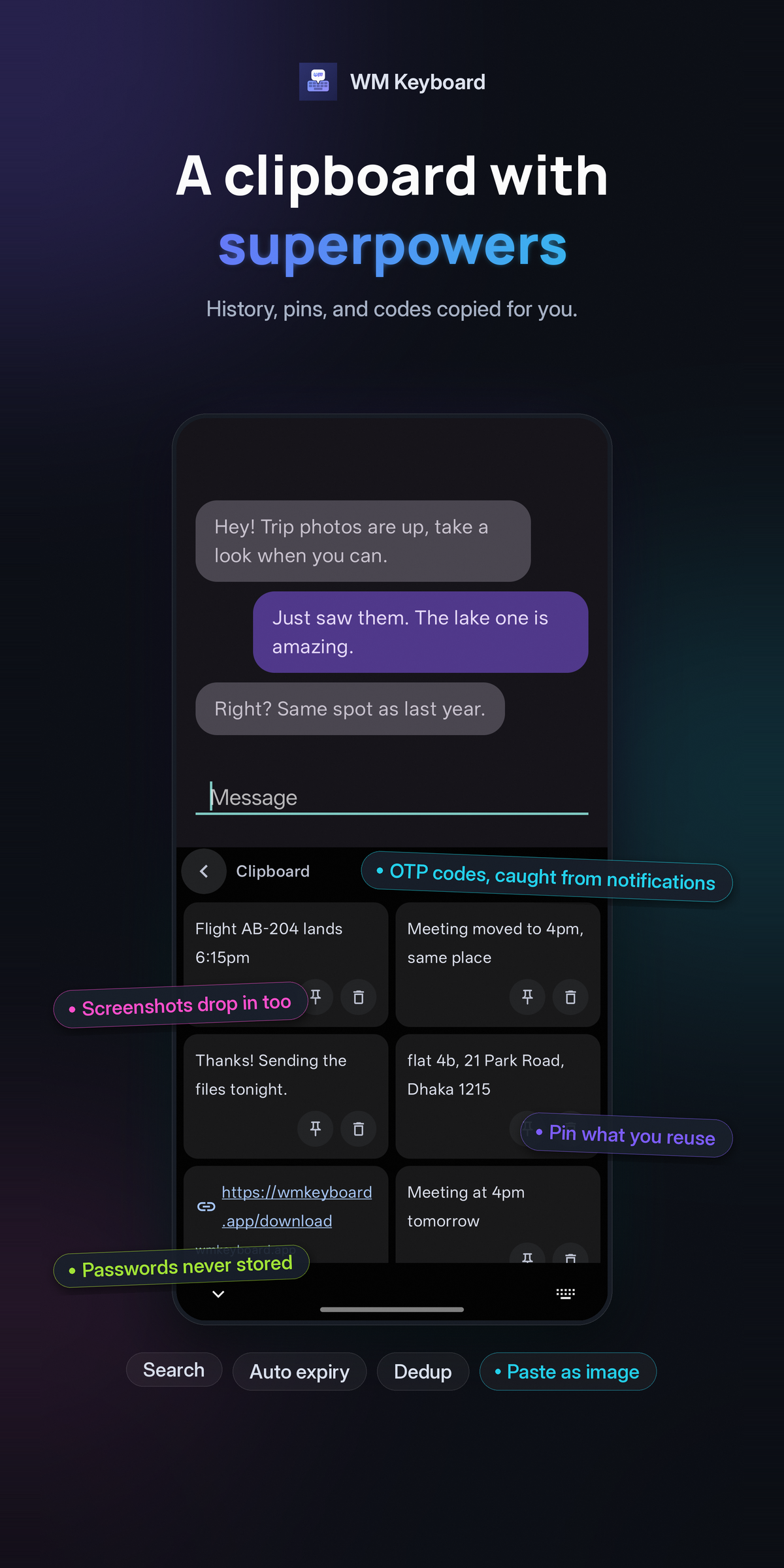
Section titled “Store graphics”The Google Play feature graphic and listing images, with their captions already on them.
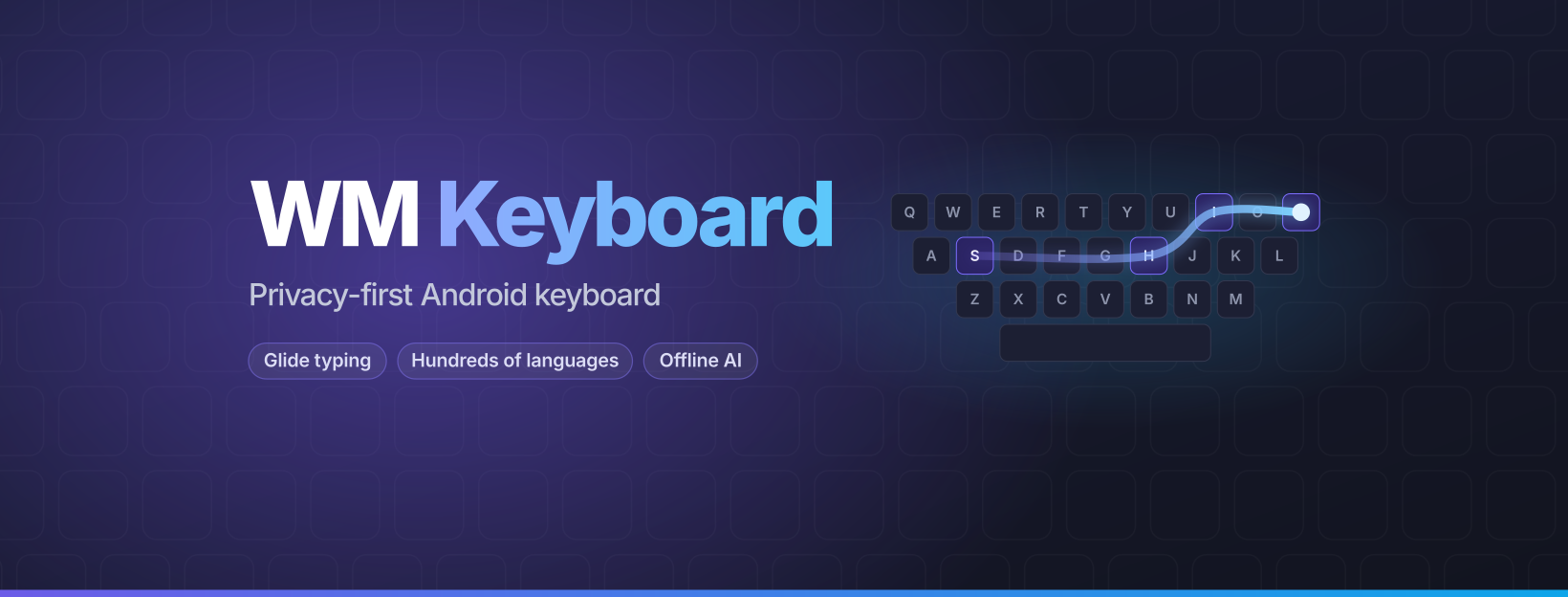
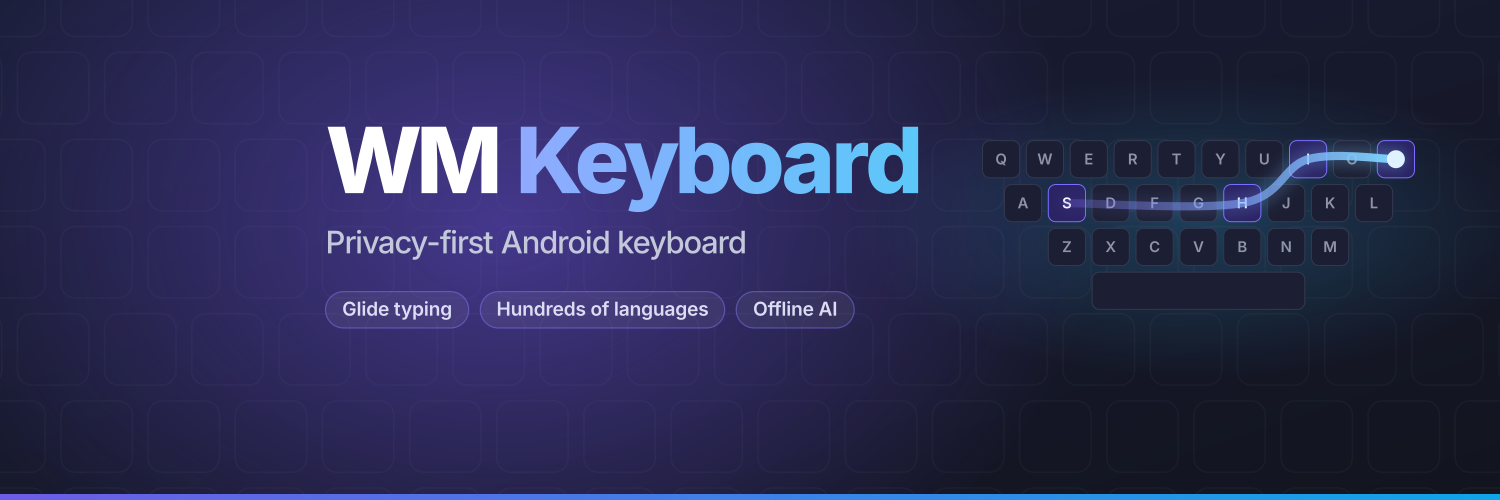
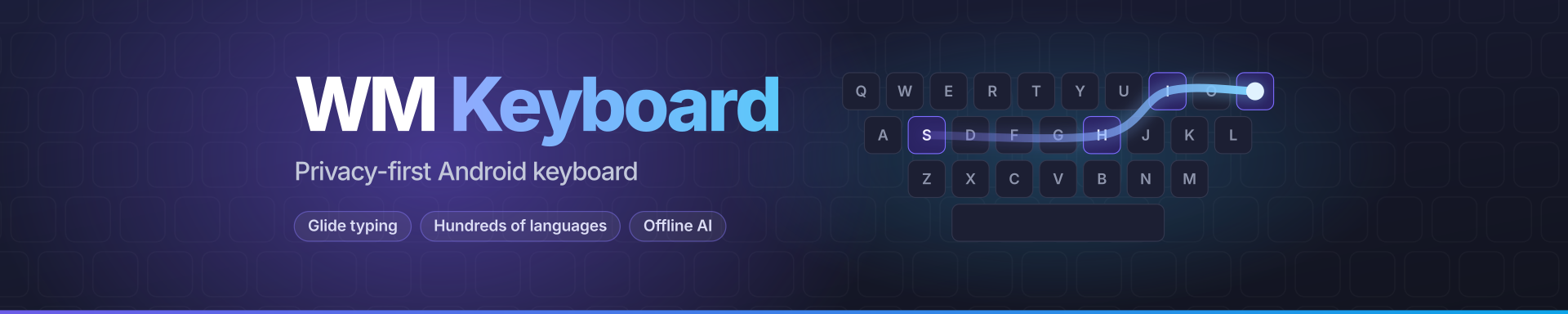
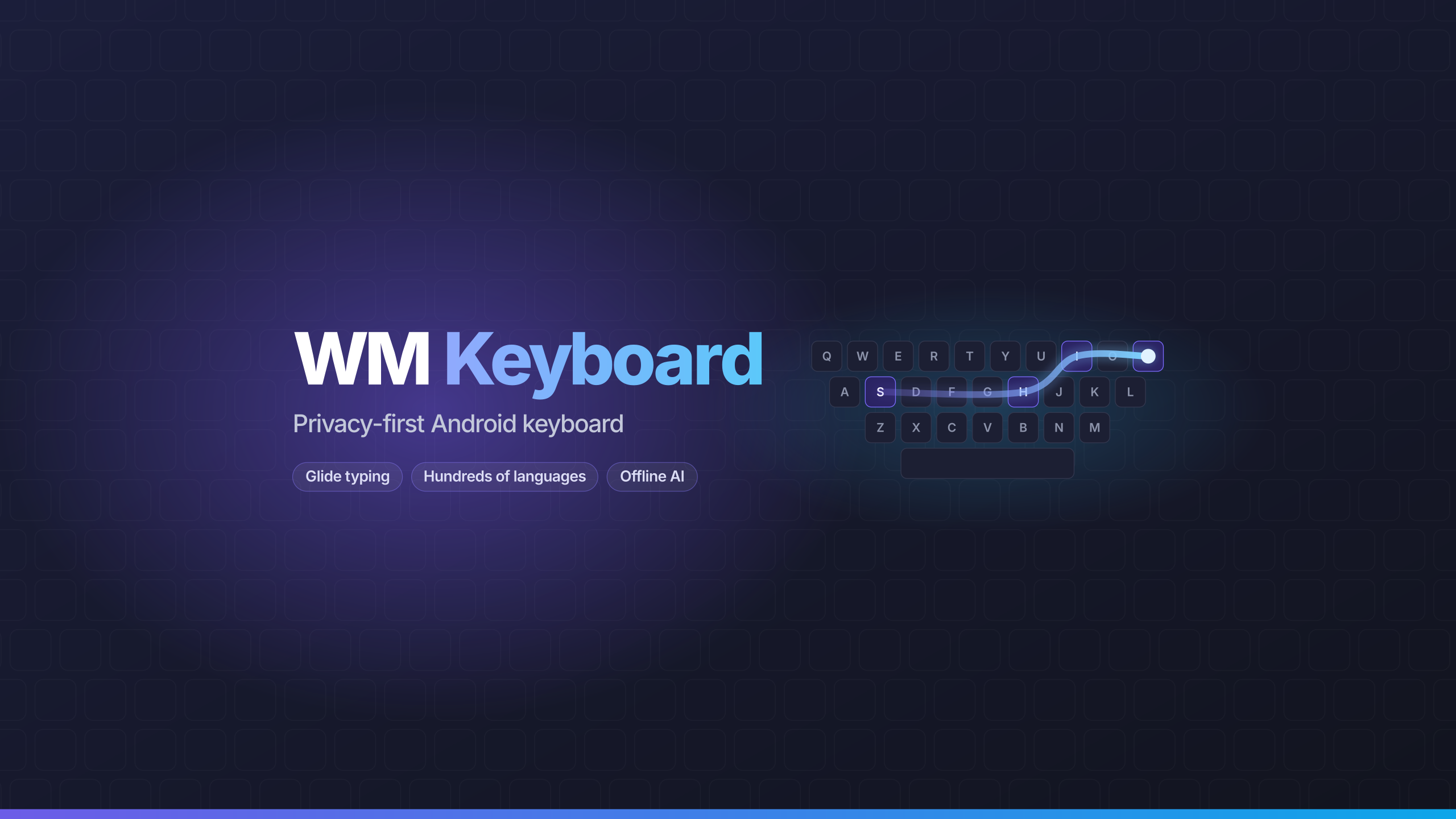
Banners
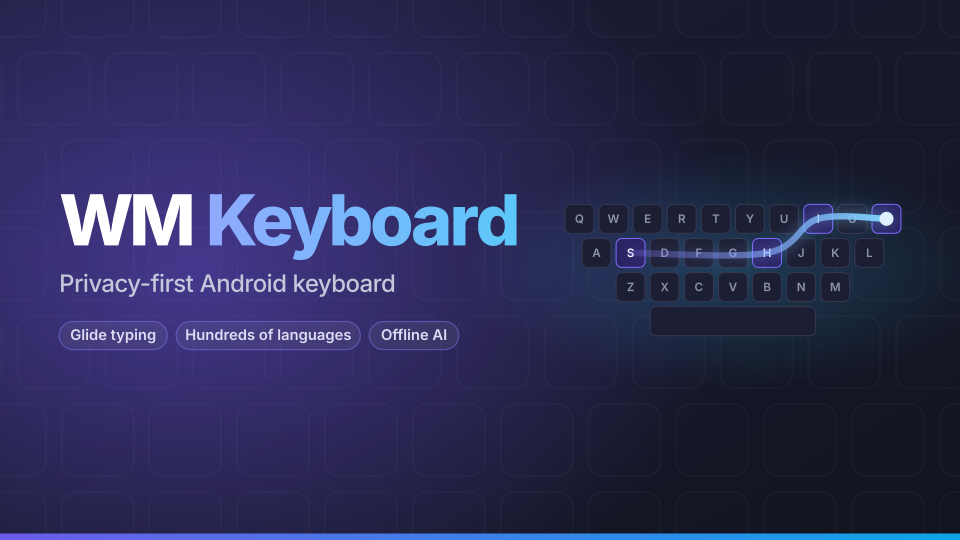
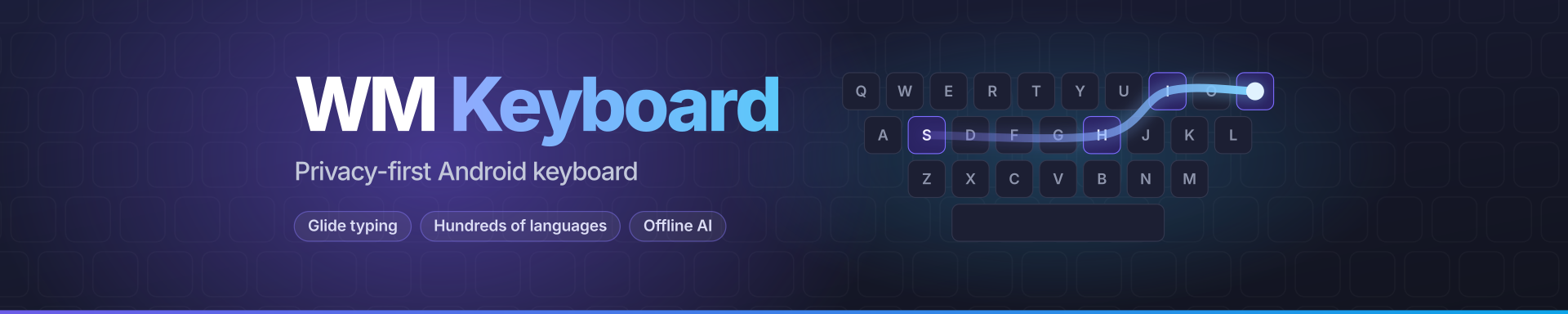
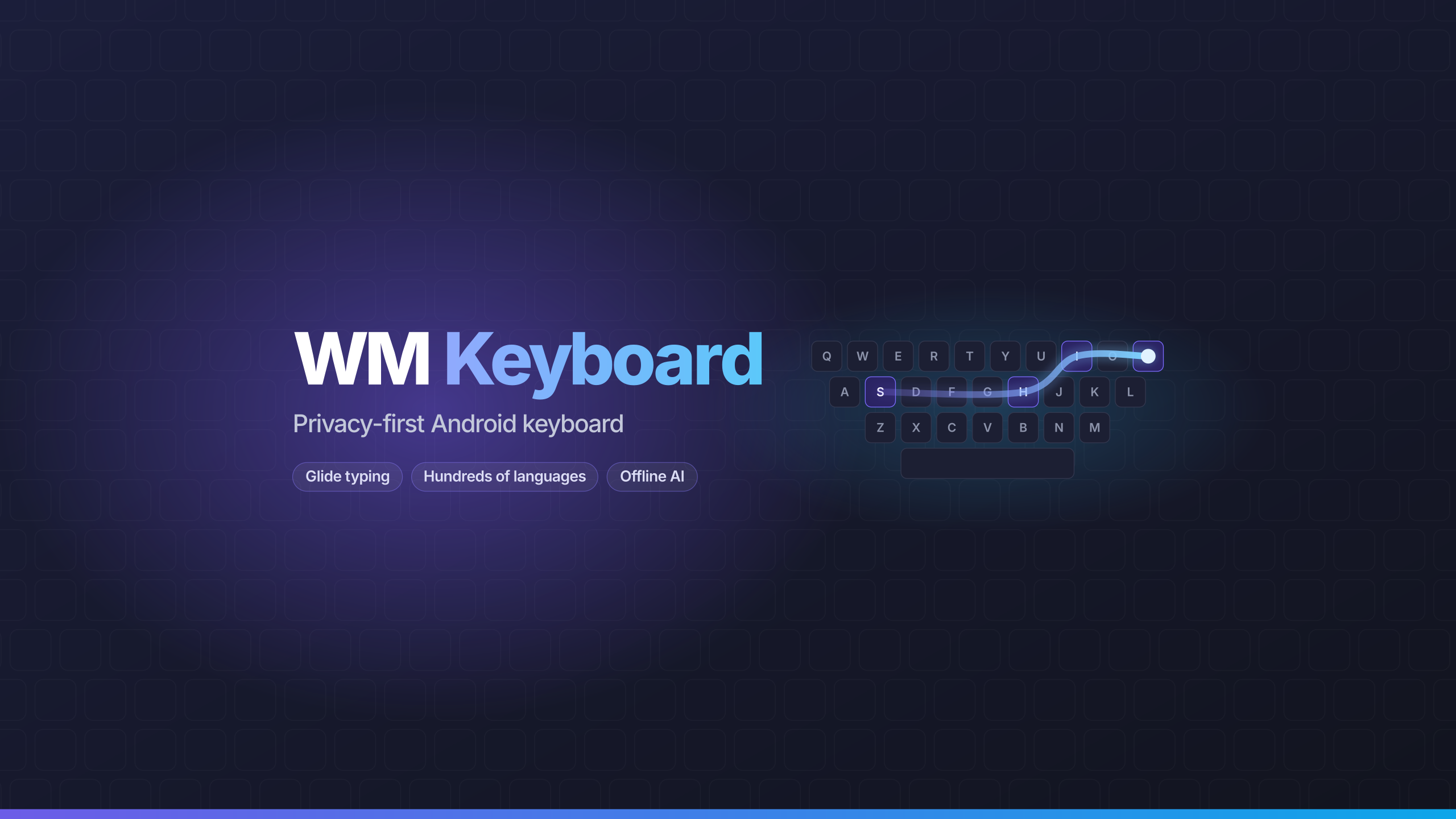
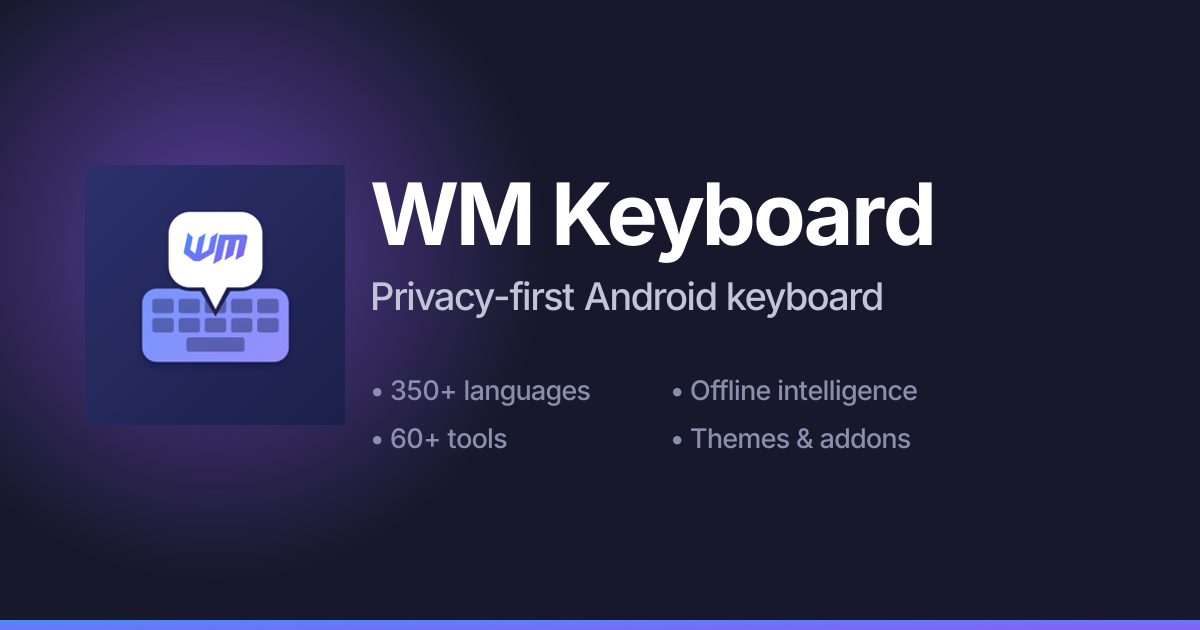
Section titled “Banners”Header images for social profiles and the cards that show up when a link to the site or the repository is shared.








Questions
Section titled “Questions”For anything this page doesn’t answer, an interview, or a build to review ahead of a release, email [email protected]. To try the app yourself, see Installation.