Offline first
Dictionaries, prediction, autocorrect, transliteration and emoji search all run on device. No telemetry, no cloud round-trips. The network is opt-in, one tool at a time.
 WM Keyboard
A privacy-first Android keyboard for 826 languages, with offline prediction, a full tool belt, themes, addons and Lua plugins.
Every card is a real theme, rendered live. Meet the editor
The short version
Offline first
Dictionaries, prediction, autocorrect, transliteration and emoji search all run on device. No telemetry, no cloud round-trips. The network is opt-in, one tool at a time.
826 languages
You start in the languages your phone is already set to. Avro-style Bangla phonetic typing, CJK input and downloadable dictionaries for 330+ languages are all here, plus musical notation, braille chording and Morse.
A real tool belt
Clipboard manager, translator, OCR & QR scanner, voice typing (online and offline Whisper), handwriting, GIFs & stickers, calculator, media controls, even an on-device LLM.
Yours to shape
Material You themes with a full editor, icon packs, addon repositories you can self-host, and sandboxed Lua plugins that add new tools to the keyboard.
Glide typing
Trace a path over the letters and lift your finger. The glide engine runs on the same dictionaries as prediction, so it works in every language, Bangla included. Cursor swipes, long-press popups and spacebar gestures ride along.
Voice typing
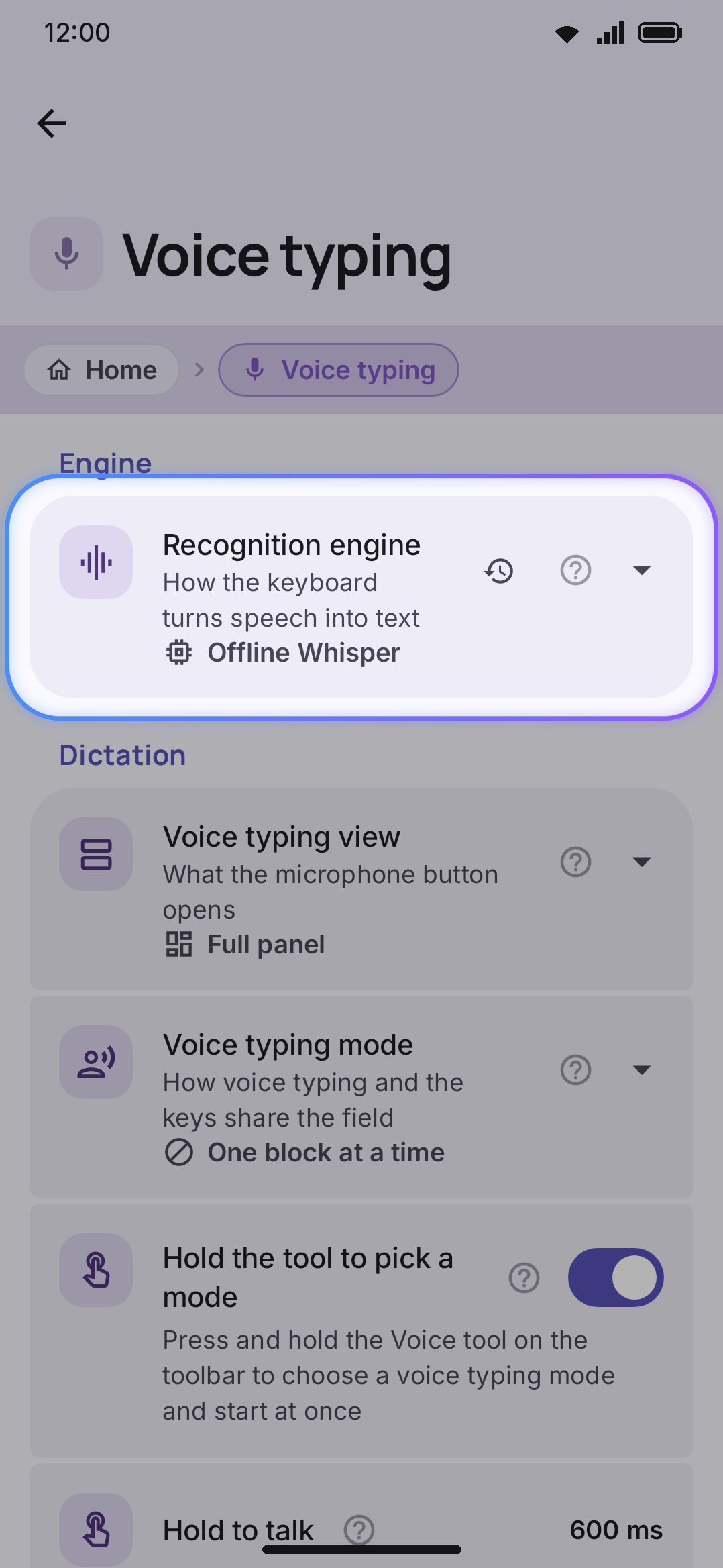
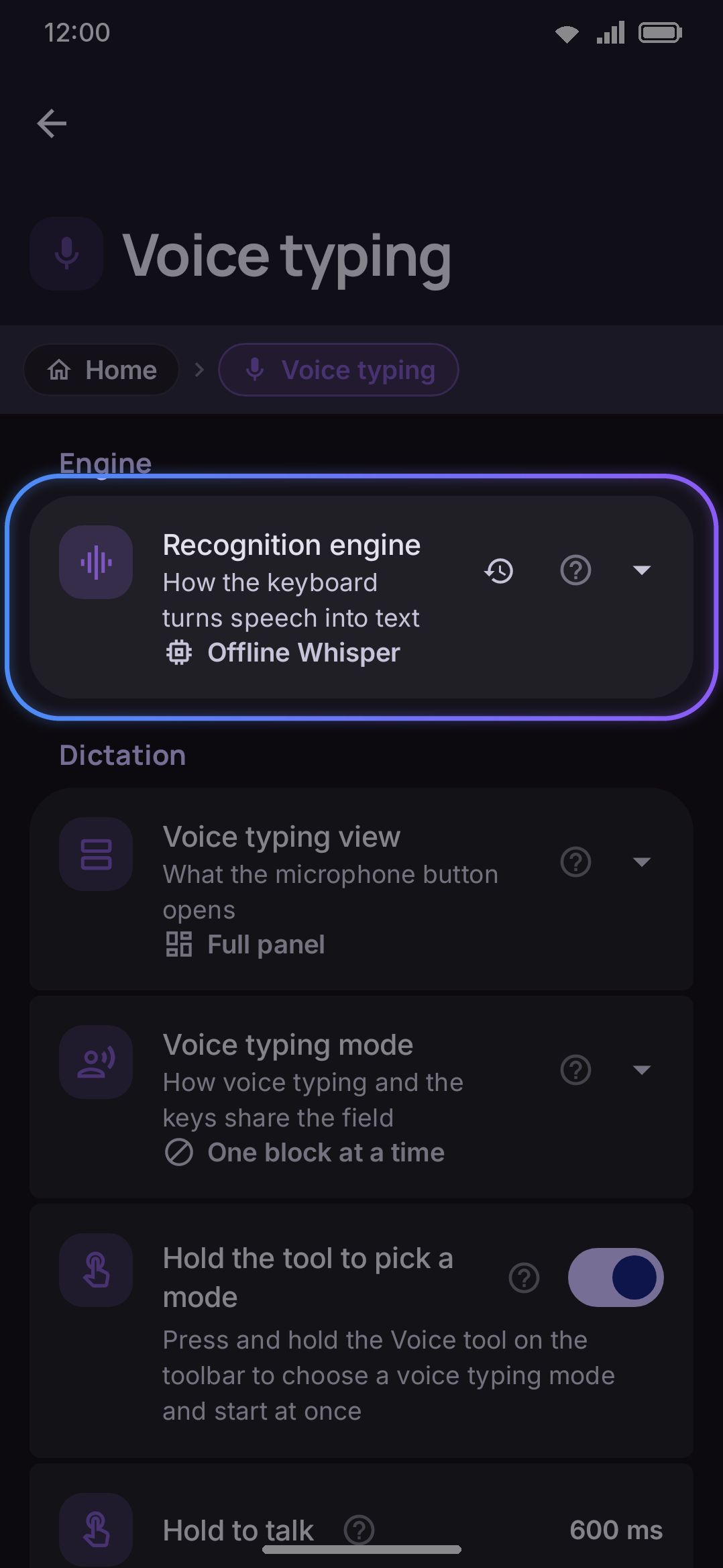
Dictate with Whisper running entirely on device. Pick from 29 models, tiny ones for older phones up to big multilingual ones, and nothing you say leaves the device. There is a lighter online engine too, if you want it.
Hover or tap a key with a corner hint to see all its long-press characters.
Languages
This is the Bangla National (Jatiya) layout, rendered live from the same key data the app ships. Hover any key to peek at its long-press alternates, or tap shift for the second layer. Avro phonetic typing, custom layouts and per-field language detection are all part of the same system.
Privacy
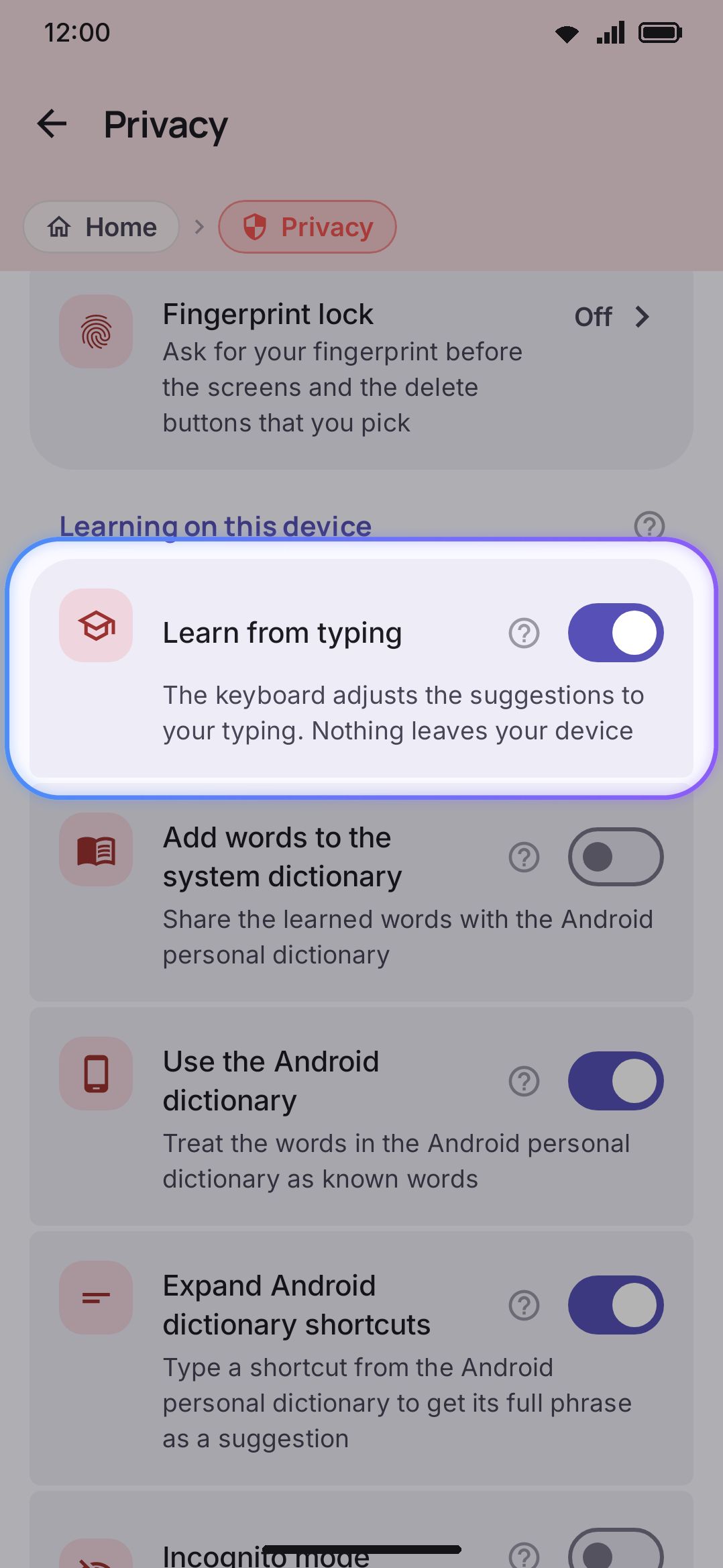
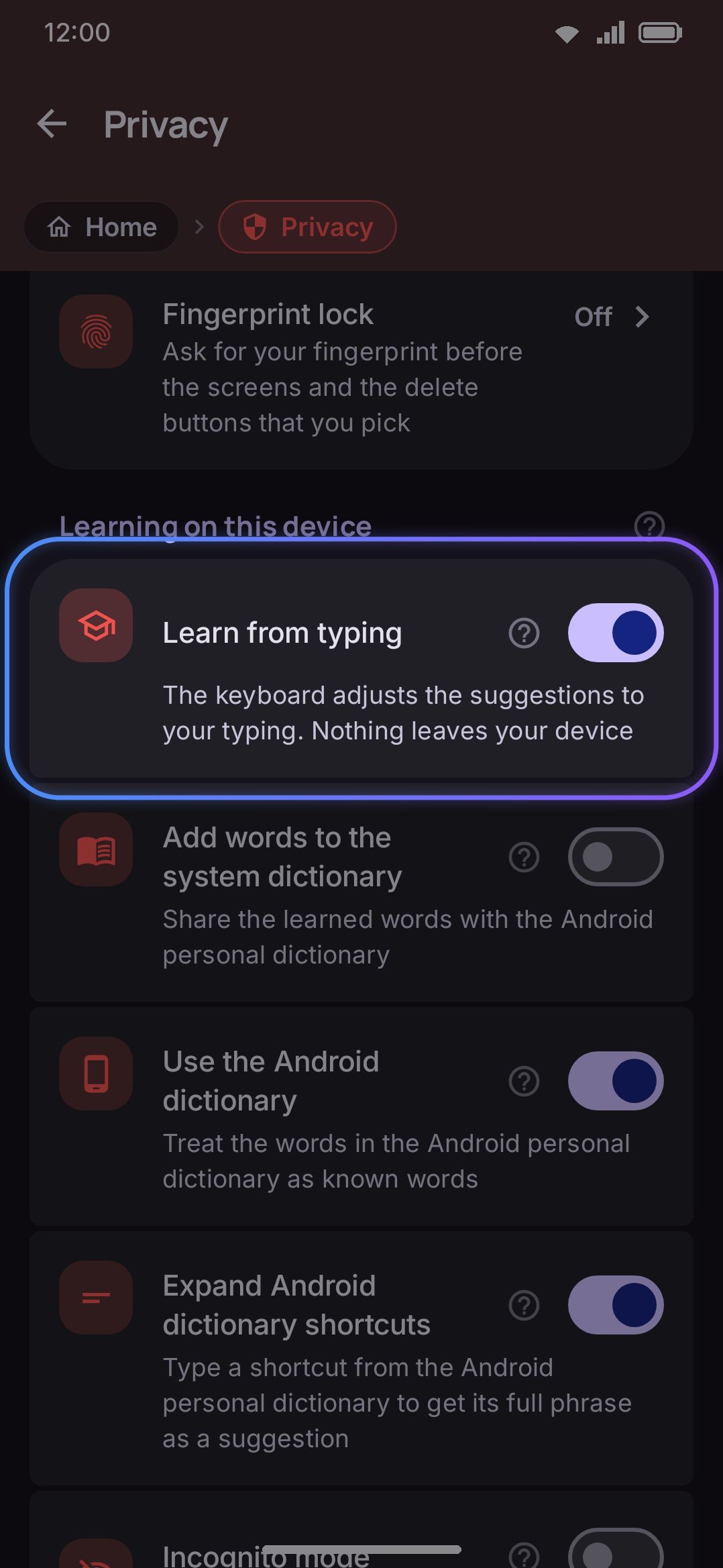
Prediction, autocorrect and learning all happen offline. Every tool that touches the network says so up front and stays off until you switch it on. Learned words can be inspected, exported or cleared at any time.
Pick a door
Free and open source
No ads, no tracking, MIT licensed. Get it from Google Play, F-Droid or GitHub and make it yours.
Writing about WM Keyboard? Logos, screenshots and copy are in the media kit.